 OBS
OBS
LucidGlass
A frosted glass lens that blurs, tints and bends whatever is sitting behind it.
Flood any source with liquid, in any colour, pouring in any direction you point it.
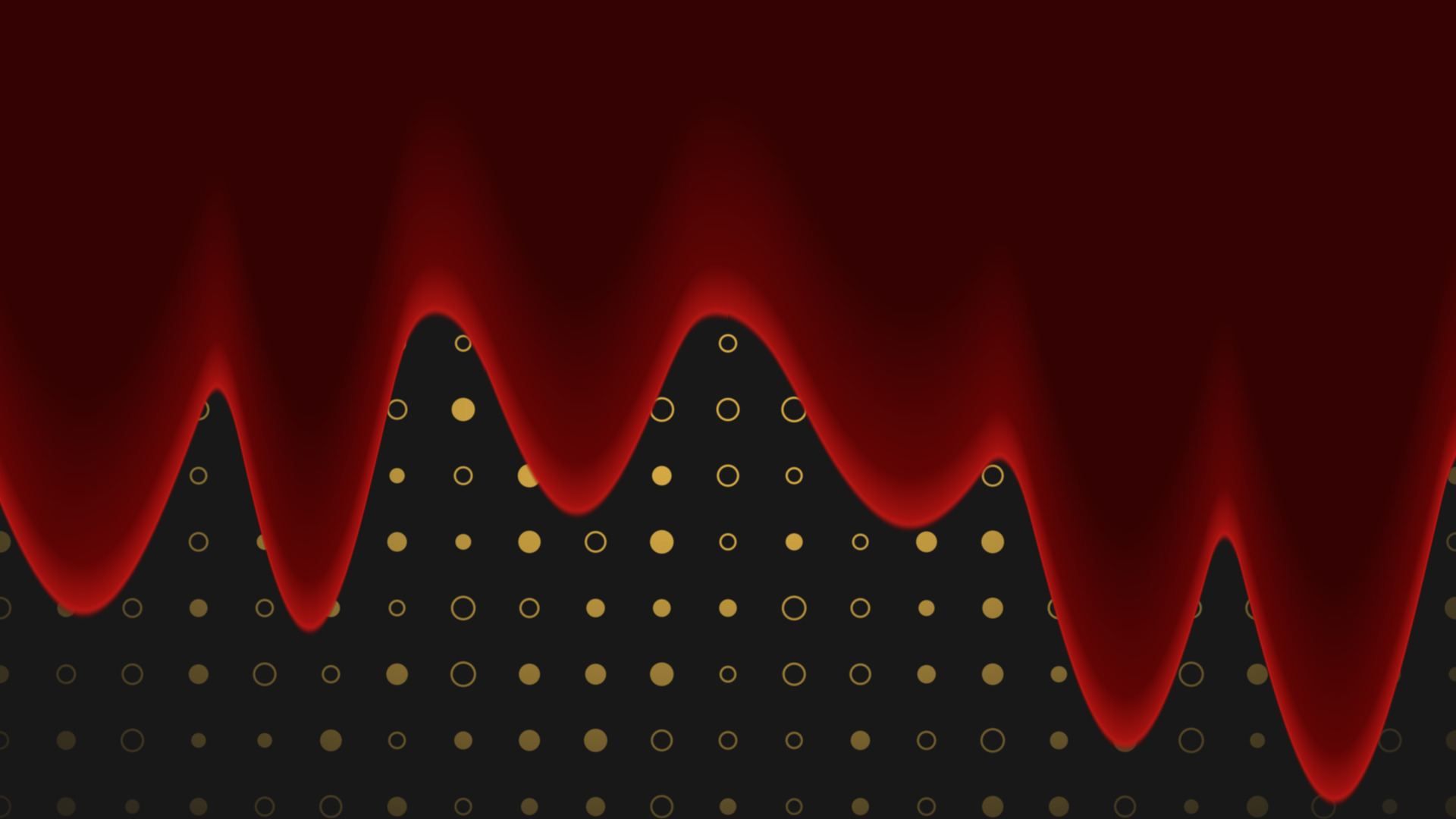
A liquid wash that floods a source from one edge to the other. A solid body fills in behind ragged drips that run on ahead, so it reads like something pouring rather than a flat wipe.
The default look is the gun-barrel blood fall, but it is any colour you want: paint, slime, water, ink.
Fall Progress is a single 0 to 1 slider. Drag it and the liquid pours. That means you can drive it from anything that can move a filter value: a Move filter, a hotkey, Streamer.Bot over the WebSocket, or your own hand while you are setting it up.
If you would rather not drive it, switch on Auto Play and give it a duration.
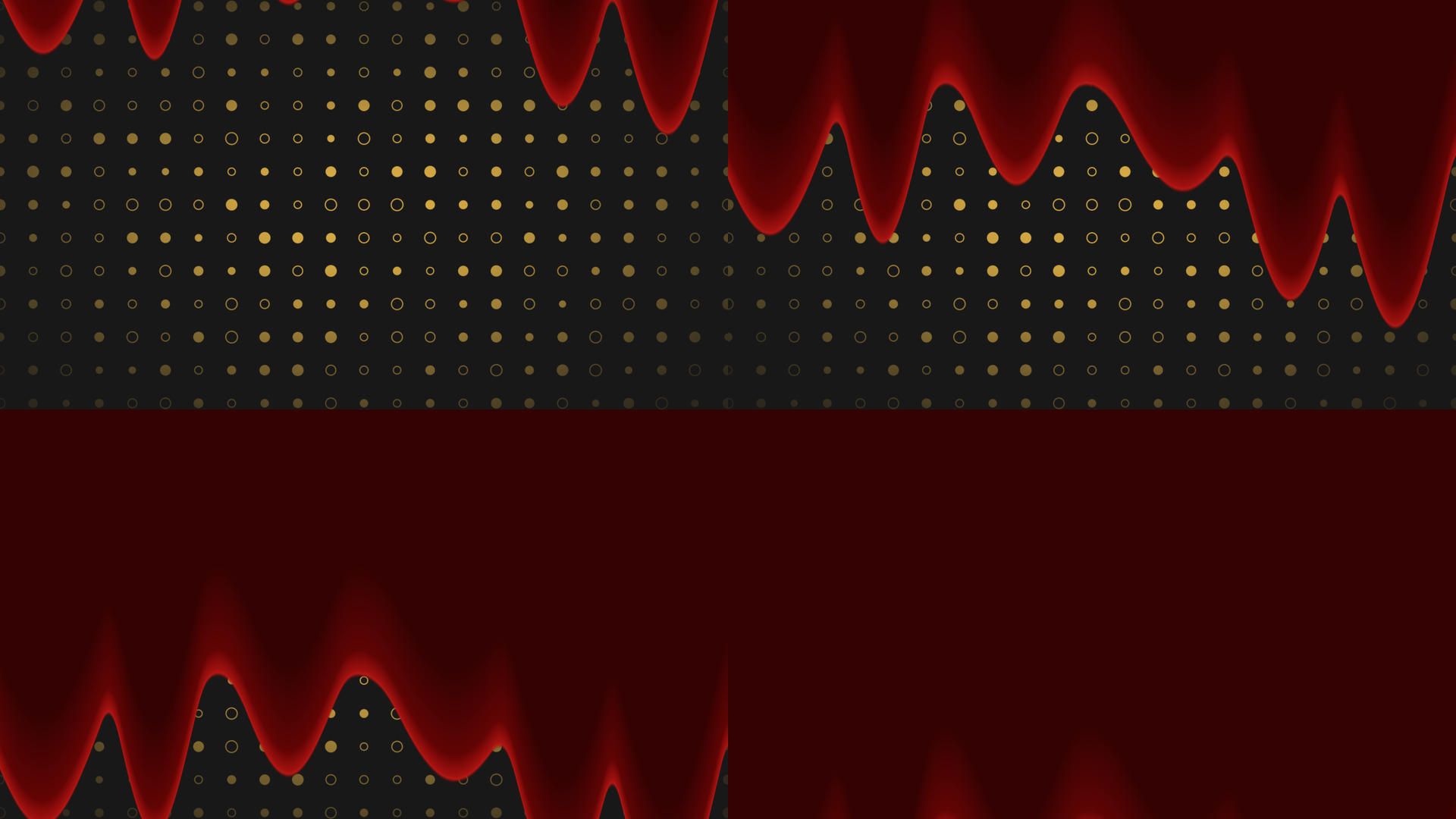
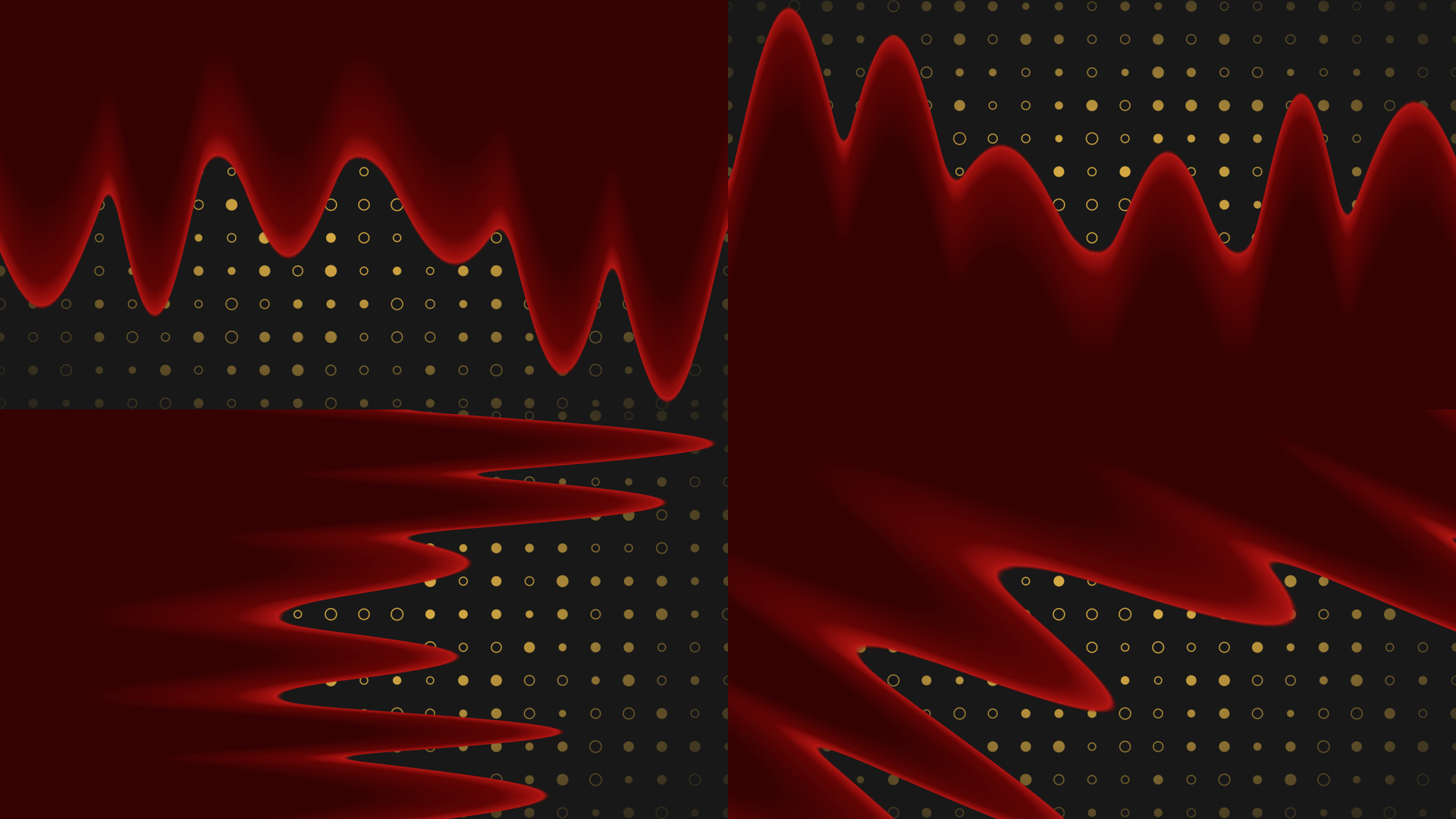
Fall Direction is one angle. 0 pours down from the top, 180 pours up from the bottom, 90 runs across, and anything in between goes diagonal. The drips, the body and the depth shading all rotate with it.
A bottom-up fill is the one to use for a progress bar or a goal meter. A sideways fill works as a transition wipe.
Wash Colour sets the body. Deep Colour blends in as the liquid gets deeper, which is what stops a large fill reading as a flat rectangle. Sheen Colour sets the wet highlight on the drip tips and the surface rim, and it defaults to a bright red because the shader was built for the blood look, so change it when you change the wash.
Drip count, reach and viscosity do the rest. Thin and fast reads as water, thick and slow reads as paint or slime.
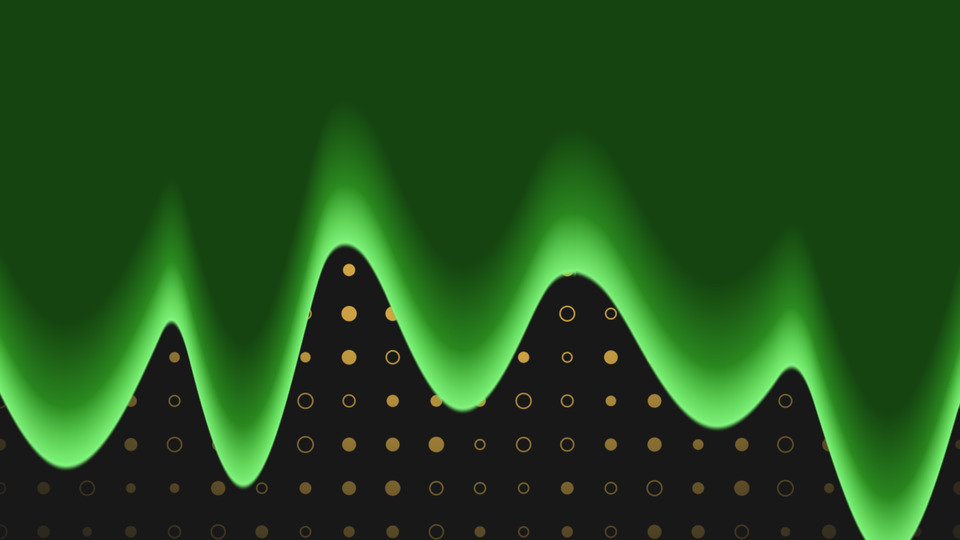
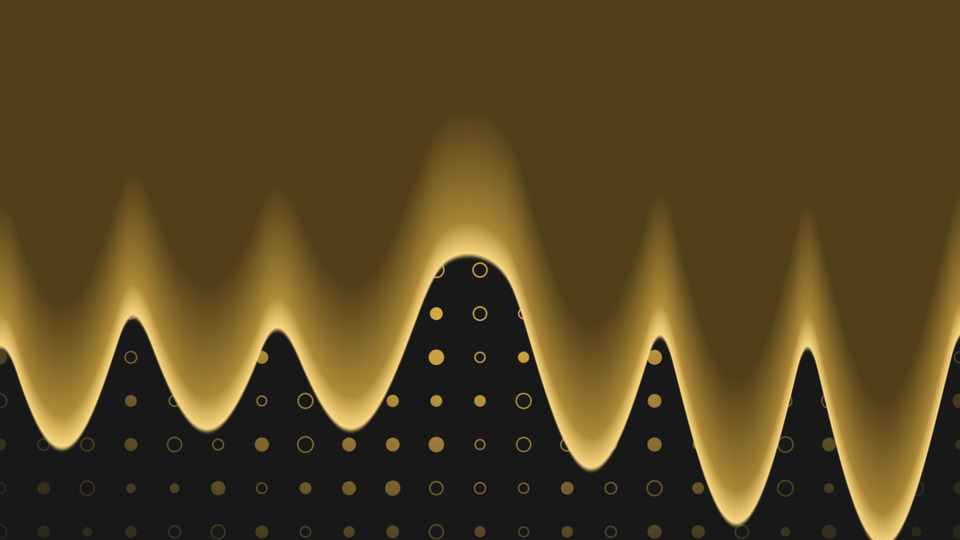
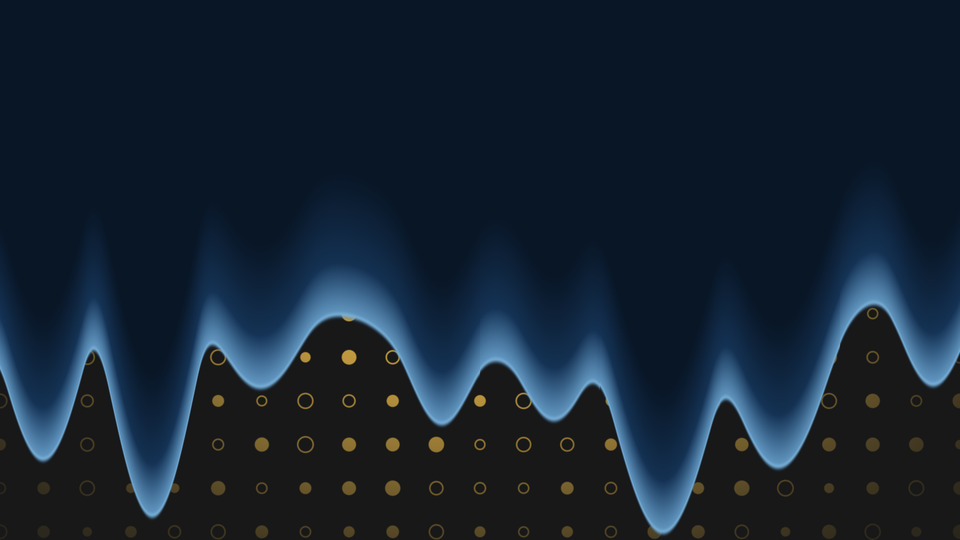
The fill stays inside the source it is on, so there is nothing to expand and nothing to line back up afterwards. Drop it on a Colour Source for a full frame wash, or on a shaped source to fill that shape.
obs-shaderfilter by Exeldro, installed. Optional: Move by Exeldro, if you want to keyframe Fall Progress
First release
Drop it on a source as a shader filter and it runs there. Nothing to sign into, nothing to keep open alongside it. Questions, ideas or something not working? We are in the Discord.
The other StreamUP shaders. Each one its own download, with its own page.
OBS
A frosted glass lens that blurs, tints and bends whatever is sitting behind it.
OBS
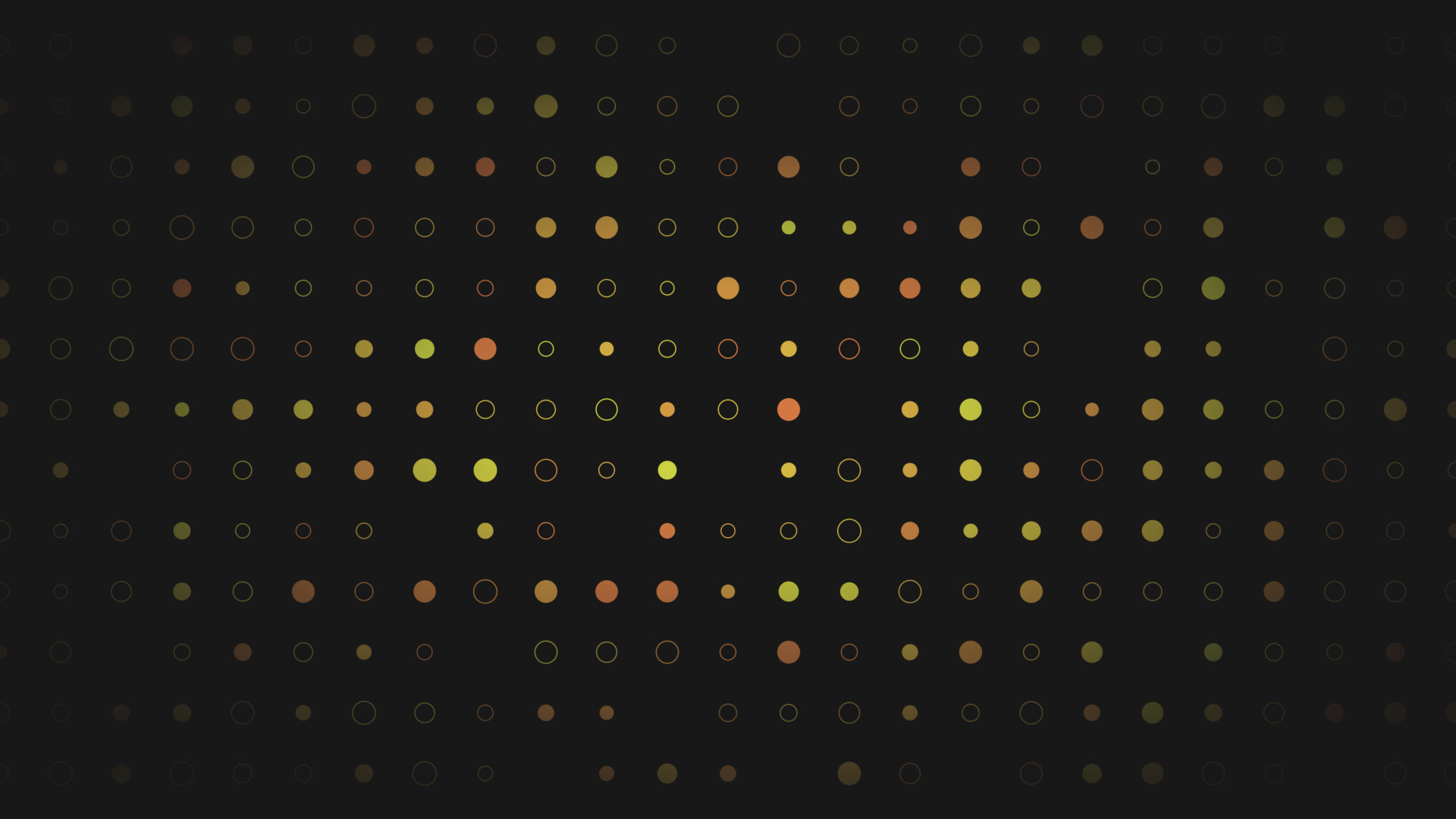
Turn a plain colour source into an animated tiled background, with no video to render.
OBS
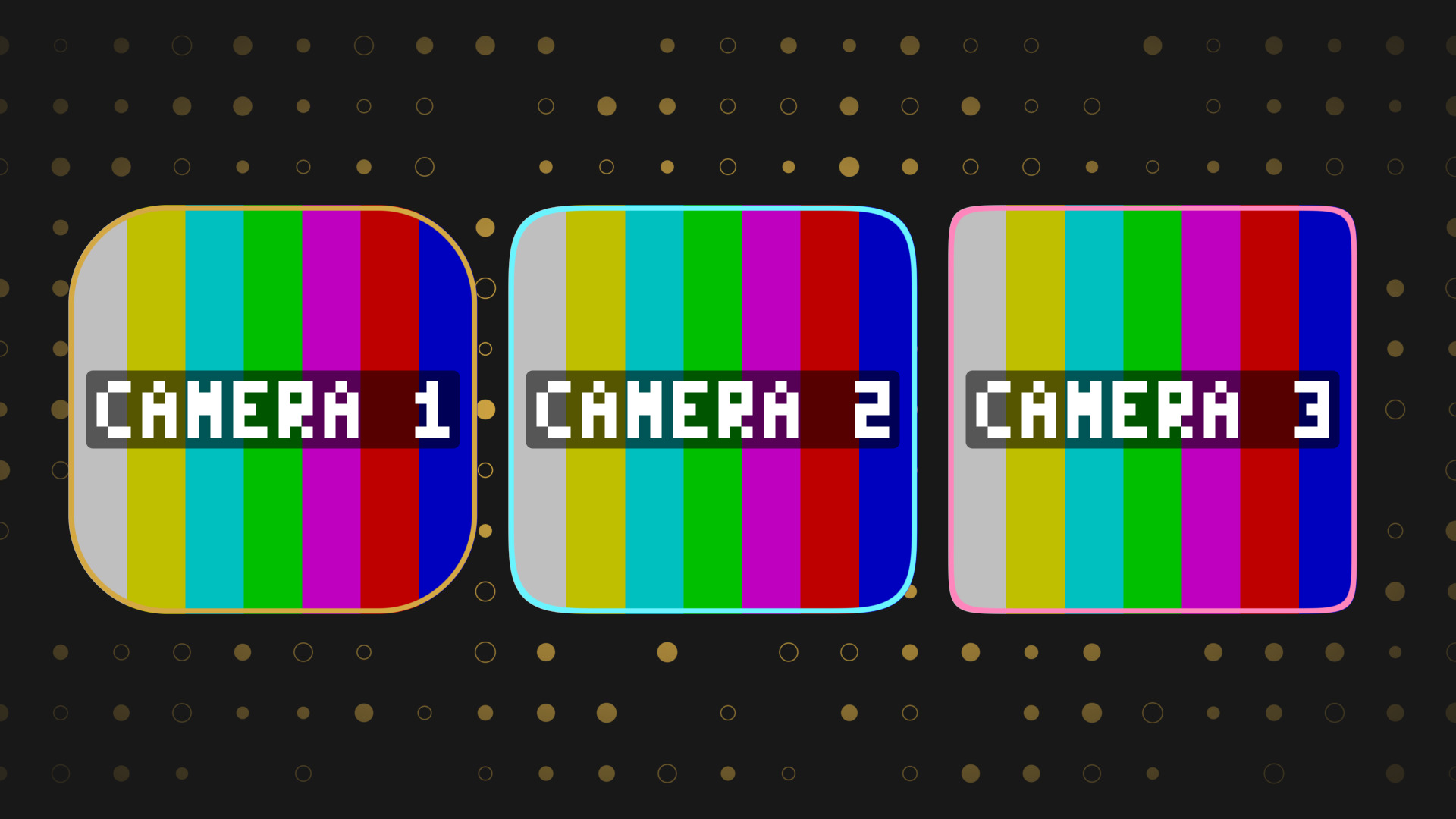
Round any source into a squircle, with a border and a shadow, and no mask image.
OBS
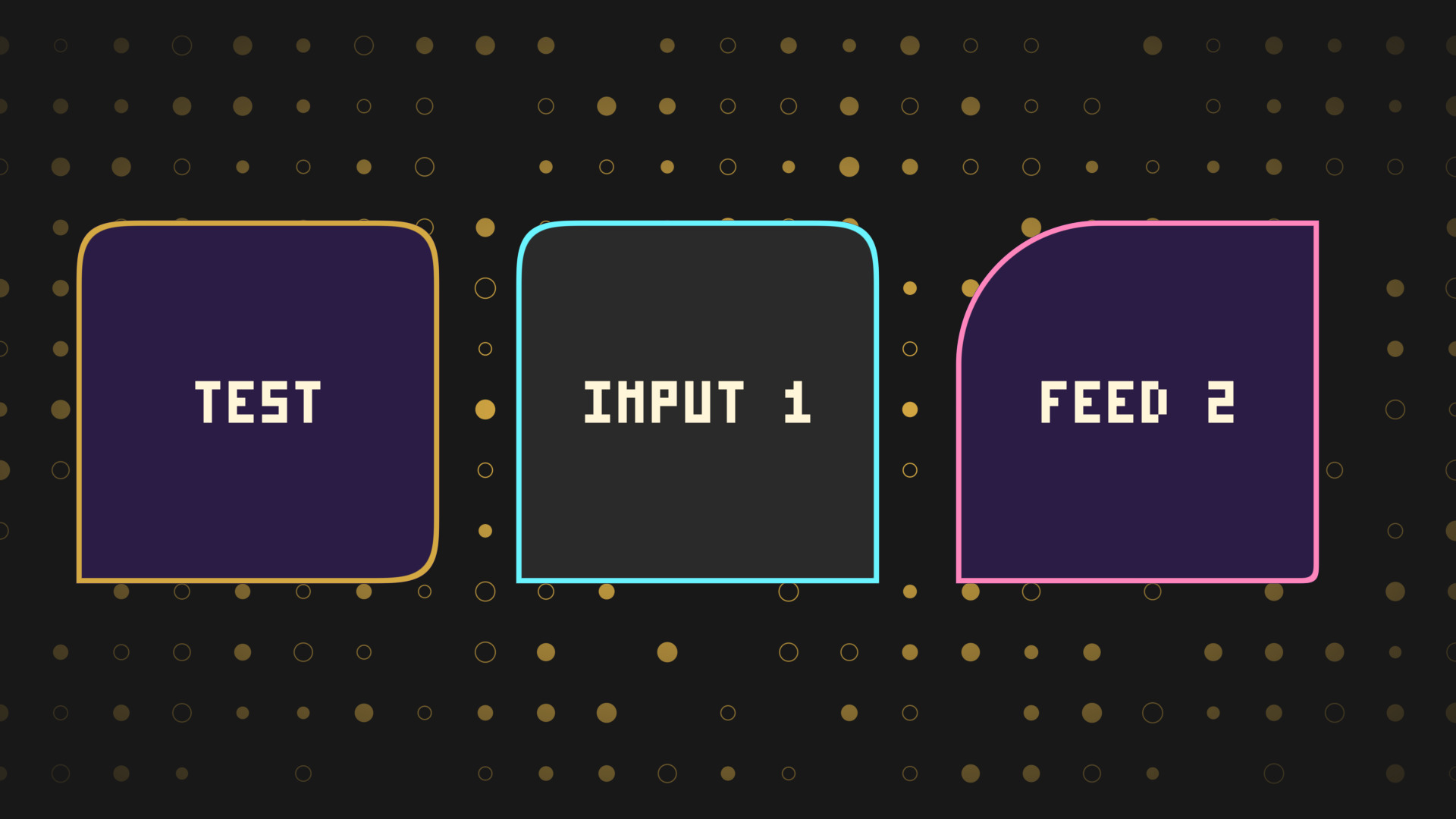
Every corner rounded on its own, for chat bubbles, tabs and anything sitting on an edge.
OBS
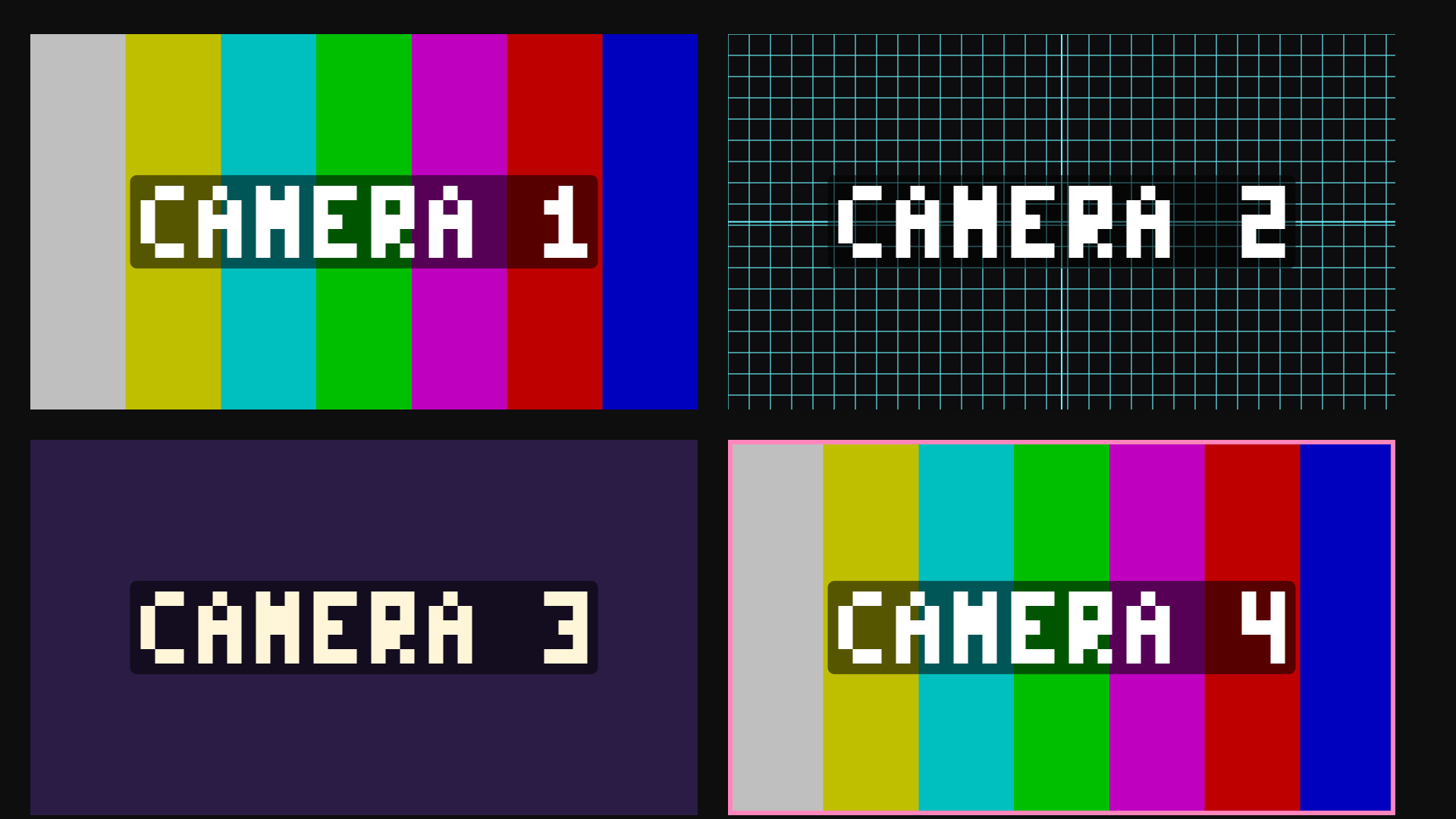
Colour bars and alignment grids on a colour source, for building a scene without the cameras.