 OBS
OBS
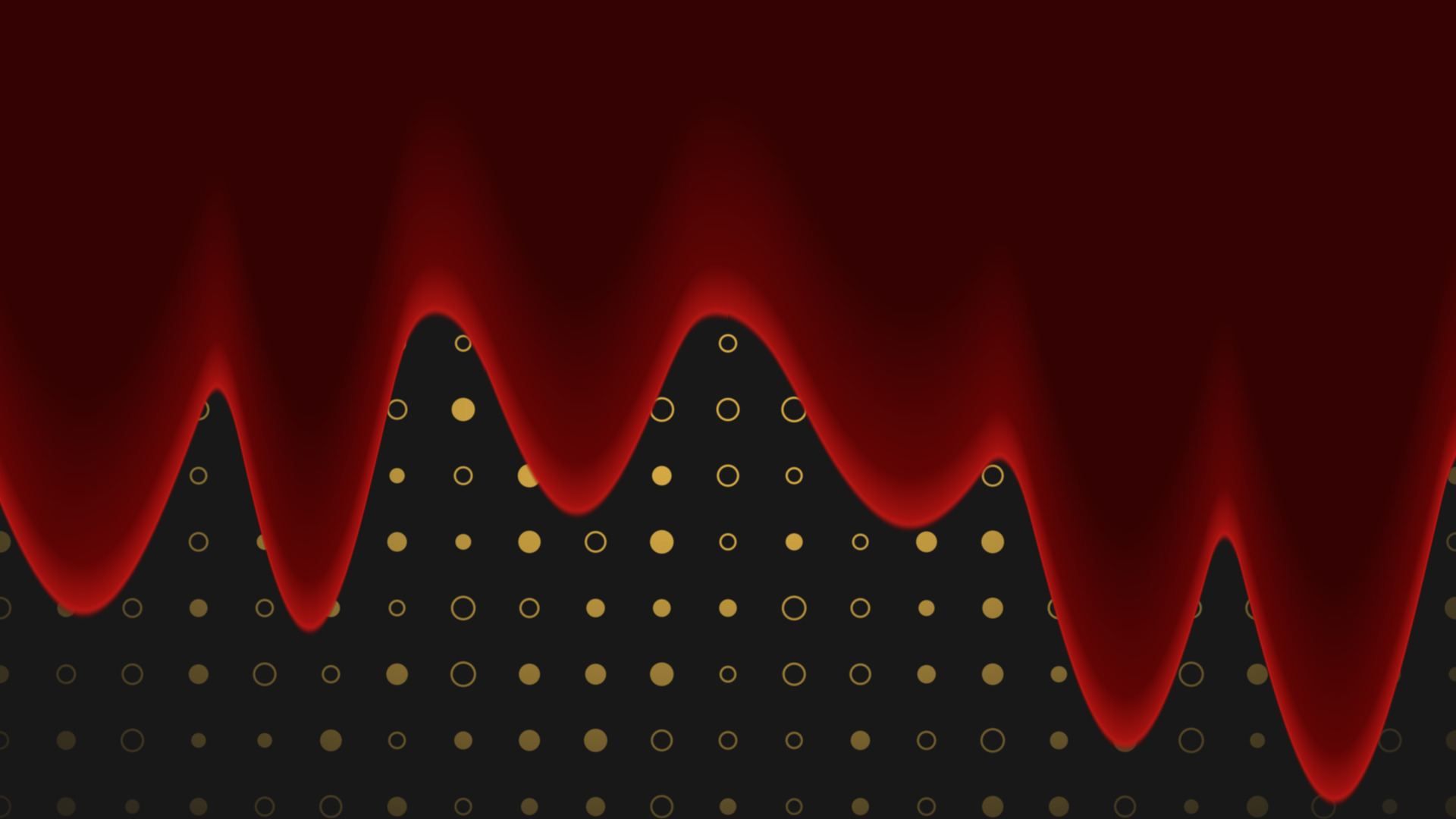
Liquid Fill
Flood any source with liquid, in any colour, pouring in any direction you point it.
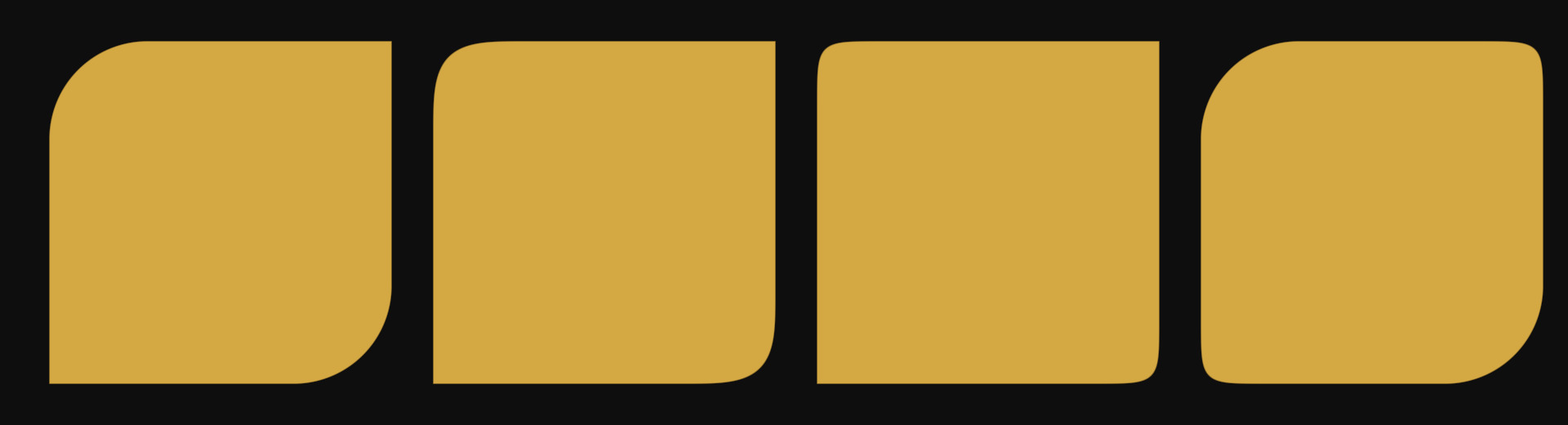
Every corner rounded on its own, for chat bubbles, tabs and anything sitting on an edge.
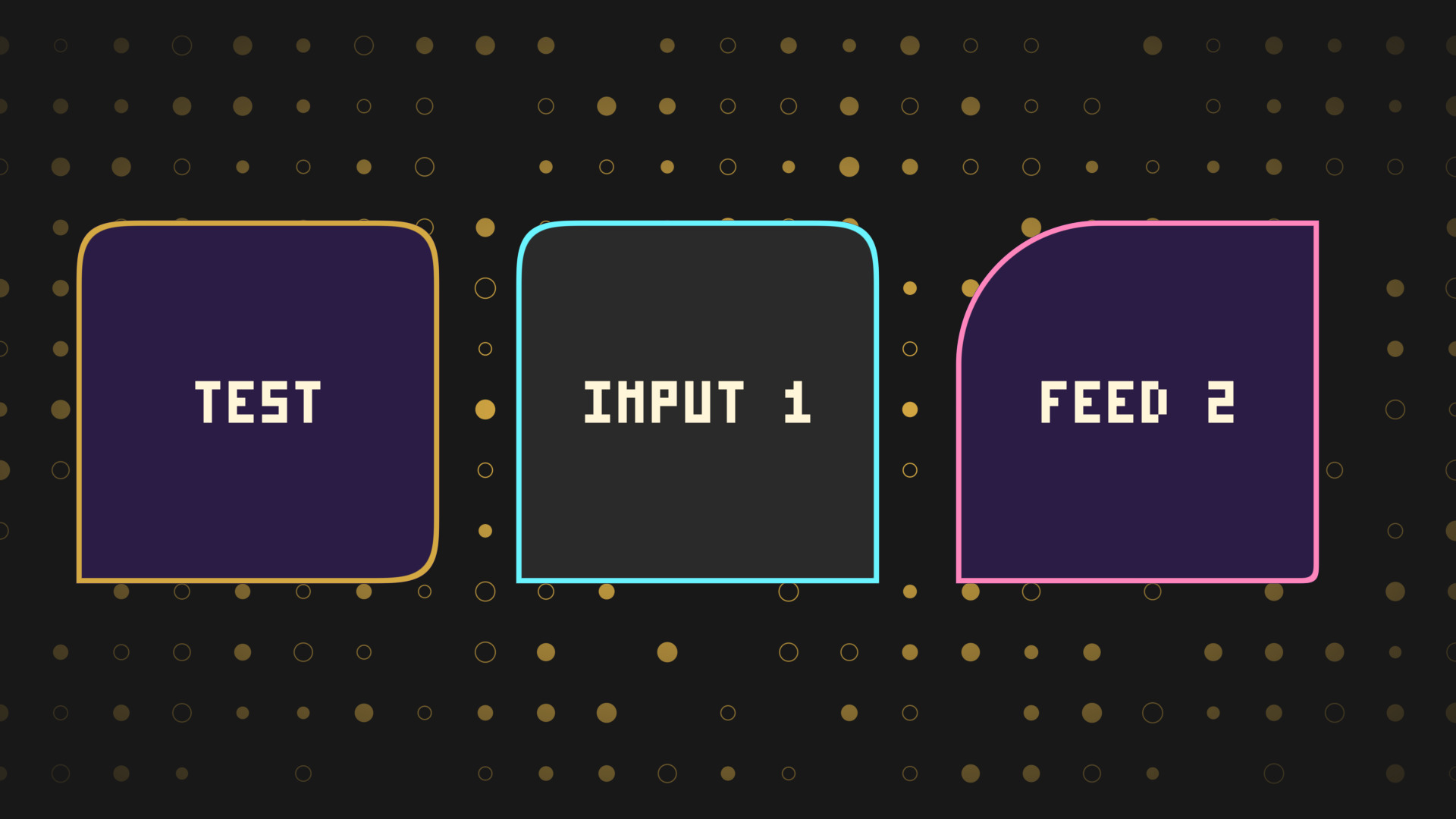
The Squircle Shader with a radius and a squircleness on every corner, set on its own. Round three corners and leave one square, or round the top and keep the bottom flat.
It is the one you want for chat bubbles, tabs, lower thirds and any panel that has to sit flush against an edge.
Each corner has two controls: how far the curve reaches, and how it curves. Set a radius to 0 and that corner stays square.
That is what gets you a chat bubble with one flat corner, a tab that rounds at the top and sits on a bar, or a lower third that rounds away from the edge it is anchored to.
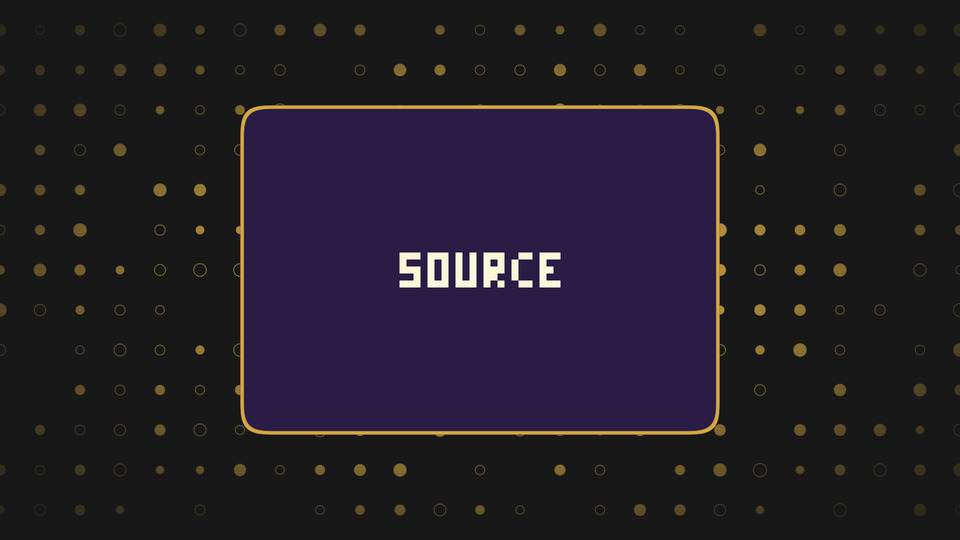
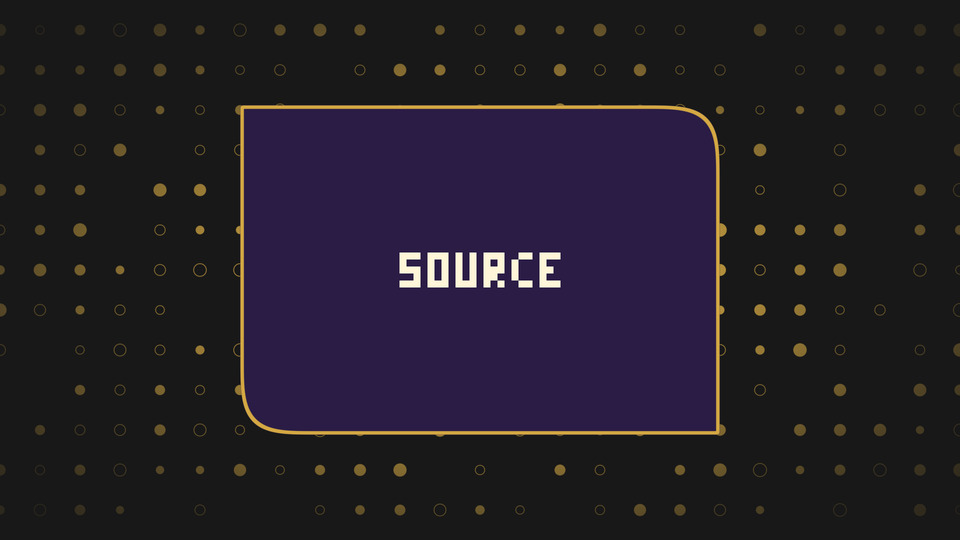
Radius is how far the curve reaches. Squircleness is the shape of the curve itself. At 2 you get a circular corner, and as it climbs the corner flattens out towards a square.
Setting it per corner means you can pair a soft circular corner with a tight squared one on the same panel, which is the sort of thing you cannot do with a mask image.
The drop shadow follows whatever shape you have built, not a rectangle, so an asymmetric panel gets an asymmetric shadow. Expand the filter canvas in OBS so it has room to draw.
Inverse mode turns the shape into a hole, which is the quick way to cut a shaped window into a full frame layer.
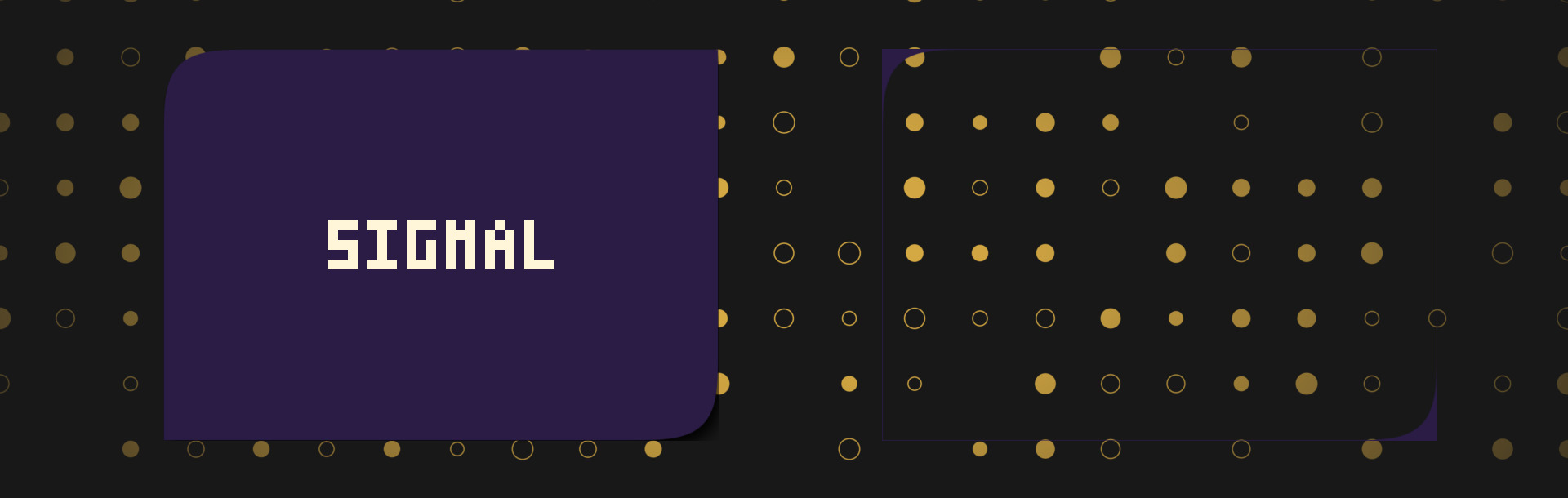
obs-shaderfilter by Exeldro, installed. Expand the filter canvas in OBS for an outside border or a drop shadow
Tooltips on every control
Drop it on a source as a shader filter and it runs there. Nothing to sign into, nothing to keep open alongside it. Questions, ideas or something not working? We are in the Discord.
The other StreamUP shaders. Each one its own download, with its own page.
OBS
Flood any source with liquid, in any colour, pouring in any direction you point it.
OBS
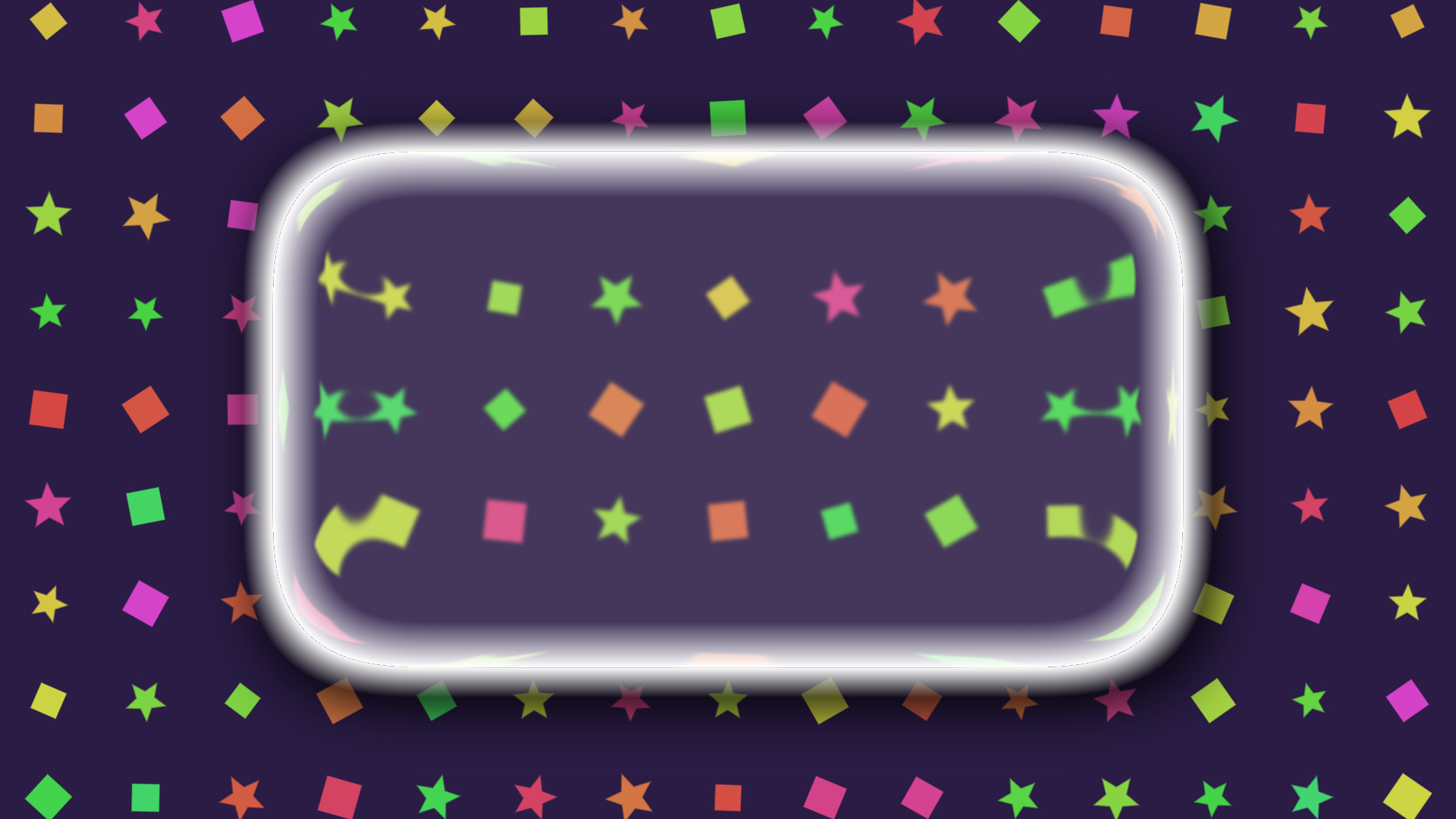
A frosted glass lens that blurs, tints and bends whatever is sitting behind it.
OBS
Turn a plain colour source into an animated tiled background, with no video to render.
OBS
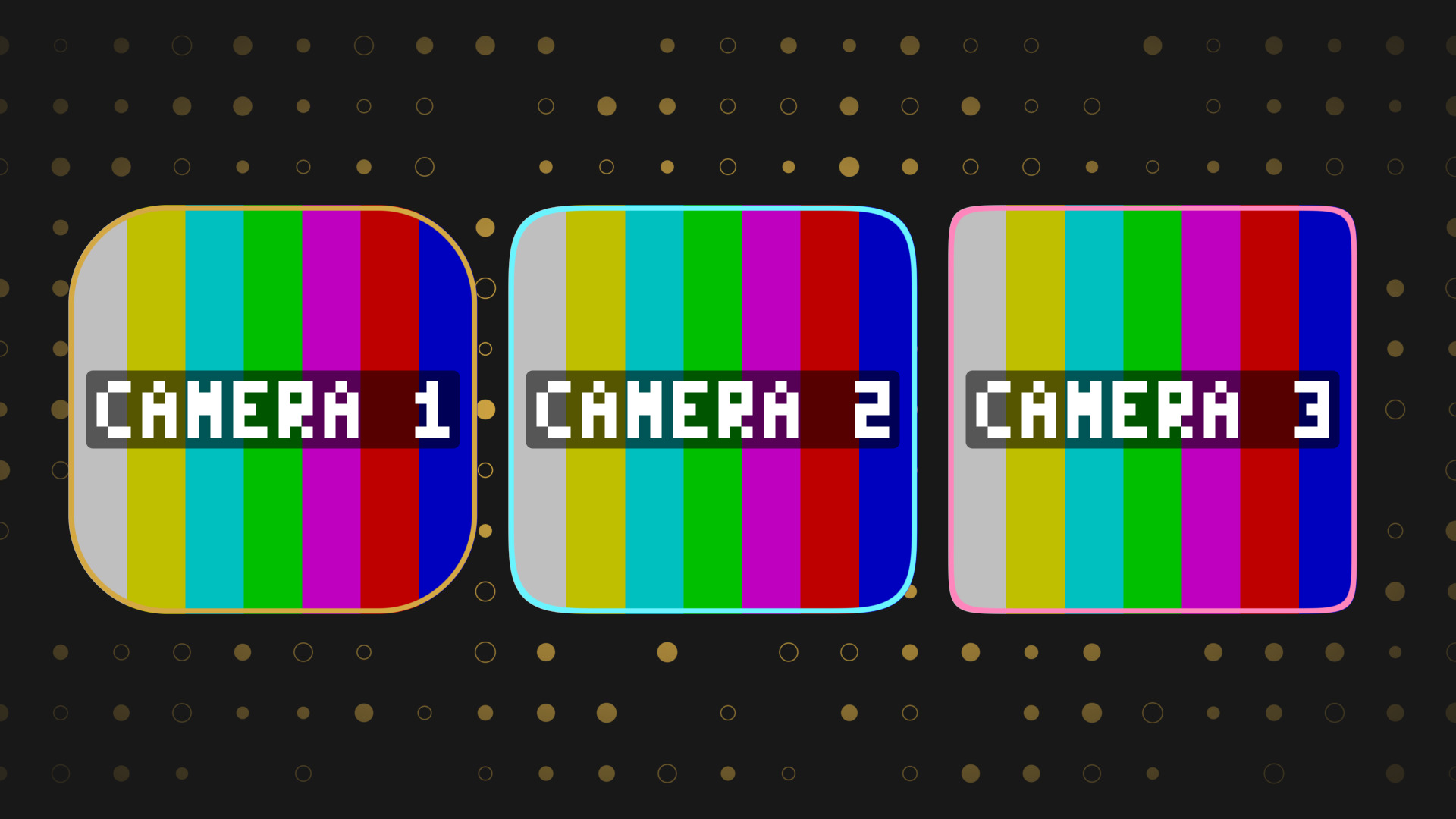
Round any source into a squircle, with a border and a shadow, and no mask image.
OBS
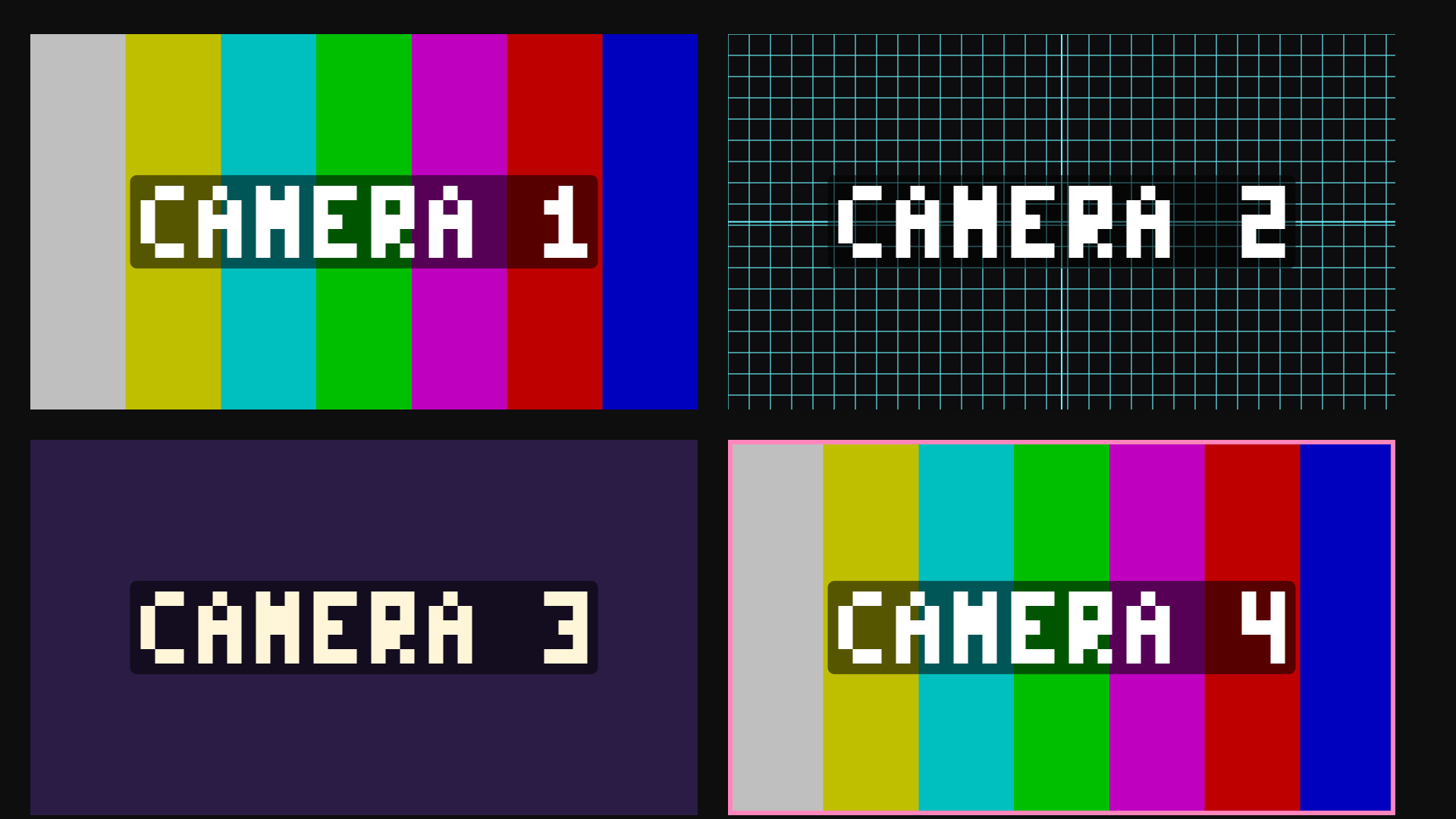
Colour bars and alignment grids on a colour source, for building a scene without the cameras.