 OBS
OBS
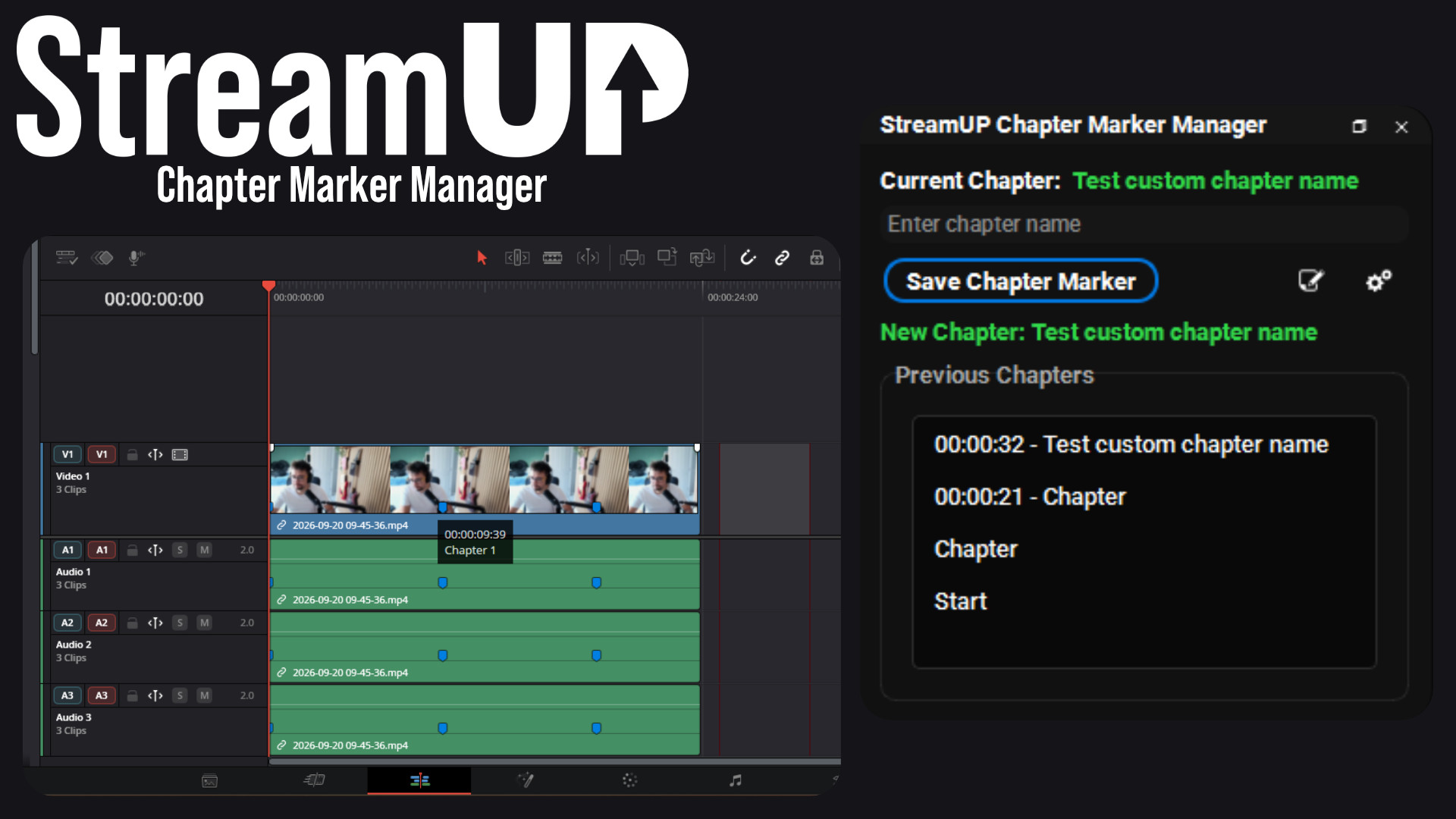
Chapter Marker Manager
Mark the good bits while you record, and find them waiting on your editing timeline.
Scene folders, stacked docks, a proper toolbar, a plugin updater, one‑file backups,
and fixes for the things that break mid‑stream.
Free, and open source.
No catch · Open source · Needed for products that ship an OBS scene

Anything in OBS that frustrates us, we fix and bake straight into the plugin.
OBS gives you one flat list. Forty scenes in and you are scrolling to find the one you need, mid-stream, on camera.
This gives you folders, a search box and favourites, so the scene you want is where you left it.

Every dock in OBS wants its own slot, and you only have so much screen.
MultiDock stacks them into one panel, so a vertical preview, your sources, your scenes and your transitions share a single space instead of fighting over it.

The controls you actually press, plus the numbers you keep opening Stats to check: CPU, FPS, dropped frames, your timers and your bitrate.

Scene collections, profiles, plugin settings, themes and your OBS settings, in one file. Caches and logs are skipped, because they rebuild themselves and only bloat the backup.
Your stream key is left out by default, so the file is safe to hand to somebody who is helping you fix something.

Every one of them can sit on a hotkey.

Download the StreamUP plugin free, then tell us what to build next. We're always open to feedback.
Download for freeGot an idea or hit a snag? It's fully open source. Join us on Discord or open an issue on GitHub.
Overlays, alerts, effects and themes, built on OBS and Streamer.bot by the same people. Premium gets you the products and the services behind them.
Everything else we build for OBS Studio. Each one its own download, with its own page.
OBS
Mark the good bits while you record, and find them waiting on your editing timeline.
OBS
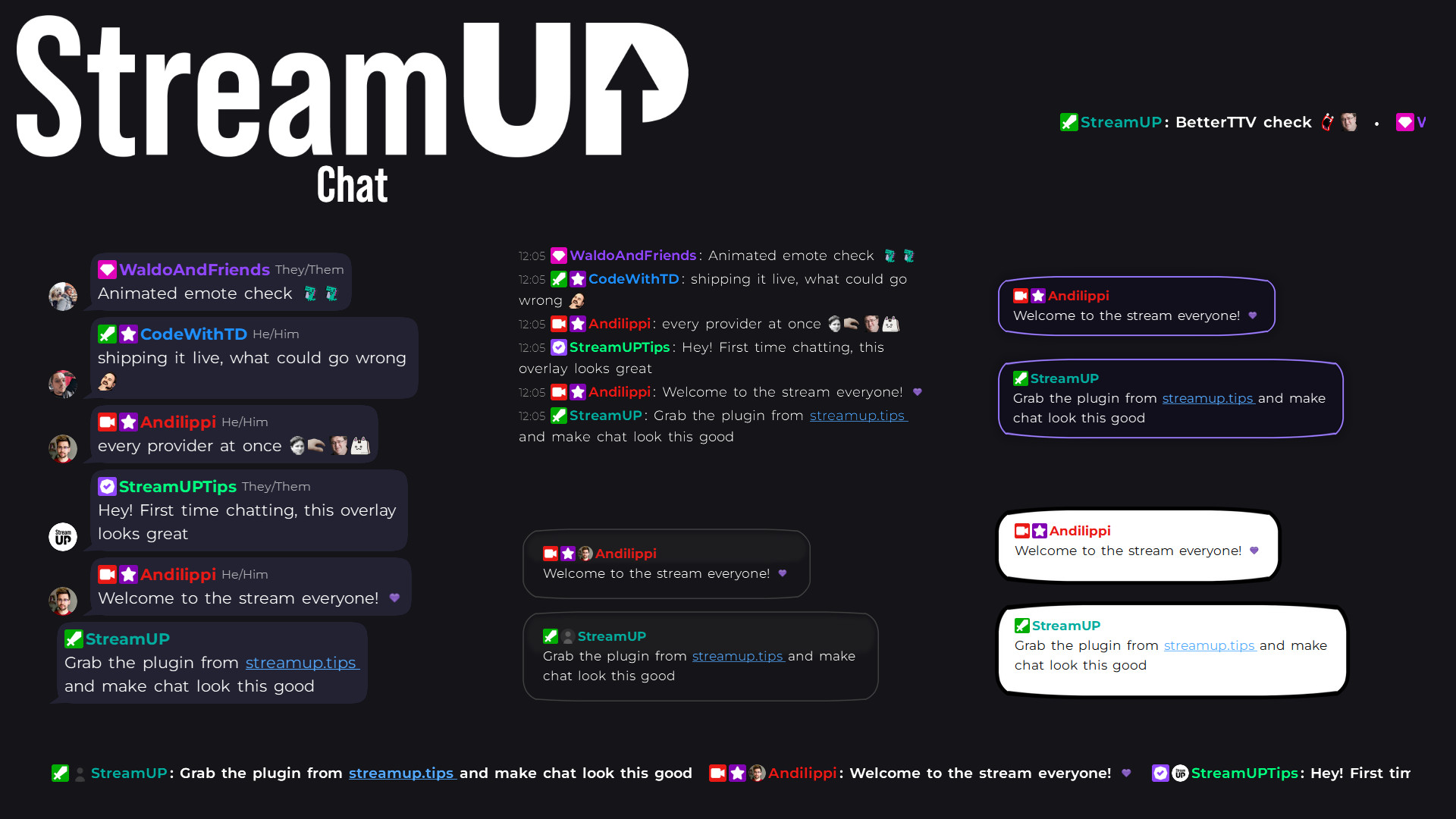
Your Twitch chat on stream in seconds, styled however you like, straight inside OBS.
OBS
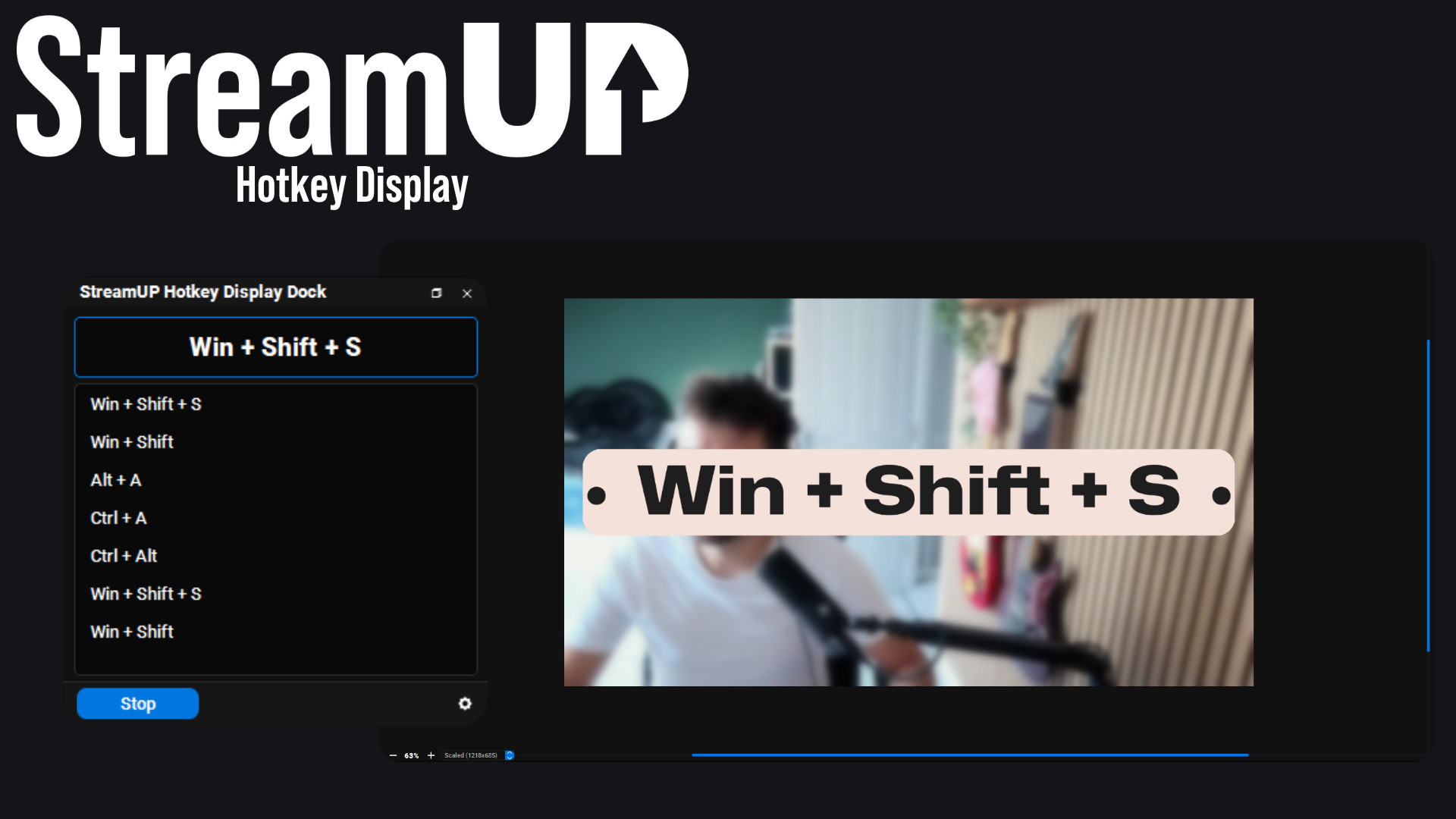
Show the keyboard shortcut you just pressed, in OBS and on screen for your viewers.
OBS
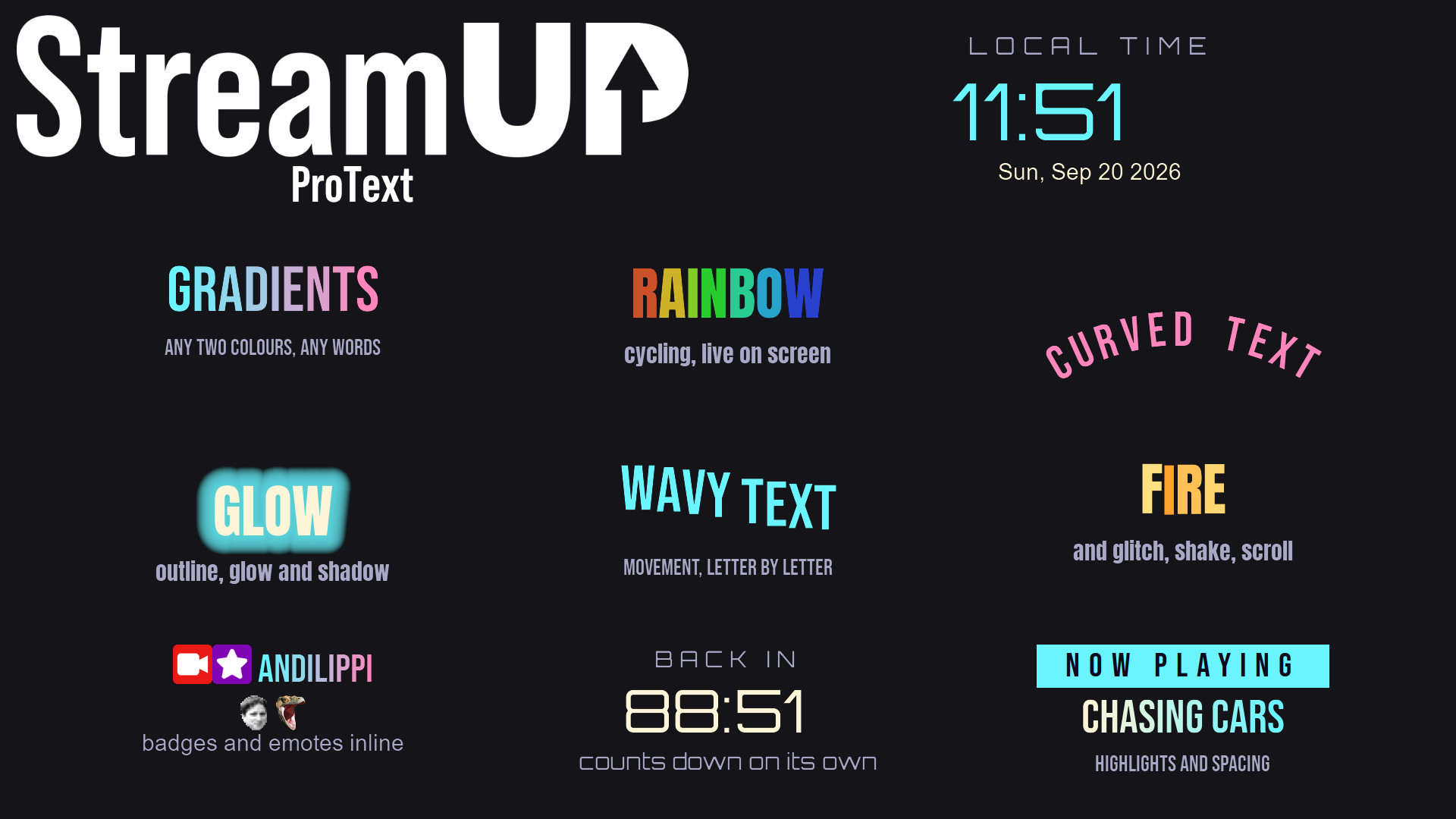
Text in OBS with gradients, glows, emotes and countdowns, from tags you type yourself.
OBS
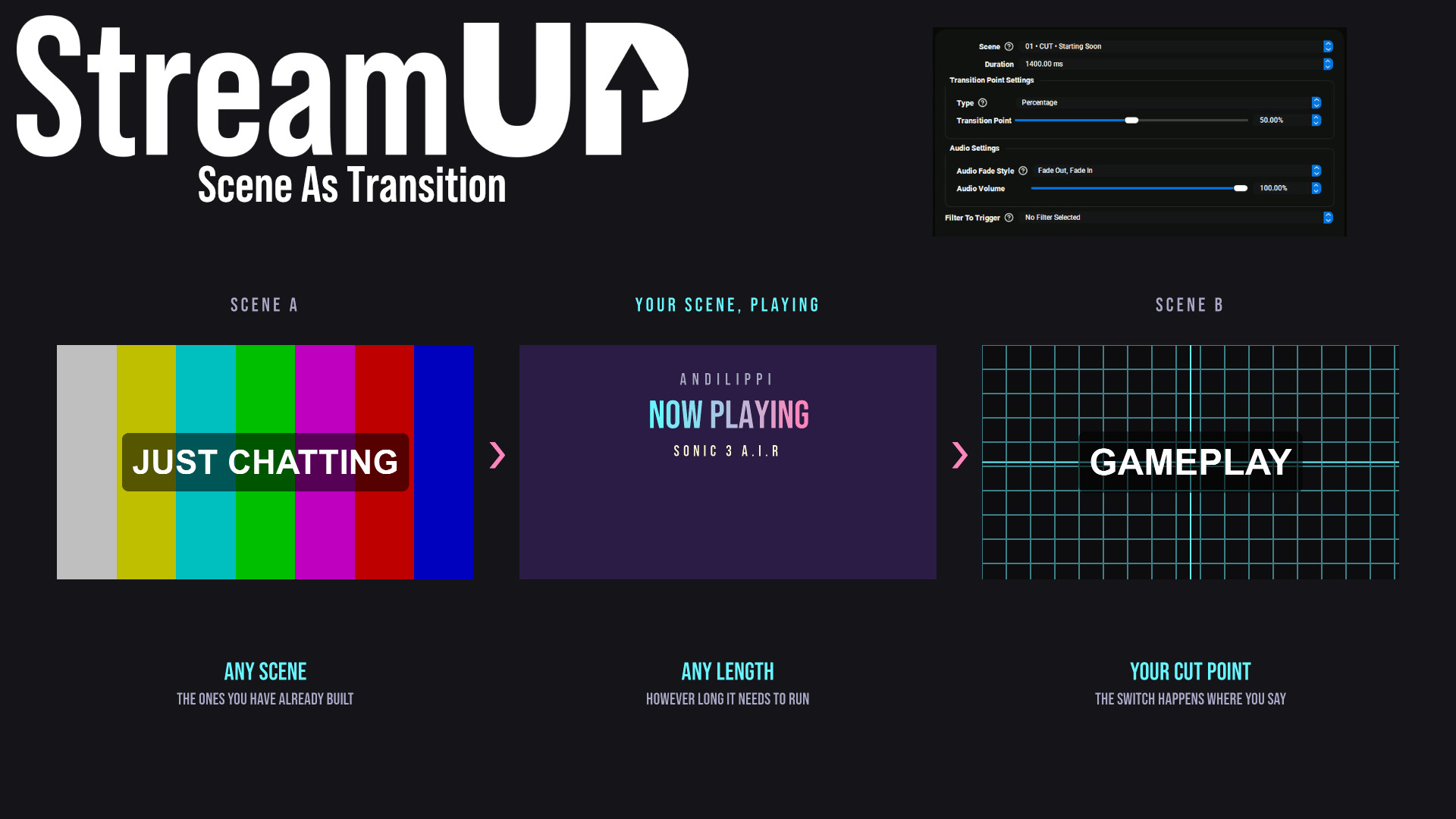
Use any OBS scene as your transition, so the switch looks like something you made.
OBS
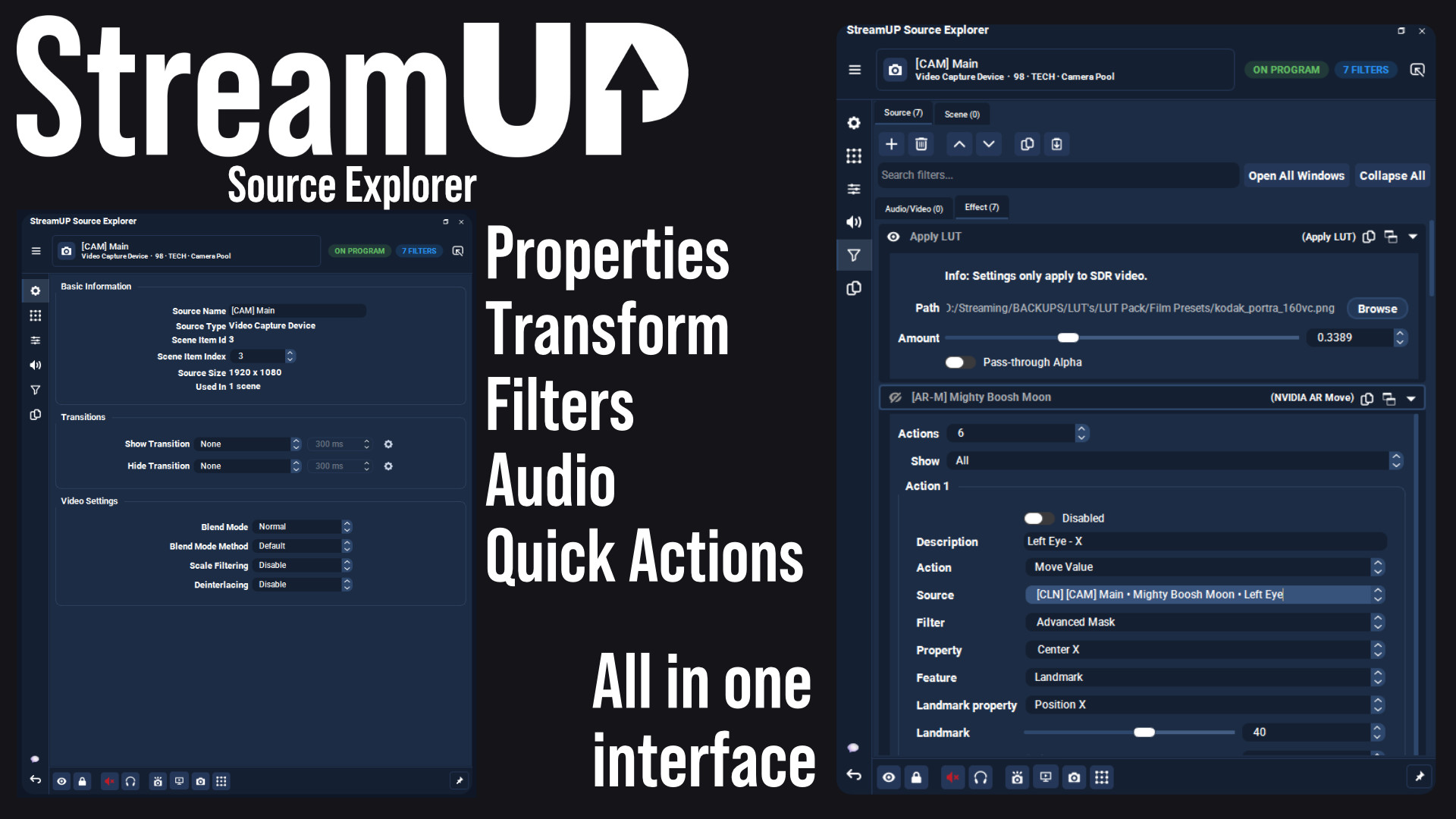
Every setting for any OBS source in one dock, and the command to change it on your clipboard.
 Streamer.bot
OBS
Streamer.bot
OBS

Every StreamUP OBS plugin command as a Streamer.Bot action, ready for a hotkey or a button.
OBS
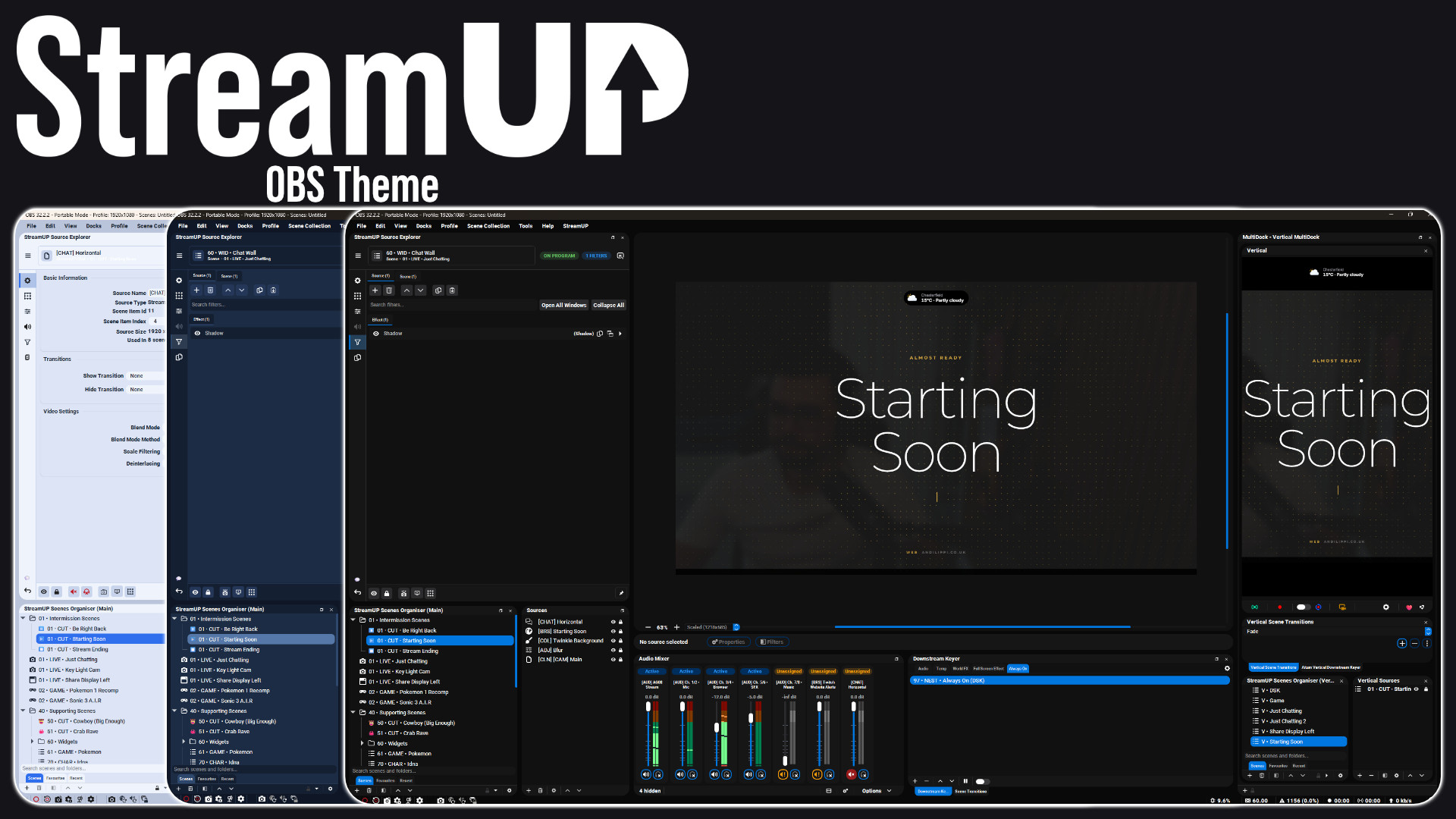
A full redesign of the OBS interface: panels, docks, toolbars and dialogs.
OBS
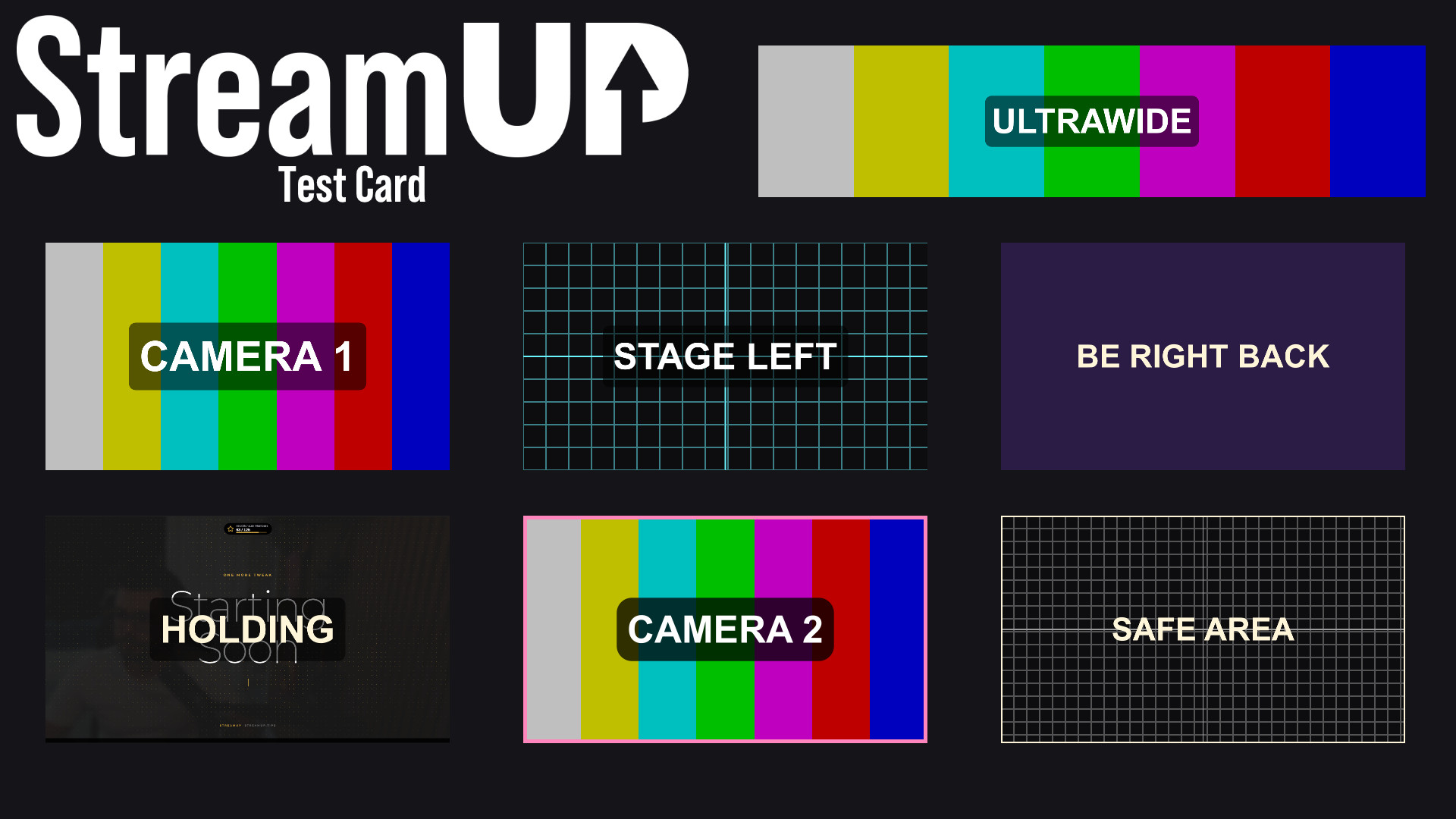
Turn any source into a labelled test card, so you can build a scene before the camera exists.
Still after the plugin itself? Download StreamUP for OBS.