 OBS
OBS
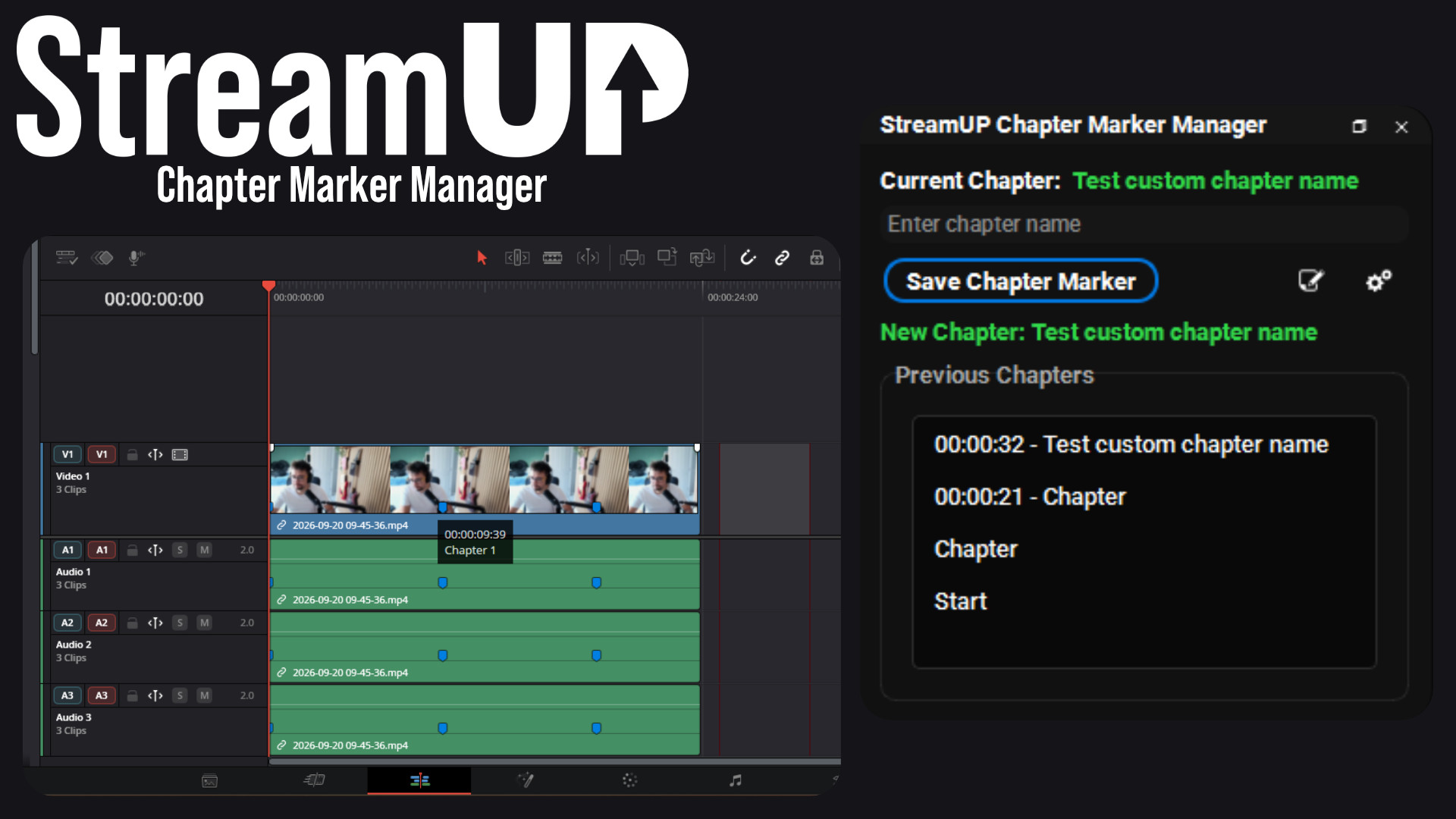
Chapter Marker Manager
Mark the good bits while you record, and find them waiting on your editing timeline.
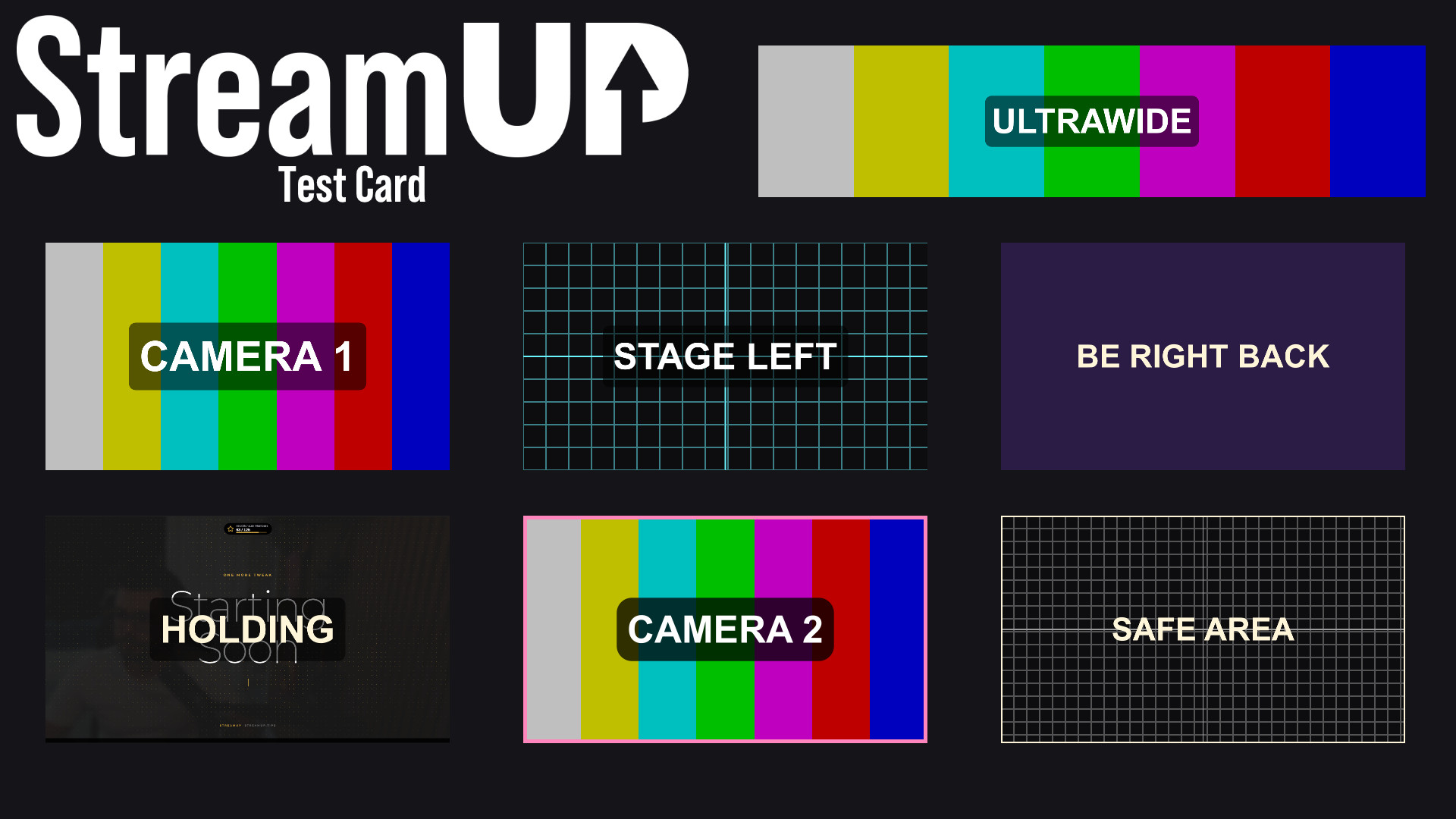
Turn any source into a labelled test card, so you can build a scene before the camera exists.
You cannot frame a shot against a black rectangle.
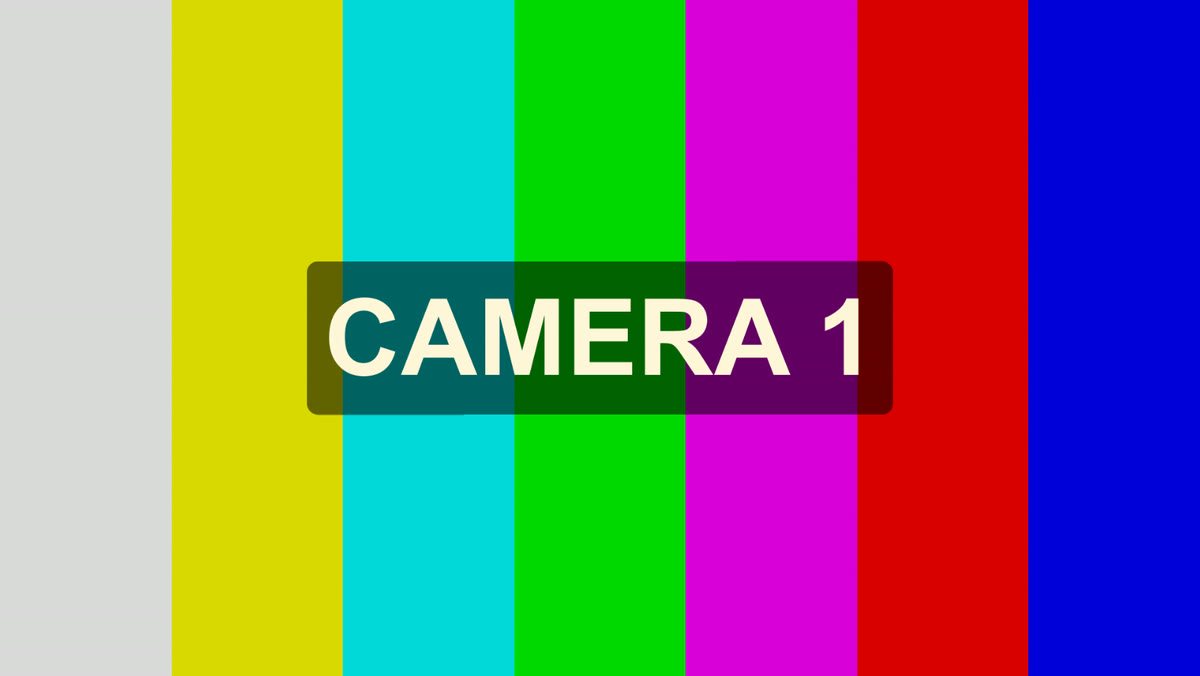
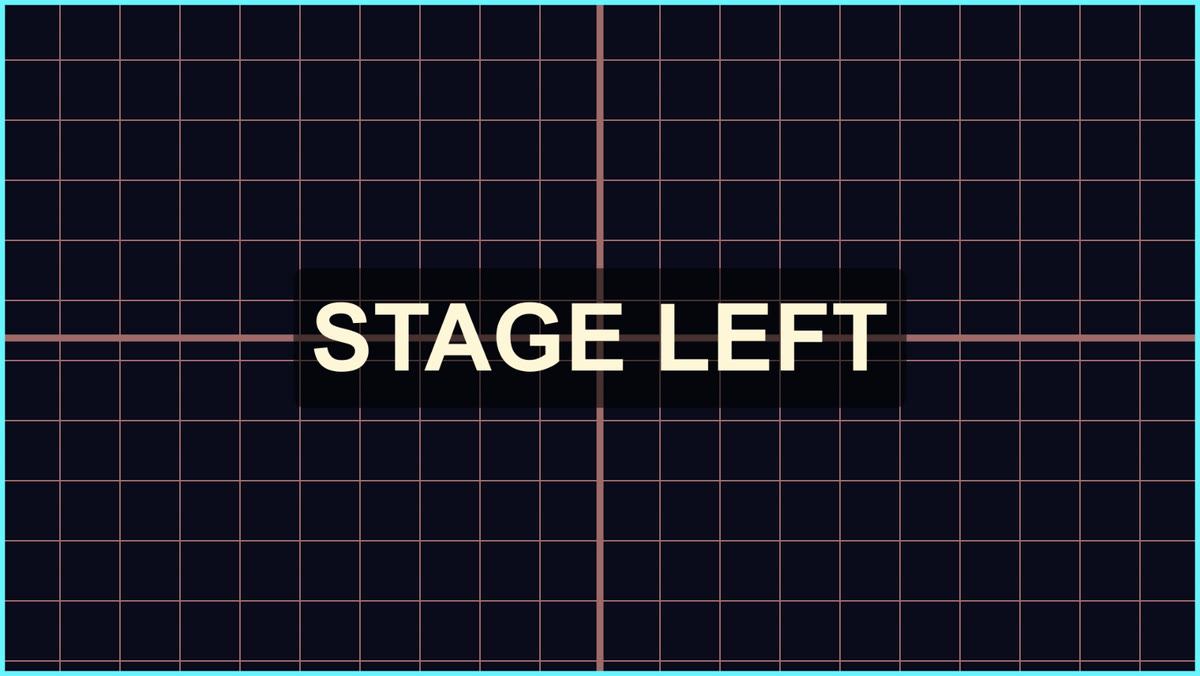
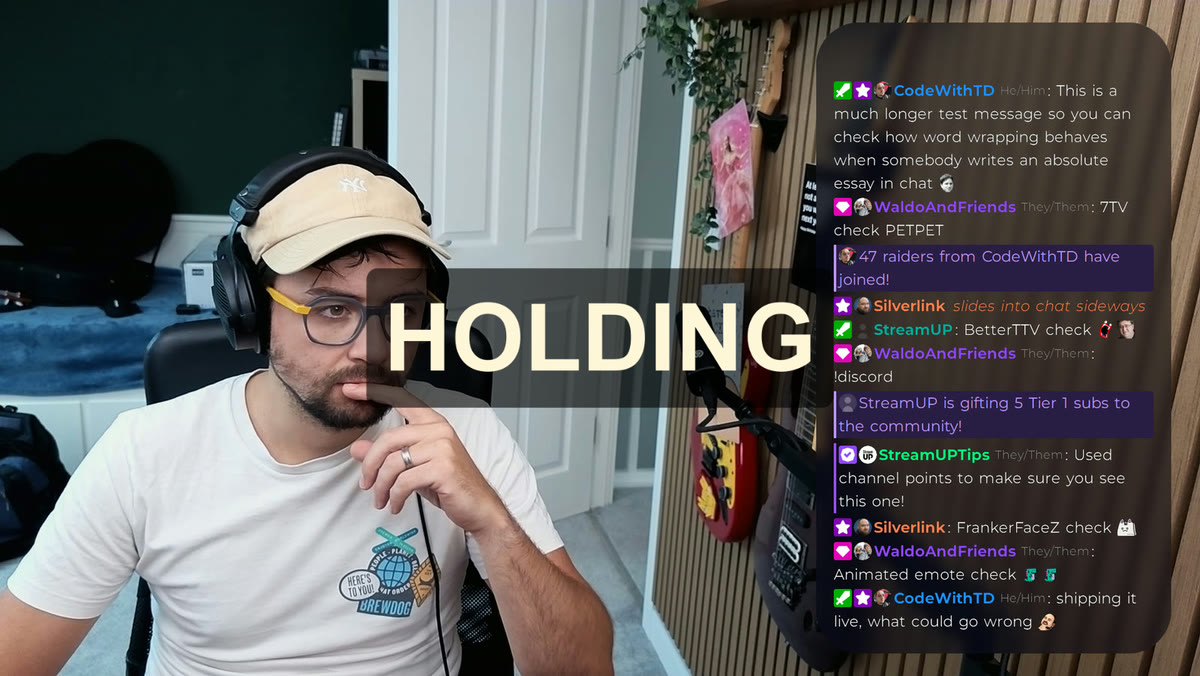
This turns any source into a proper test card: colour bars, an alignment grid, a flat colour or your own picture, with a label on top so you know which one you are looking at. Add a colour source, drop the filter on it, type CAMERA 1, and you have something to build your layout against before the camera exists.
Drop in a colour source for each camera you are going to have, label them, and size them into place. The scene is built, the transitions work, the overlay sits where it should. When the real camera turns up you swap it in and everything is already where it belongs.
Same trick for a capture card that is not plugged in yet, or a guest who is not online, or a second PC you have not set up.
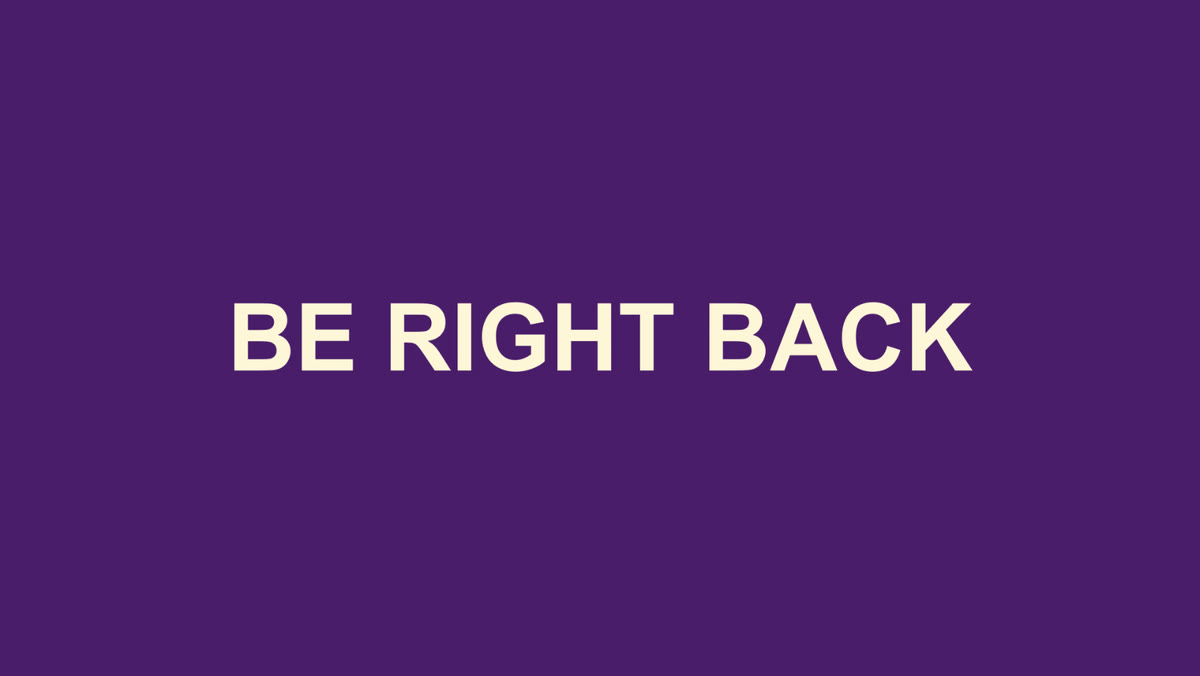
Set it to a flat colour in your own palette, type BE RIGHT BACK, and that is your break screen. No image editor, nothing to export, and you can change the words in two seconds.
Drop your own picture in behind the label instead if you want something with more in it.
It installs into OBS and runs there. Nothing to sign into, nothing to keep open alongside it. Questions, ideas or something not working? We are in the Discord.
Everything else we build for OBS Studio. Each one its own download, with its own page.
OBS
Mark the good bits while you record, and find them waiting on your editing timeline.
OBS
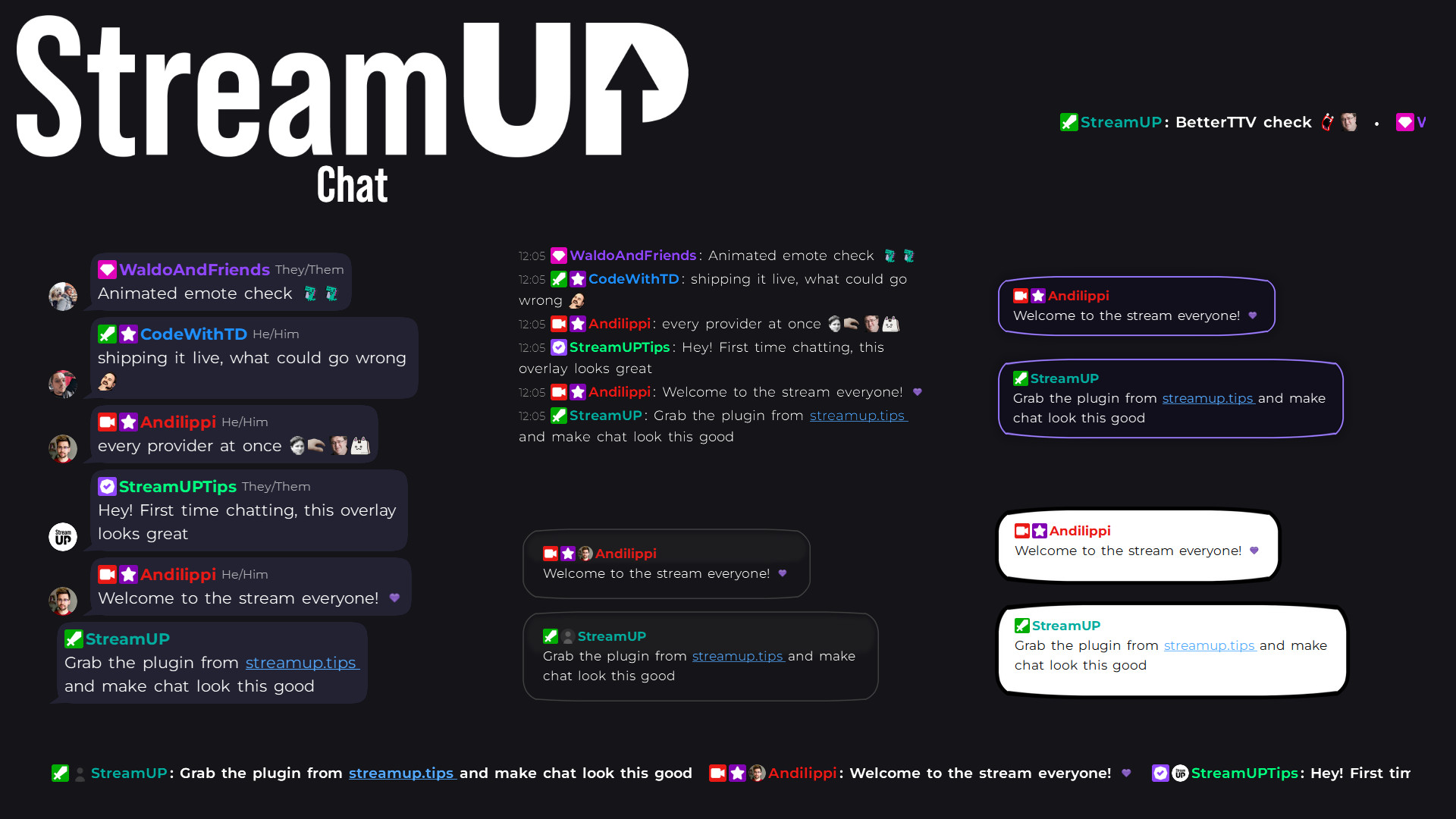
Your Twitch chat on stream in seconds, styled however you like, straight inside OBS.
OBS
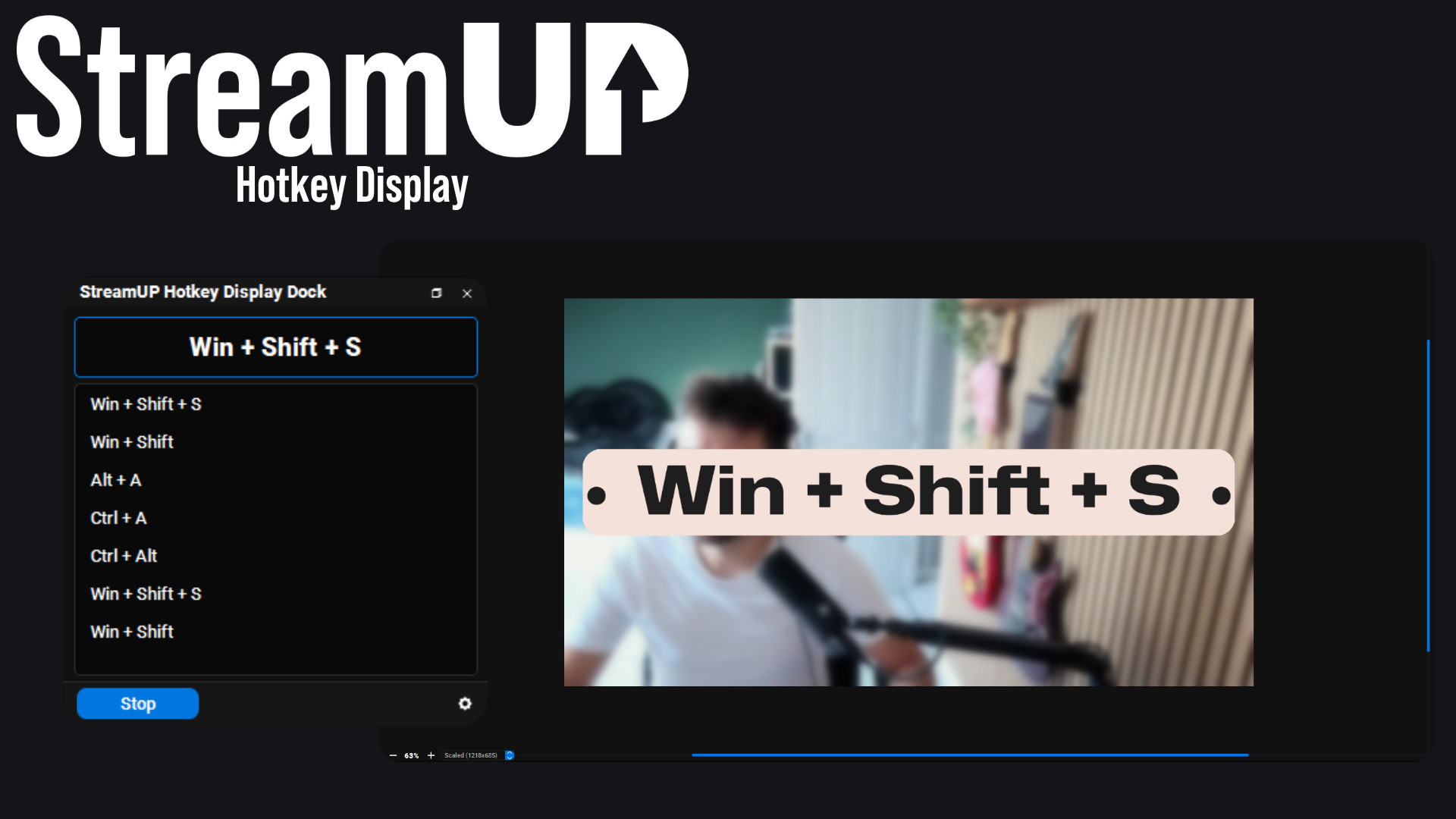
Show the keyboard shortcut you just pressed, in OBS and on screen for your viewers.
OBS
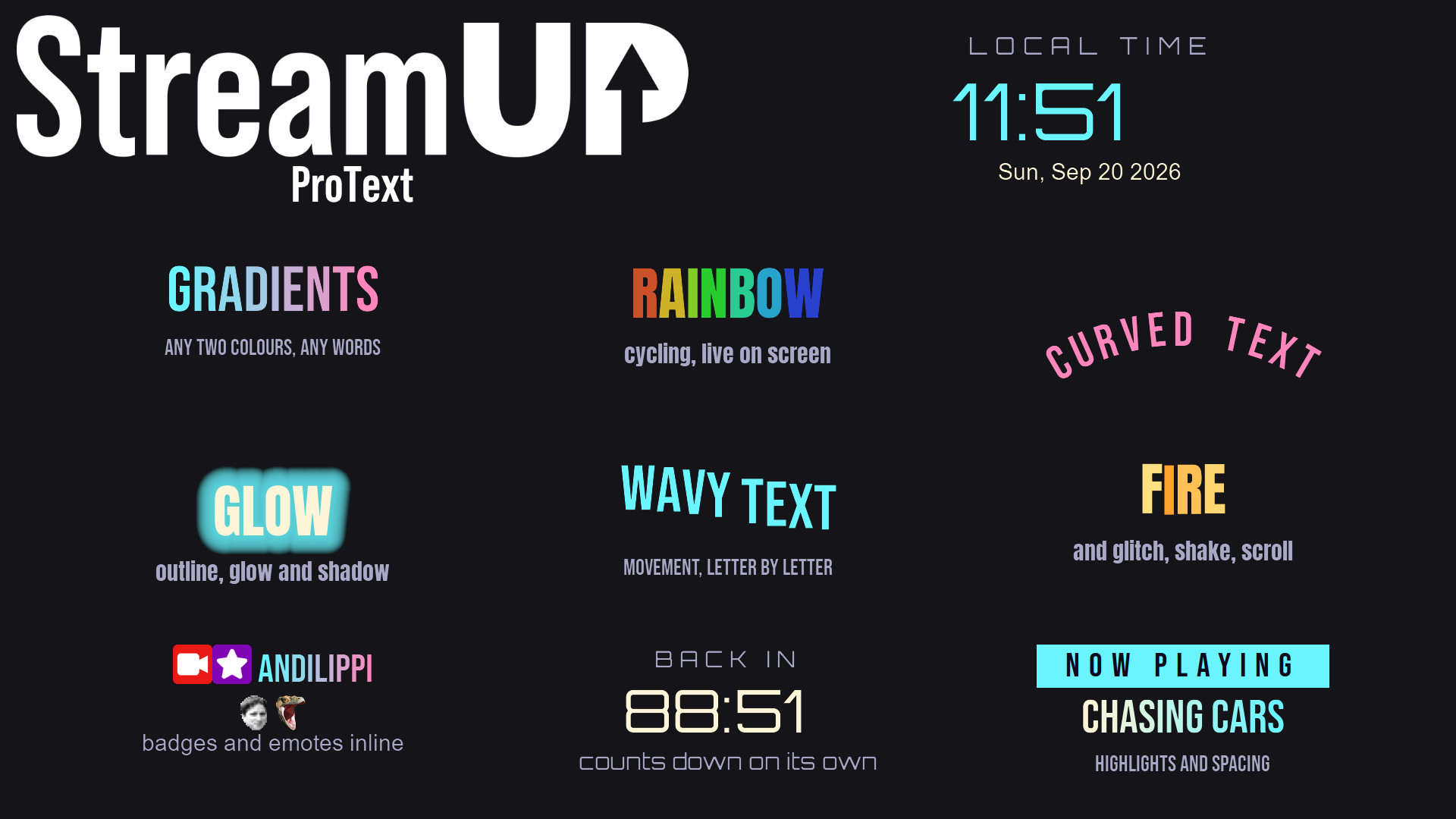
Text in OBS with gradients, glows, emotes and countdowns, from tags you type yourself.
OBS
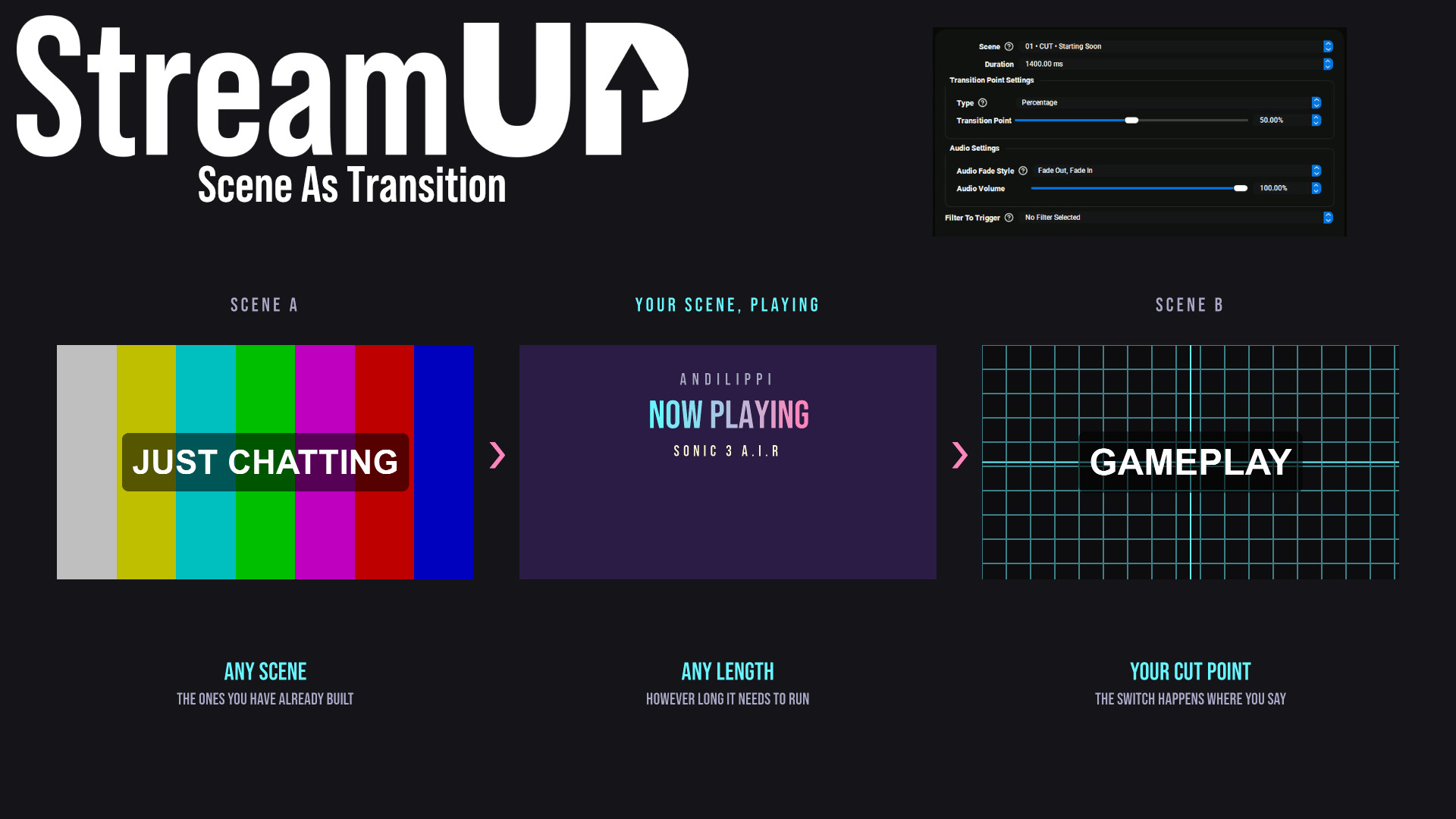
Use any OBS scene as your transition, so the switch looks like something you made.
OBS
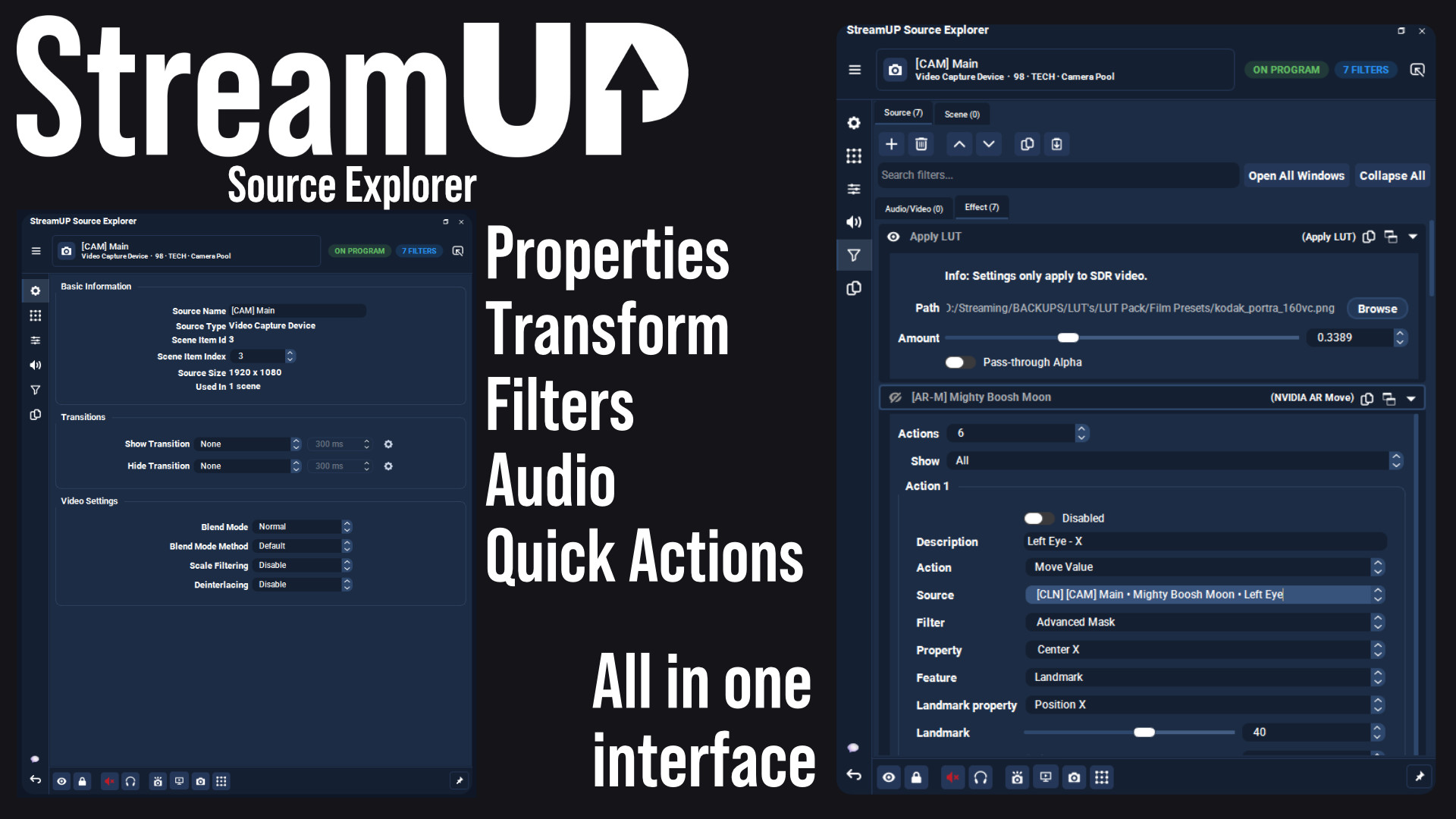
Every setting for any OBS source in one dock, and the command to change it on your clipboard.
OBS
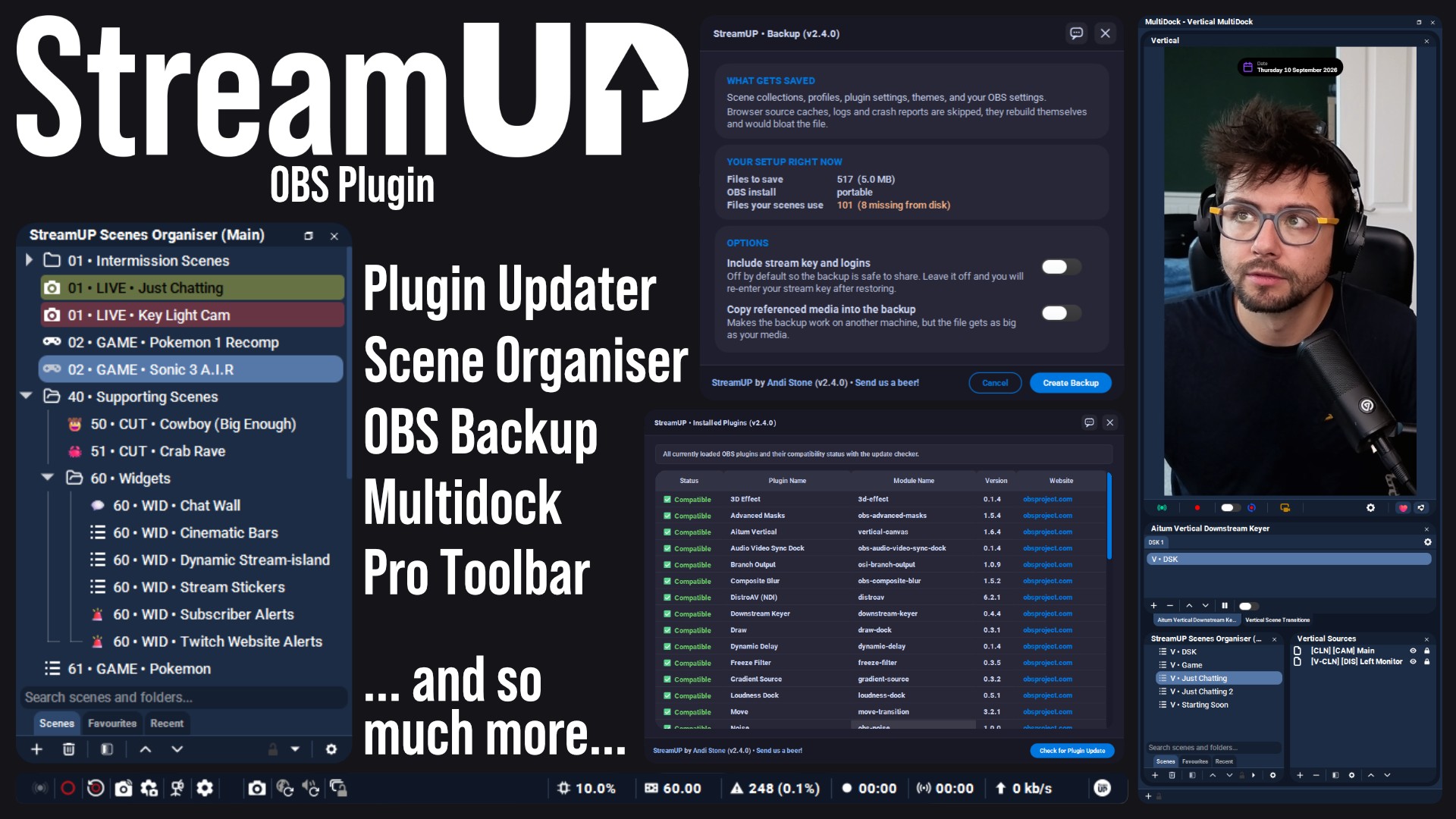
The plugin the rest of StreamUP is built on, with the tools OBS leaves out.
 Streamer.bot
OBS
Streamer.bot
OBS

Every StreamUP OBS plugin command as a Streamer.Bot action, ready for a hotkey or a button.
OBS
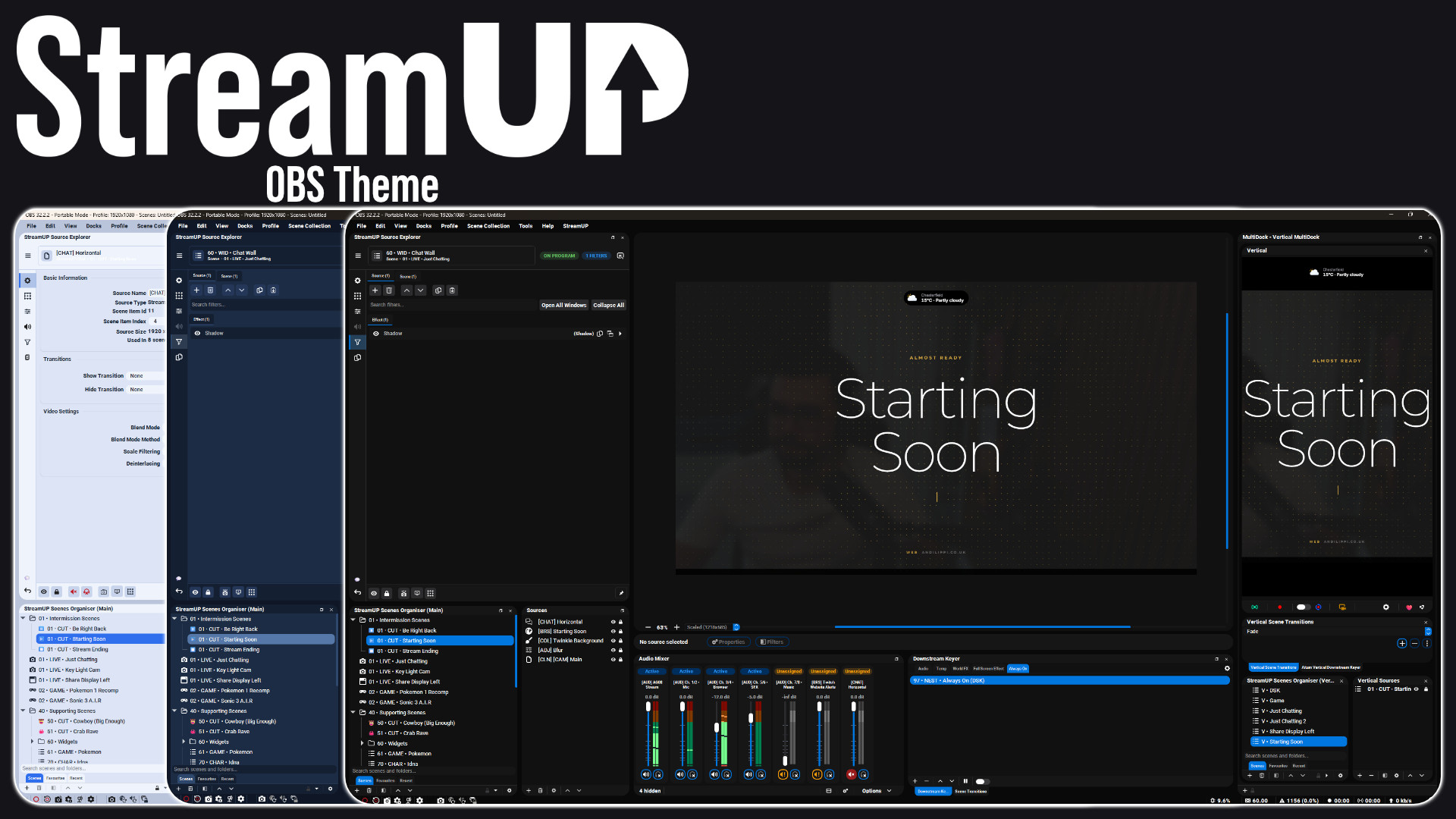
A full redesign of the OBS interface: panels, docks, toolbars and dialogs.