 OBS
OBS
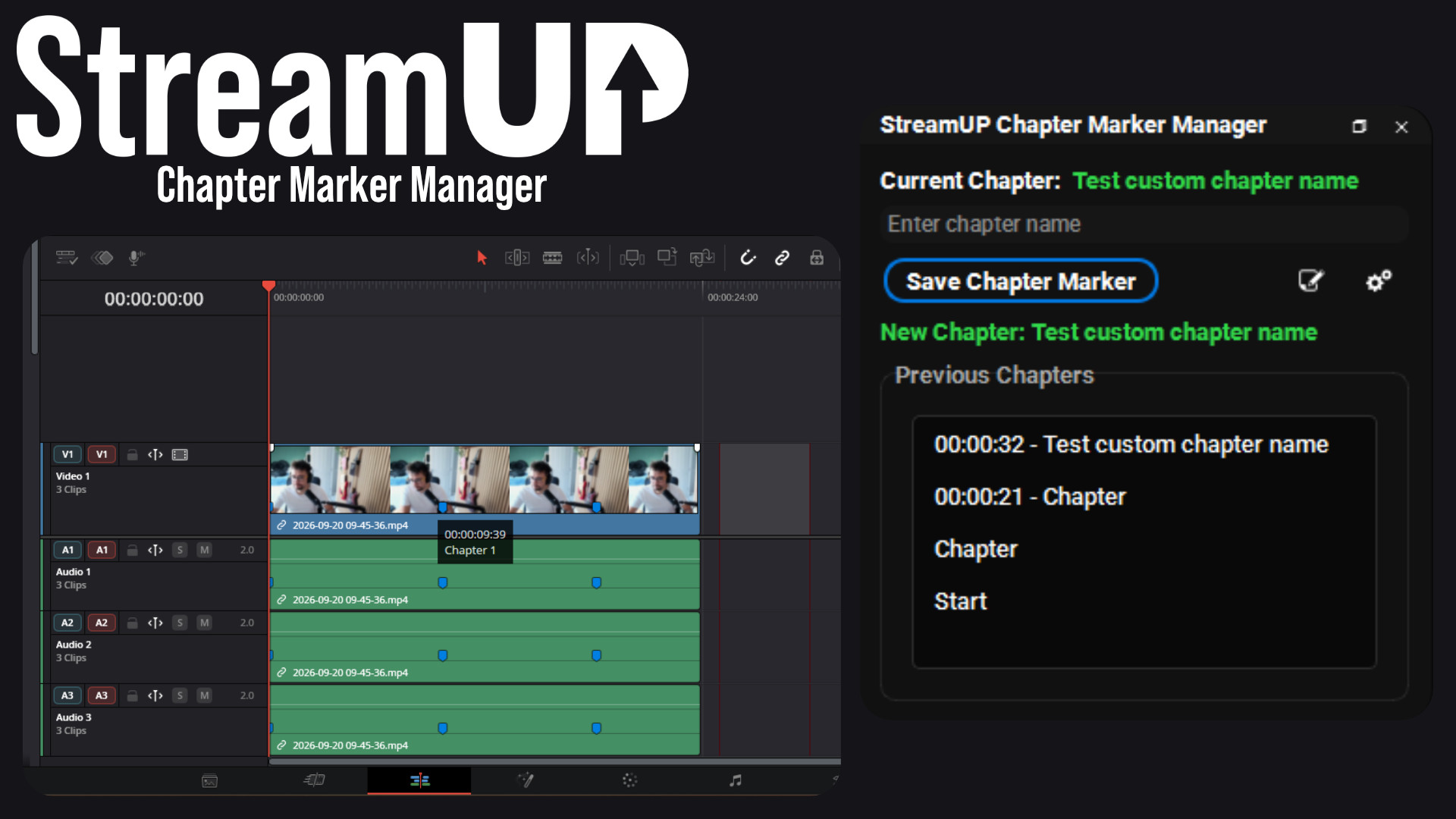
Chapter Marker Manager
Mark the good bits while you record, and find them waiting on your editing timeline.
Every setting for any OBS source in one dock, and the command to change it on your clipboard.
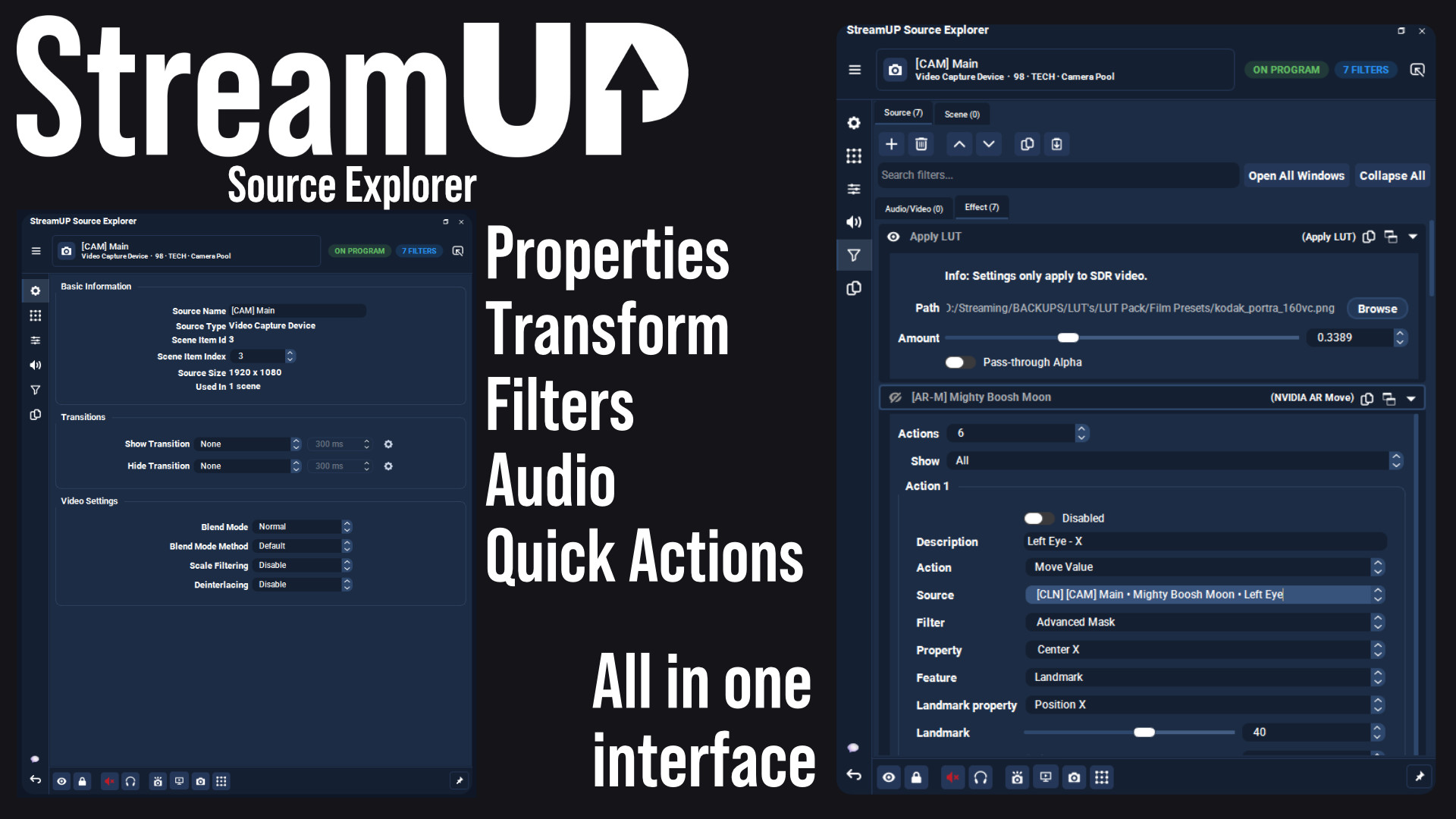
Change anything about a source without hunting for the window that does it. Name, position, audio, filters, device settings, all in one dock, in tabs.
And when you have set something the way you want it, right-click it and the command that does the same thing is on your clipboard, ready to paste into Streamer.Bot .
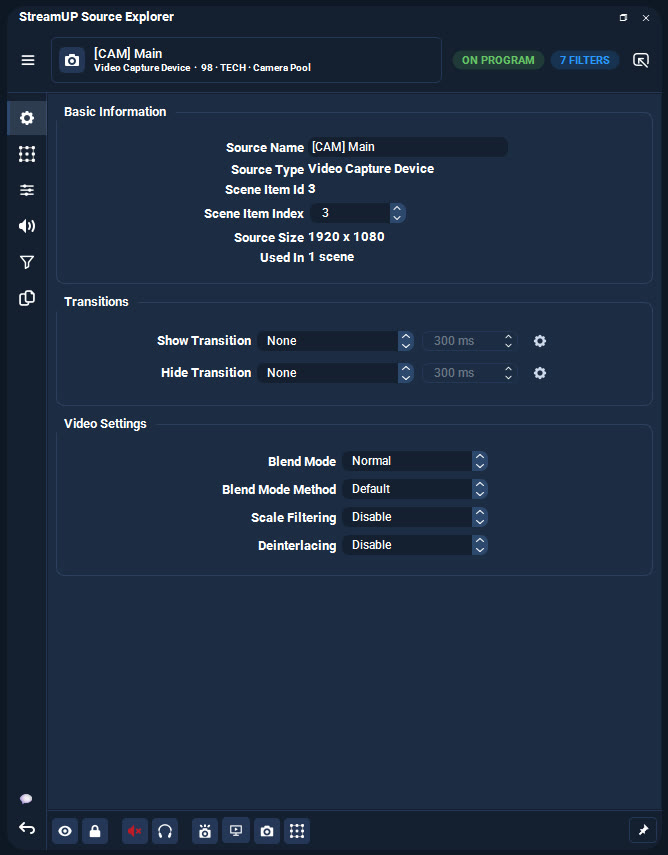
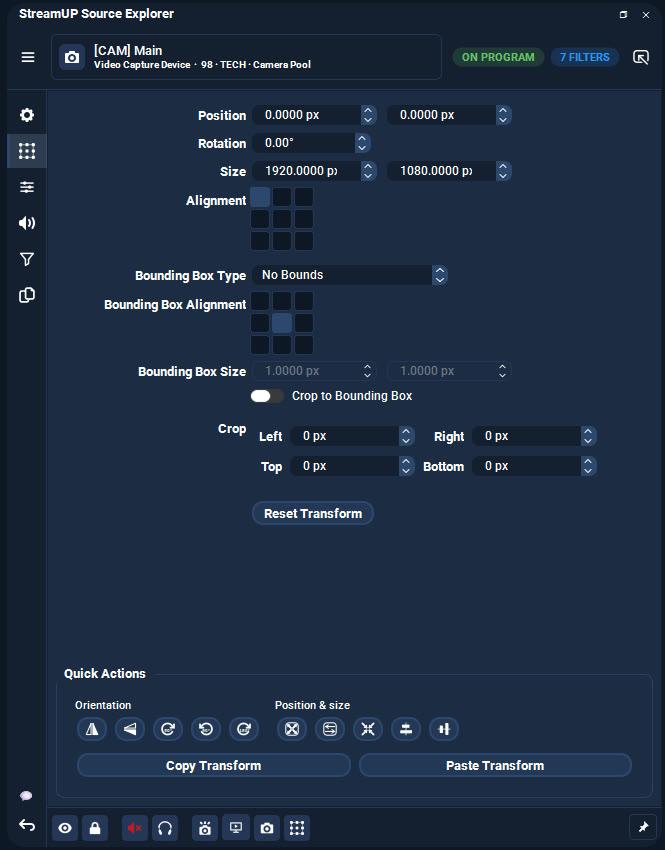
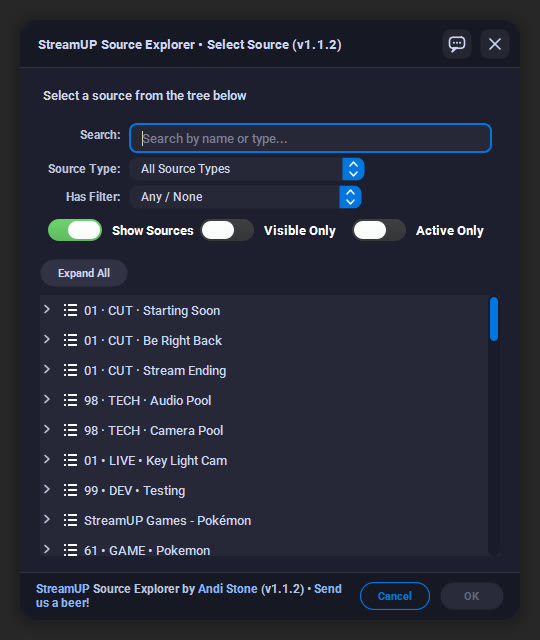
Pick a source and every setting it has is in front of you, split into tabs.
Rename it, move it, resize it, change what your camera is plugged into, set its volume and monitoring, build up its filters. No dialog to open, no window to lose behind OBS.
Tabs that do not apply are hidden, so you only ever see what that source can actually do.
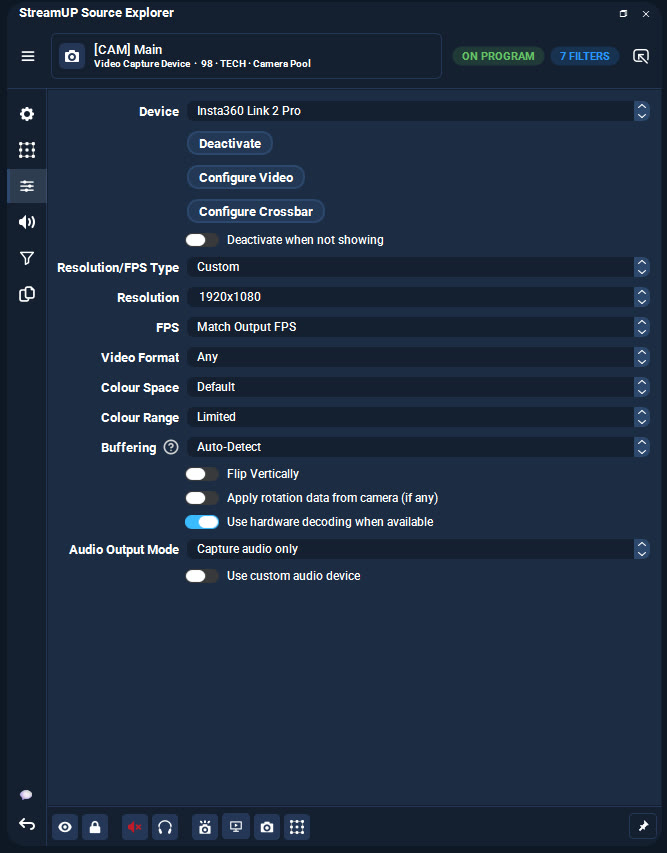
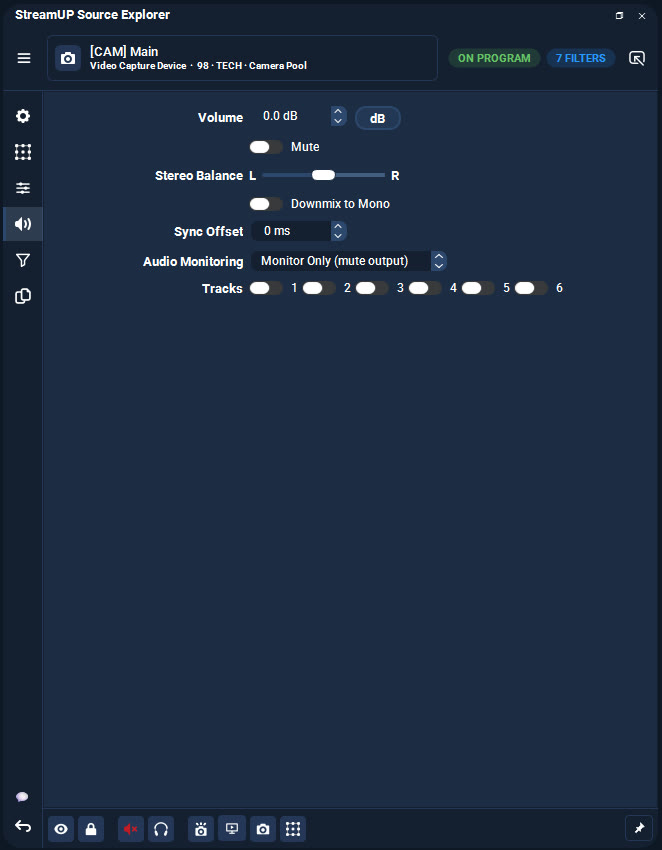
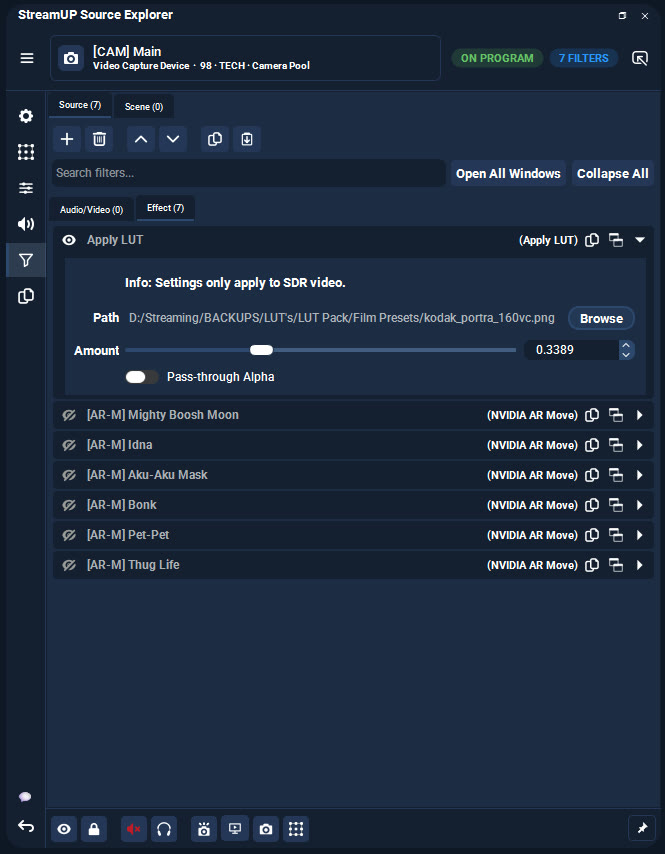
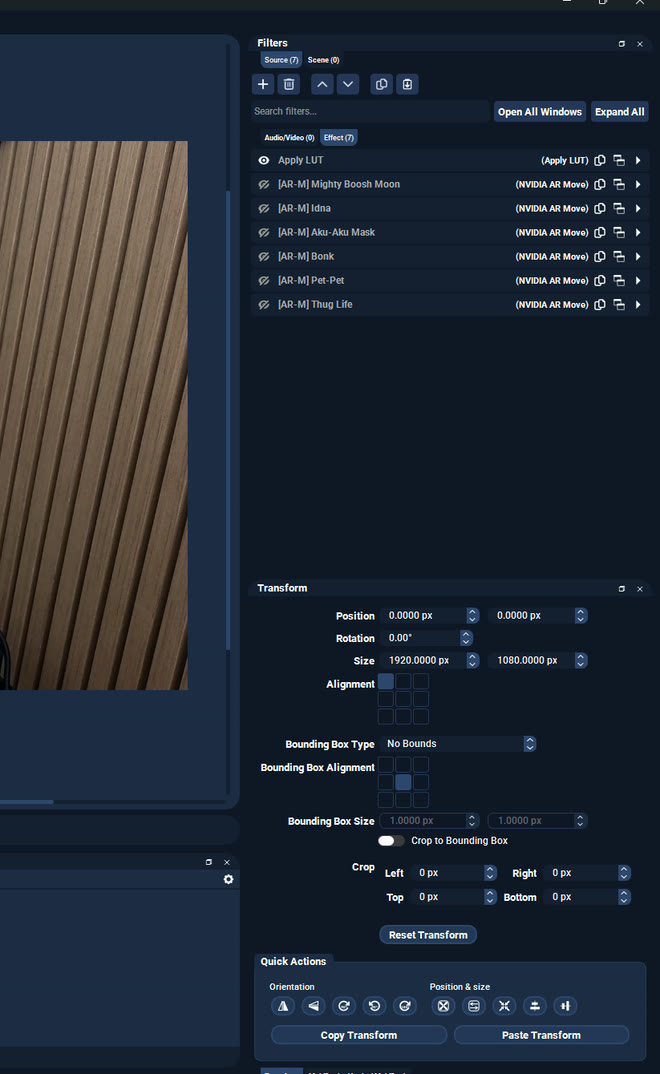
Every filter on a source, in a list you can search, with its settings underneath.
Pop any filter out into a window of its own and it stays open while you carry on. Open as many as you like and put them side by side, so you can copy a value from one into another, or line up a whole chain of Move filters and get them matching. In OBS you get one filter window at a time, and you are holding the last one in your head.
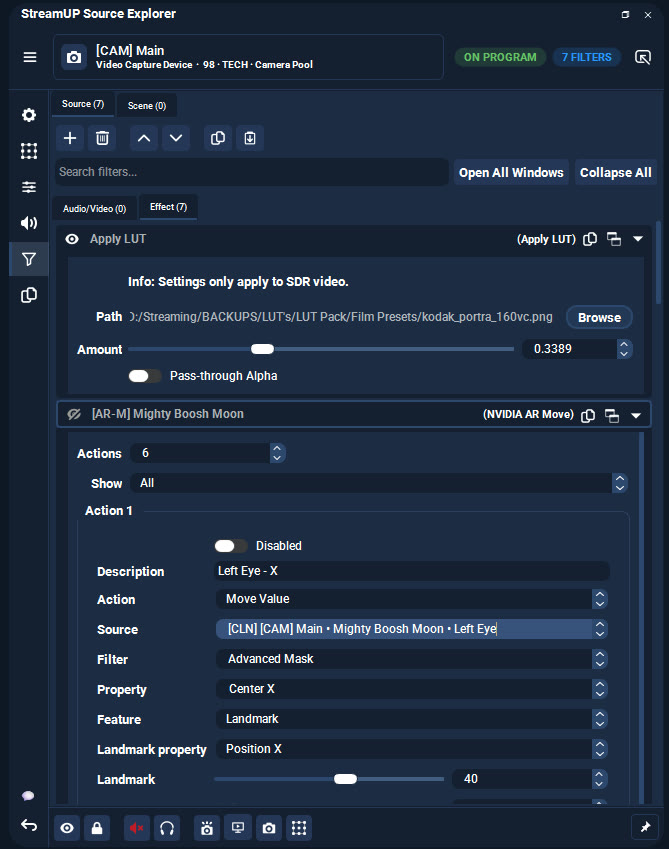
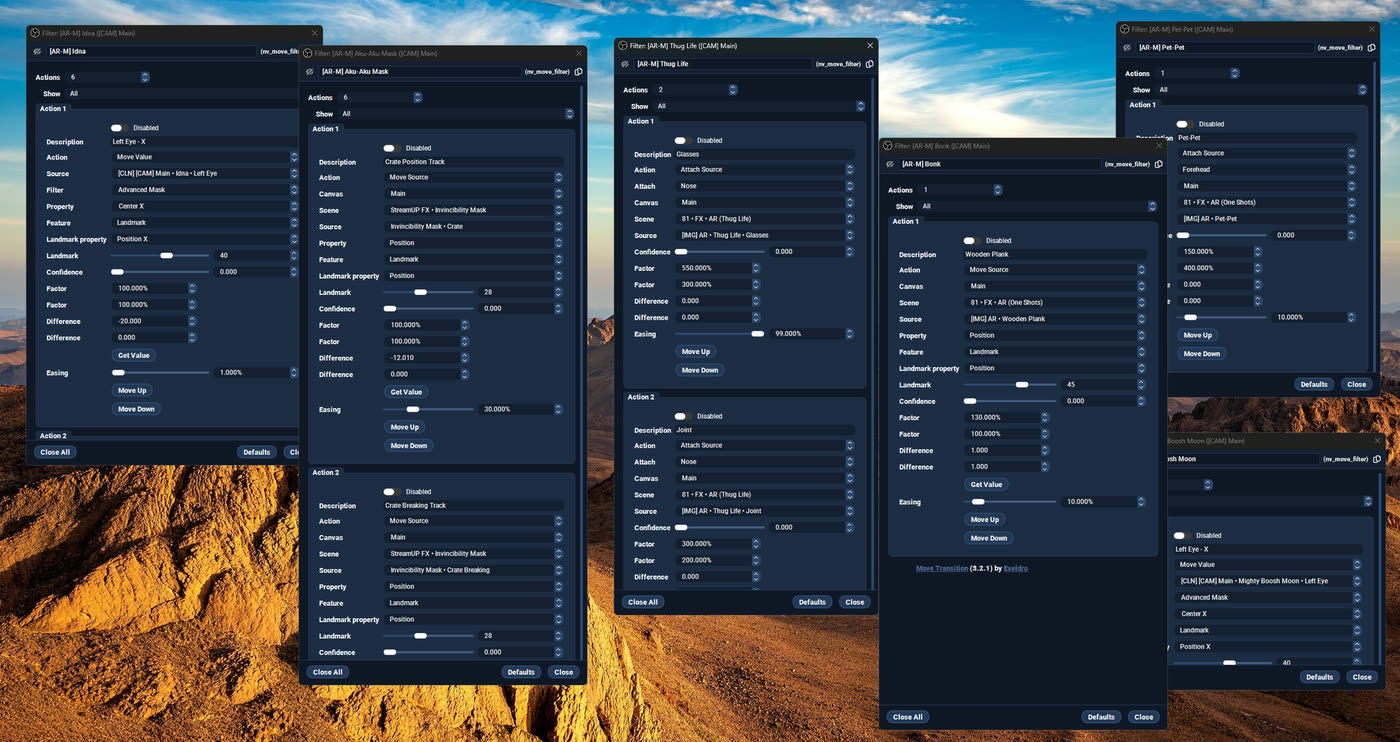
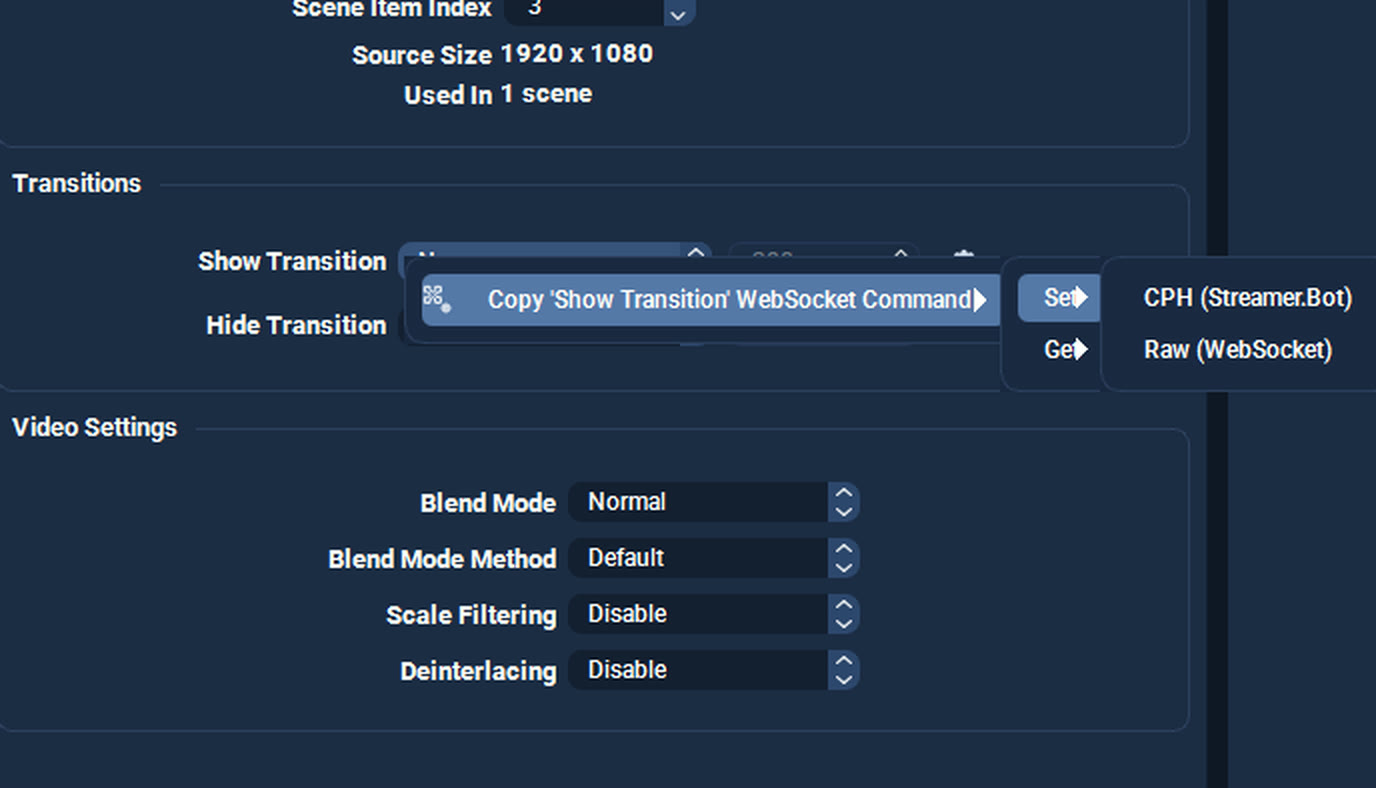
Once a setting is how you want it, right-click it. The command that does the same thing is on your clipboard, ready to paste into Streamer.Bot or send over the WebSocket yourself.
It names the source and the value for you, so there is no guessing at the syntax and no typo in a source name to hunt down later.
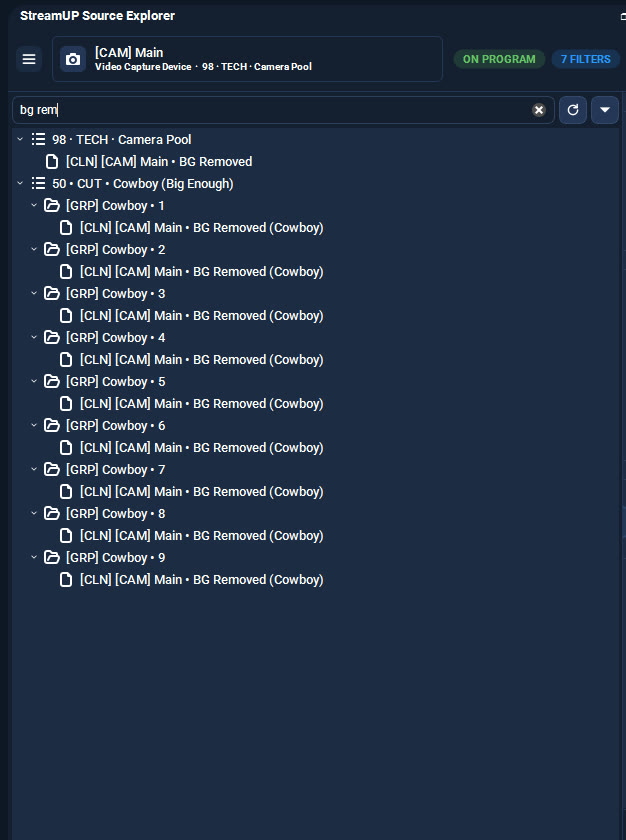
Type part of a name and it finds it, wherever it is buried. Scenes, groups, nested groups, all of it.
You can also go the other way and ask which sources are using a certain filter, which is the fast way to find the one you forgot to turn off.
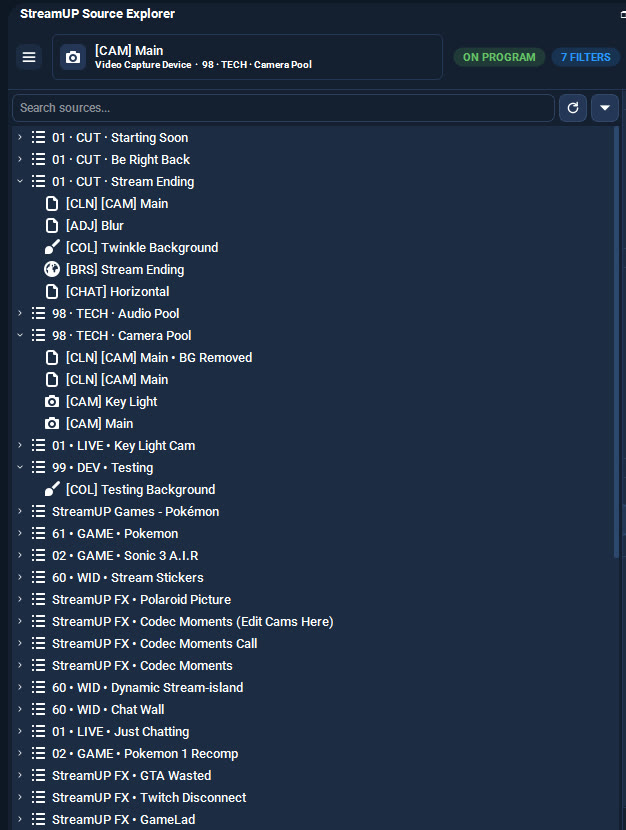
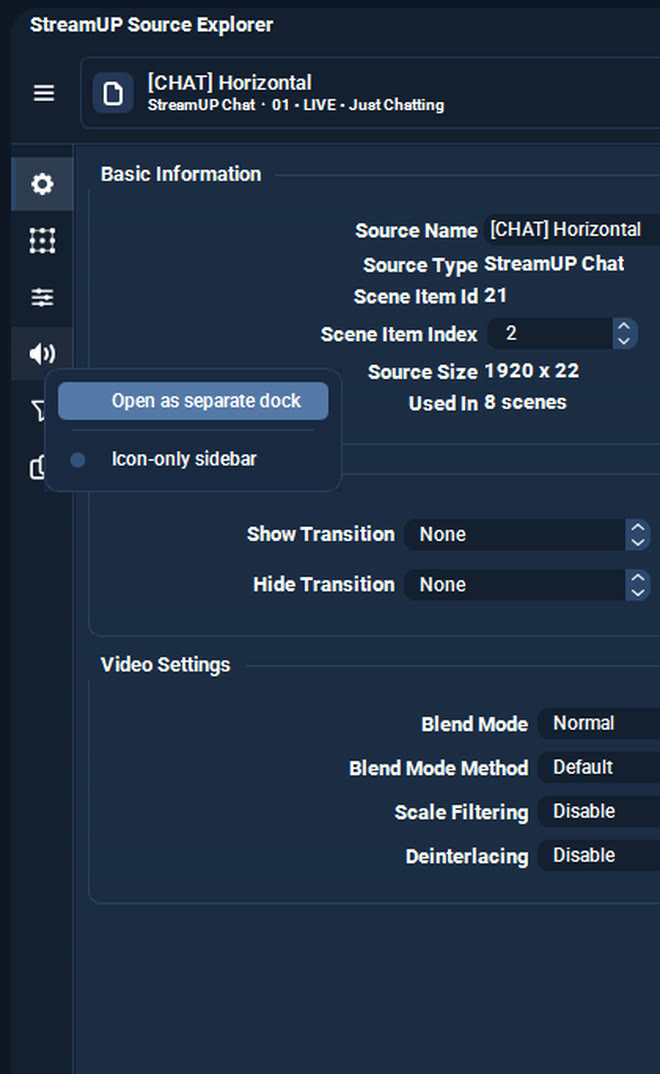
Right-click any tab and pull it out as its own OBS dock. Put Filters on your second monitor and leave it there, because it comes back where you left it after a restart.
Along the bottom is a row of buttons for the things you actually press: mute, monitoring, refresh a browser source, media controls, activate a capture.
It changes with the source, so you are never looking at a media button on a colour block.

It installs into OBS and runs there. Nothing to sign into, nothing to keep open alongside it. Questions, ideas or something not working? We are in the Discord.
Everything else we build for OBS Studio. Each one its own download, with its own page.
OBS
Mark the good bits while you record, and find them waiting on your editing timeline.
OBS
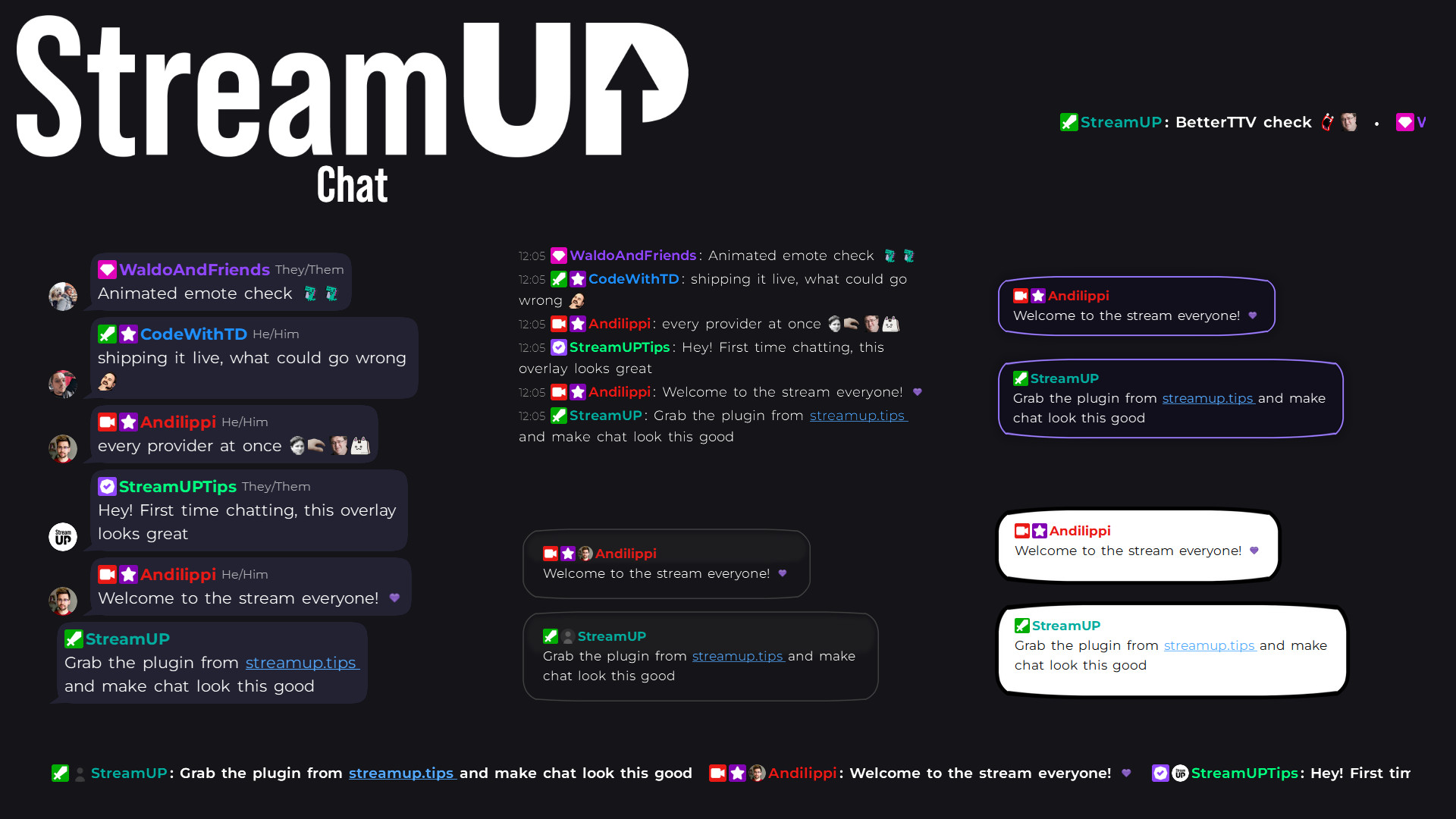
Your Twitch chat on stream in seconds, styled however you like, straight inside OBS.
OBS
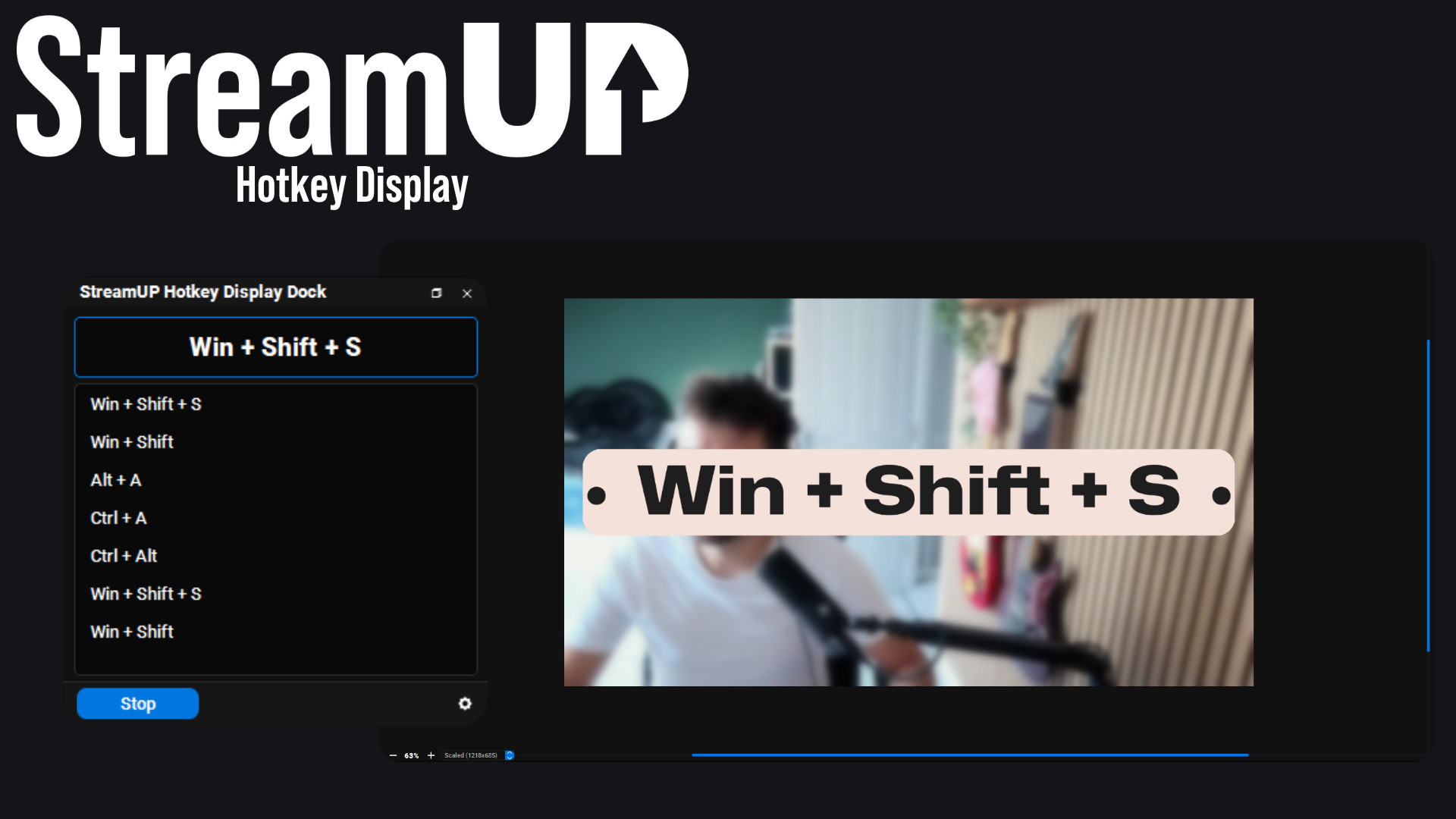
Show the keyboard shortcut you just pressed, in OBS and on screen for your viewers.
OBS
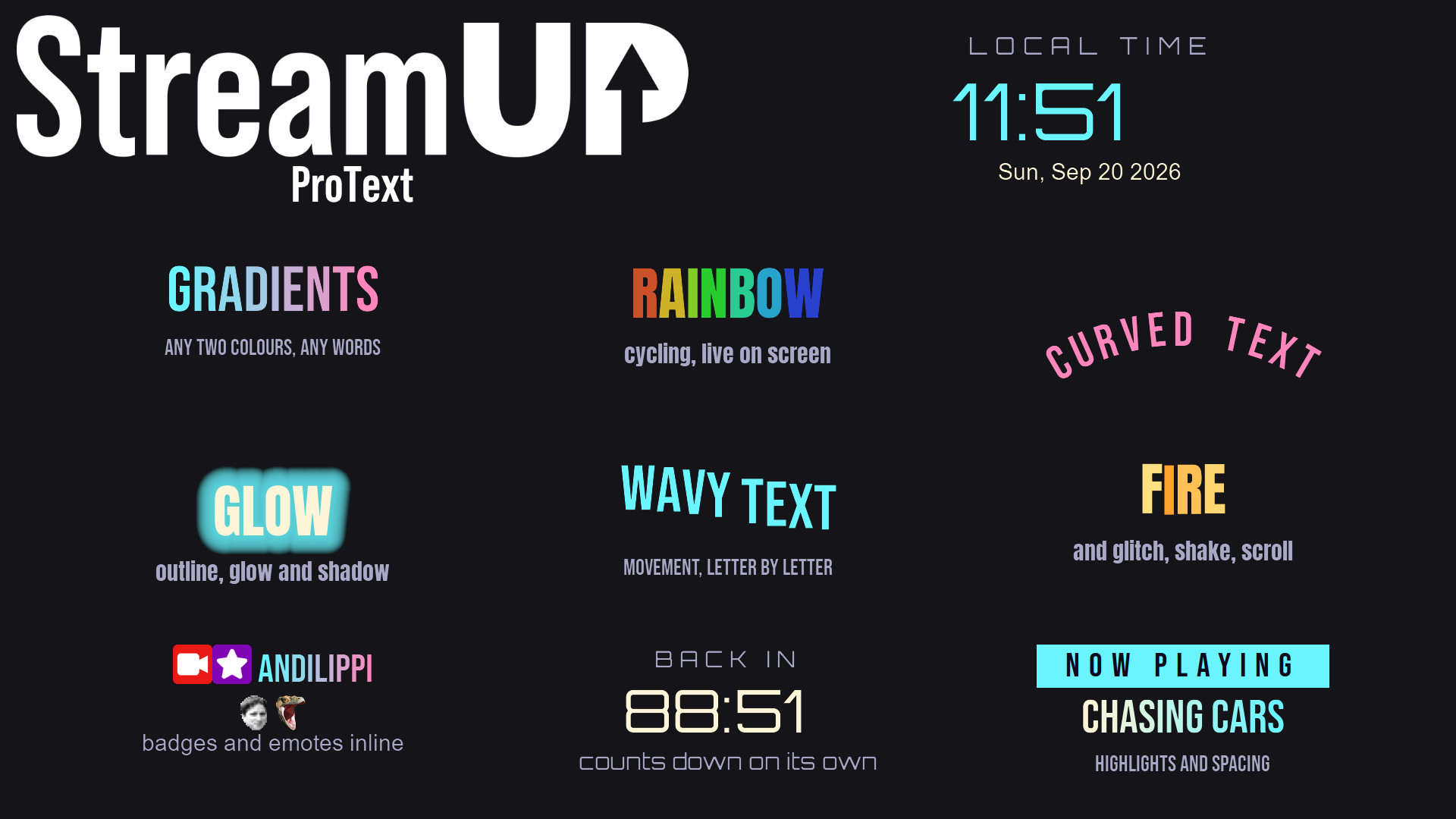
Text in OBS with gradients, glows, emotes and countdowns, from tags you type yourself.
OBS
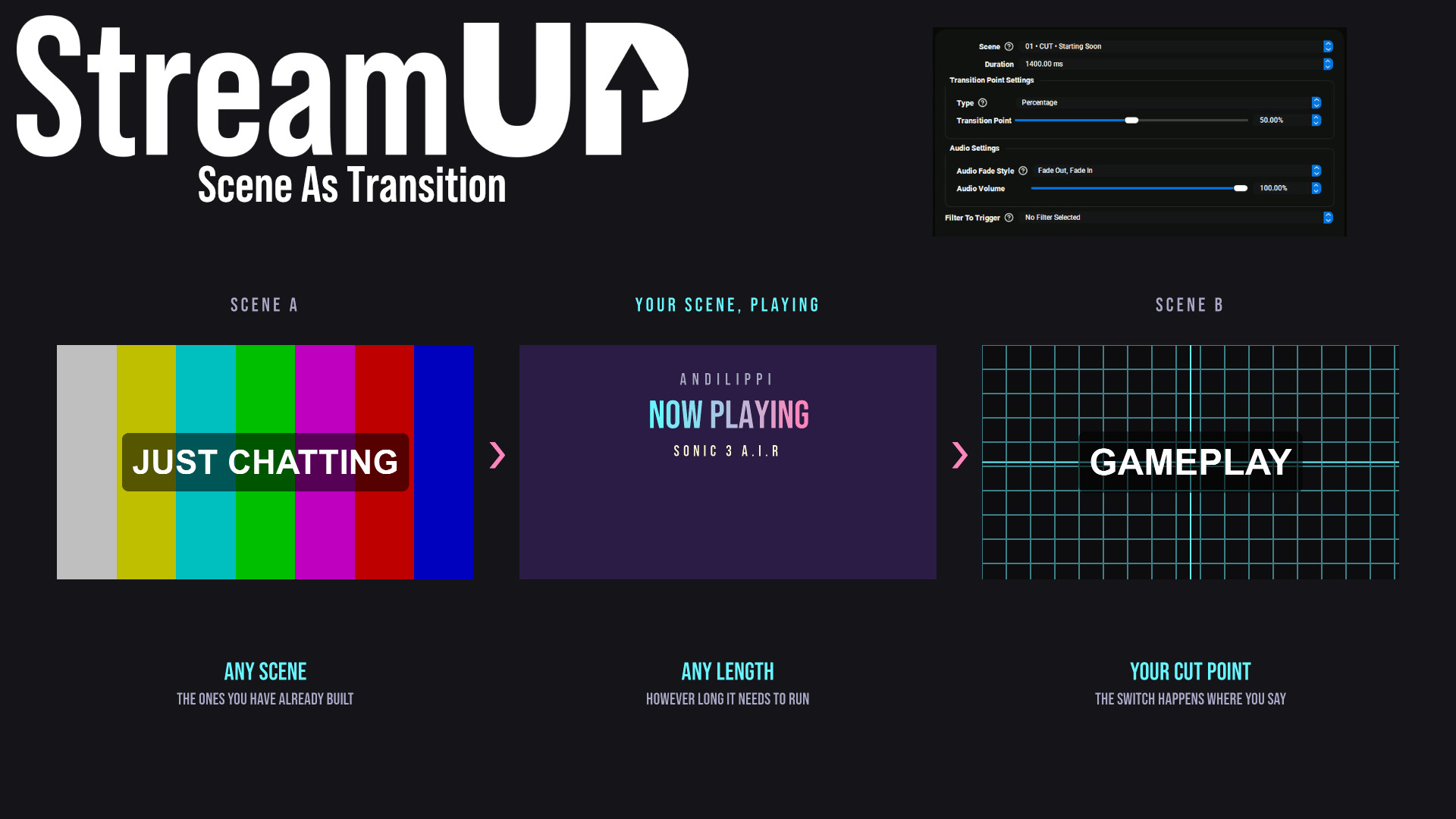
Use any OBS scene as your transition, so the switch looks like something you made.
OBS
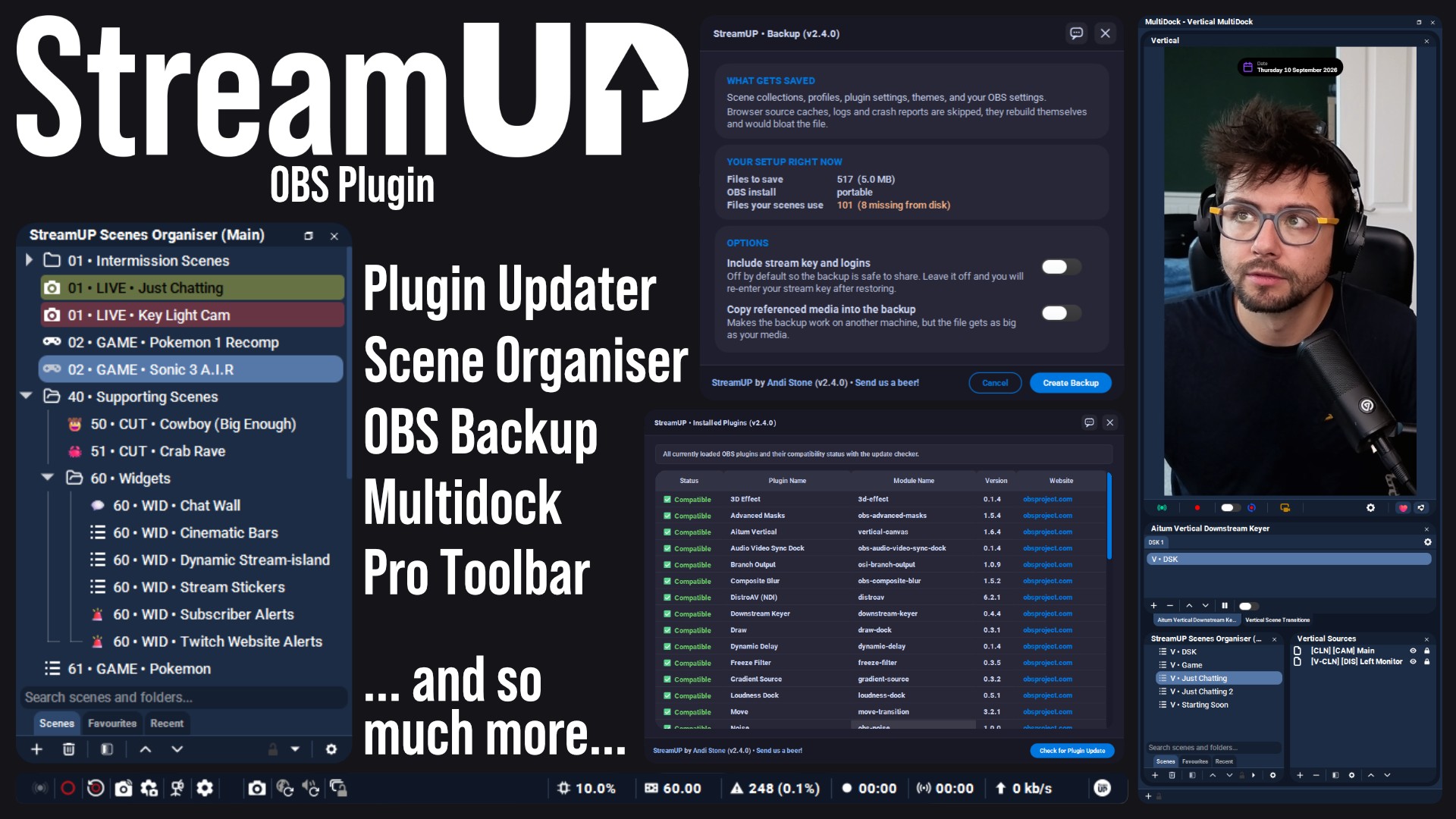
The plugin the rest of StreamUP is built on, with the tools OBS leaves out.
 Streamer.bot
OBS
Streamer.bot
OBS

Every StreamUP OBS plugin command as a Streamer.Bot action, ready for a hotkey or a button.
OBS
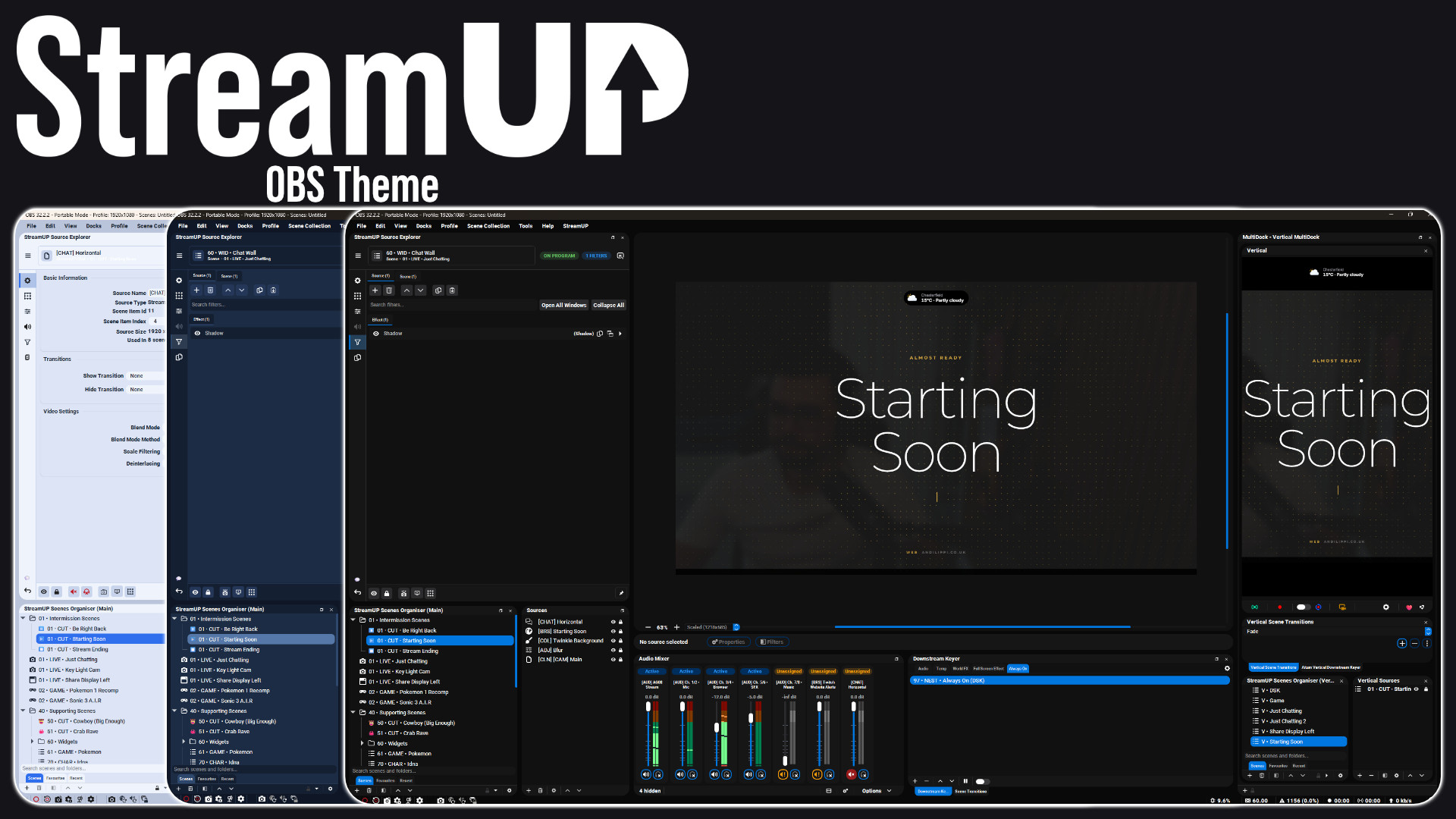
A full redesign of the OBS interface: panels, docks, toolbars and dialogs.
OBS
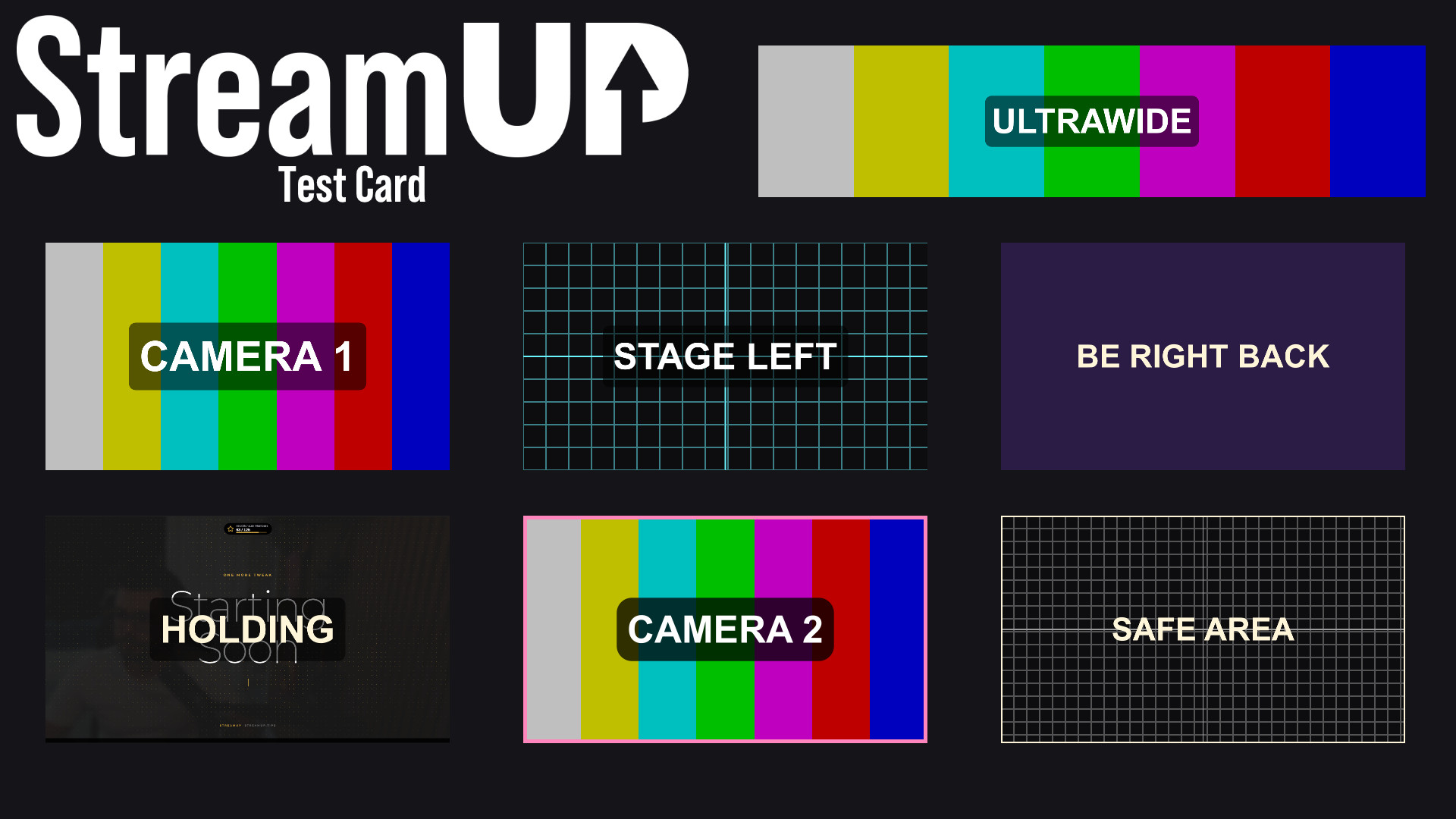
Turn any source into a labelled test card, so you can build a scene before the camera exists.