 OBS
OBS
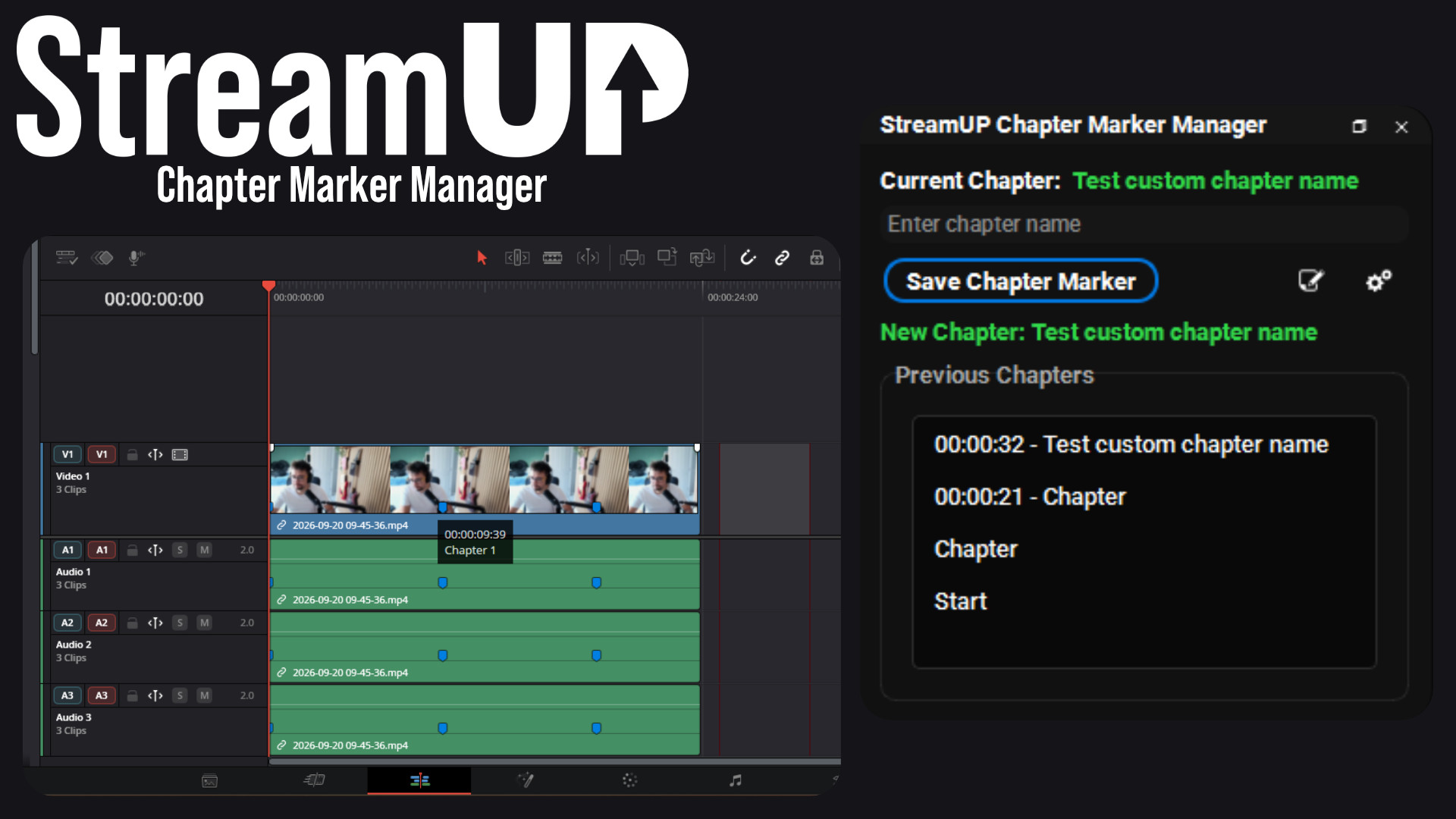
Chapter Marker Manager
Mark the good bits while you record, and find them waiting on your editing timeline.
Your Twitch chat on stream in seconds, styled however you like, straight inside OBS.
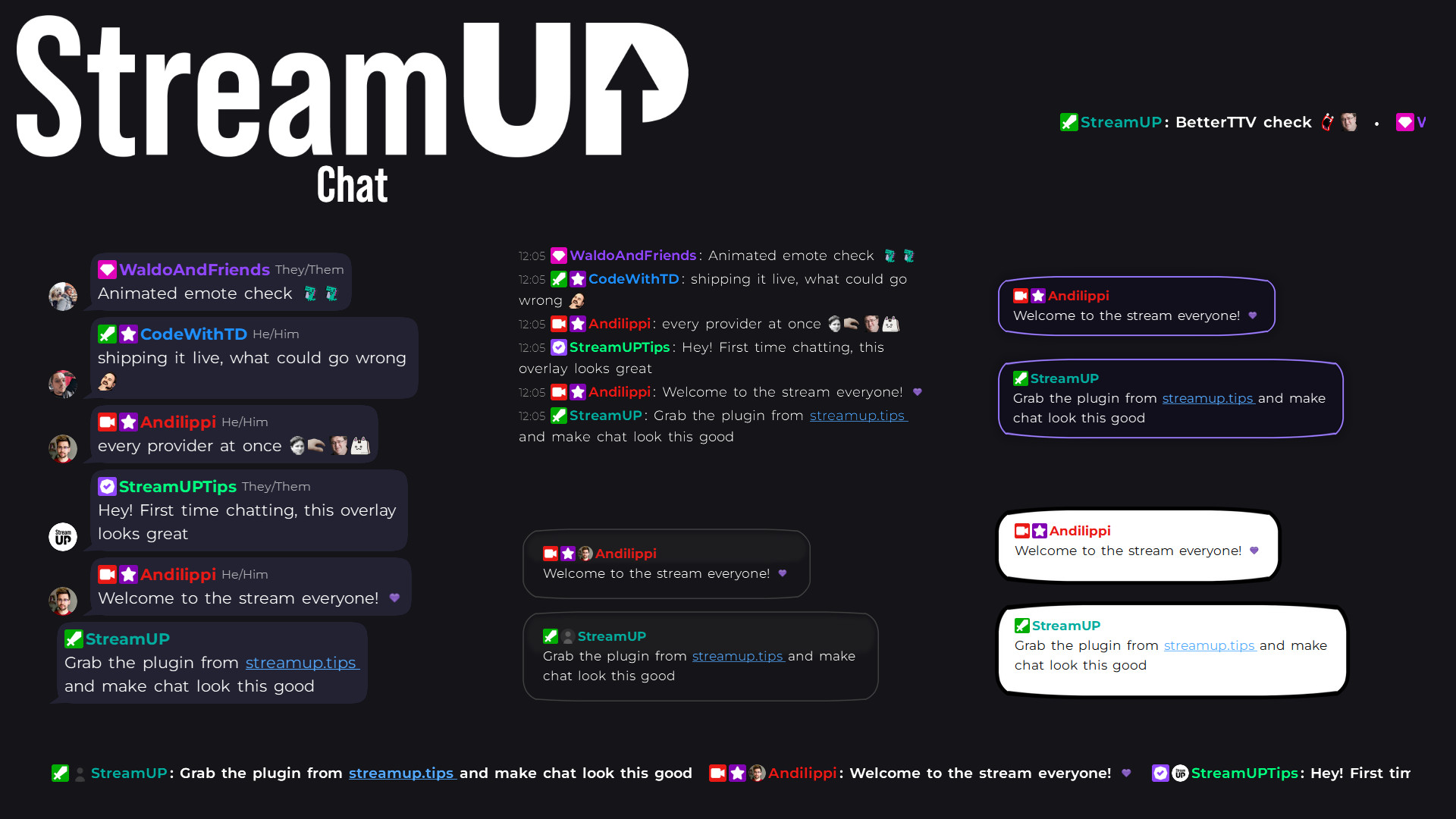
Add the source, type your channel name, done. Your chat appears on stream straight away, and a visual designer opens so you can style it however you like.
There is nothing to sign into, no website to set up, and no code to copy and paste.
Open the source and the designer opens with it. Change anything and you see it happen on your stream right away, because your actual source is the preview. Happy with it, press Keep. Not happy, press Discard and it goes back to how it was.
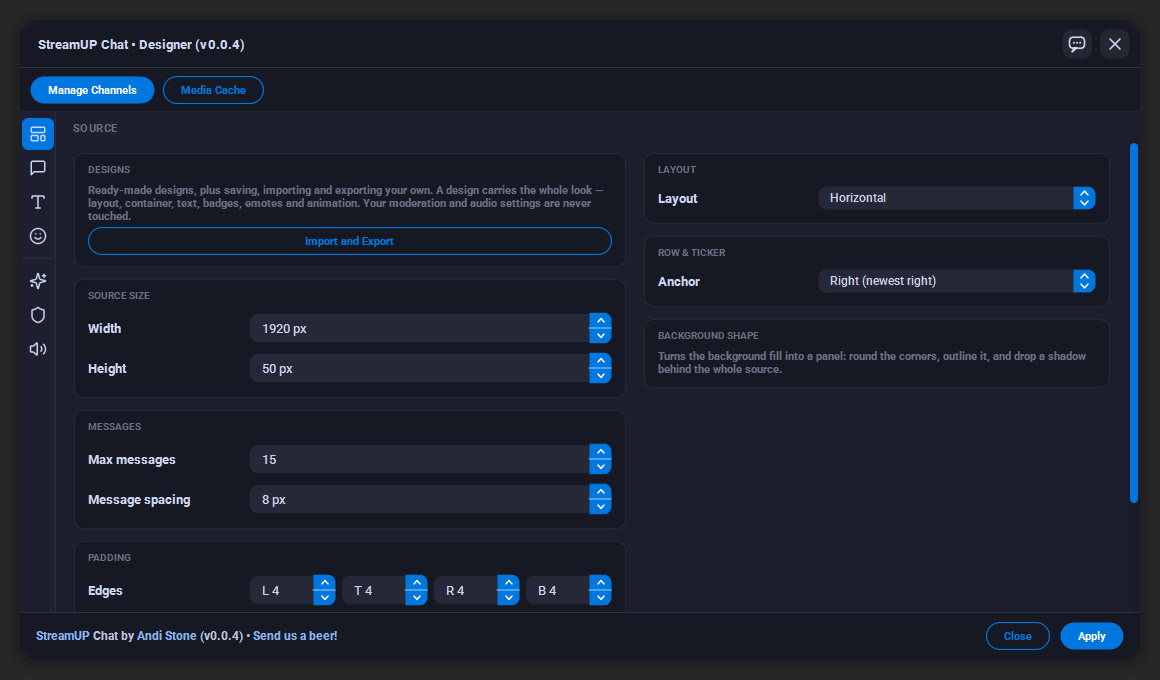
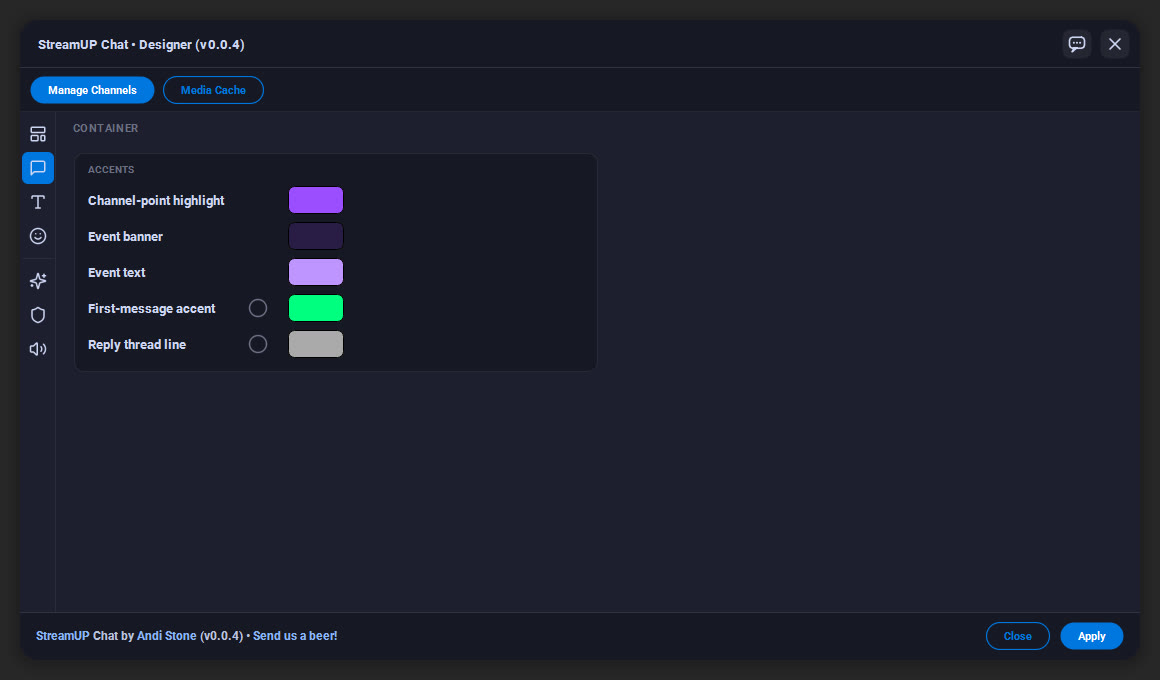
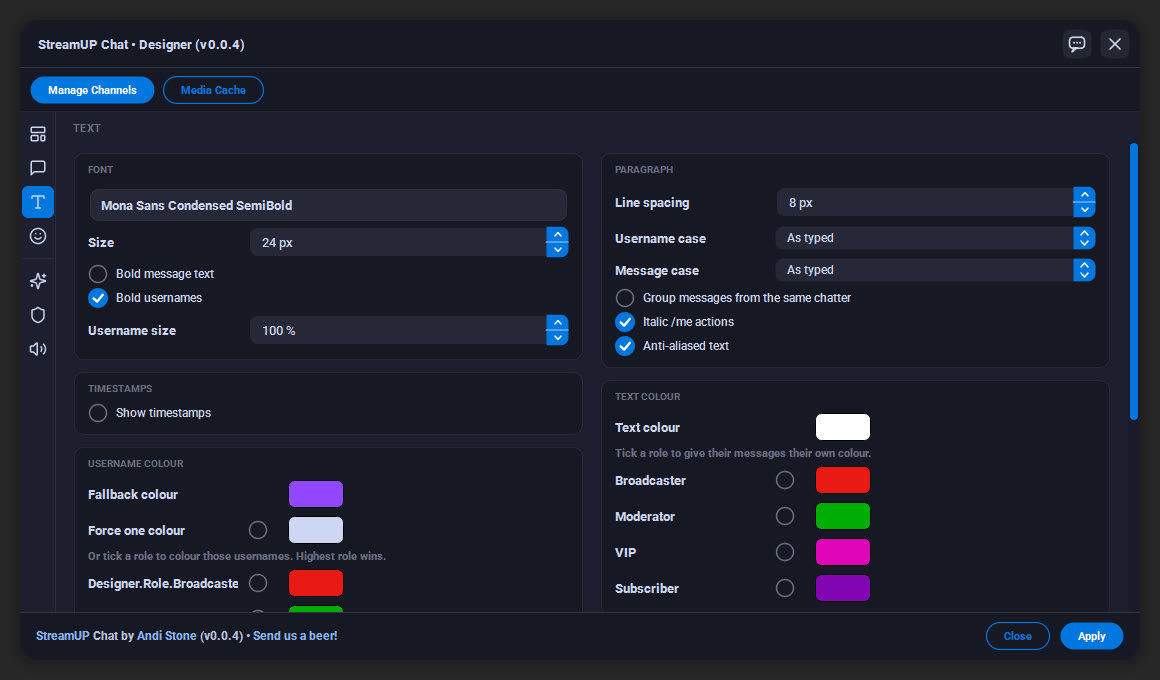
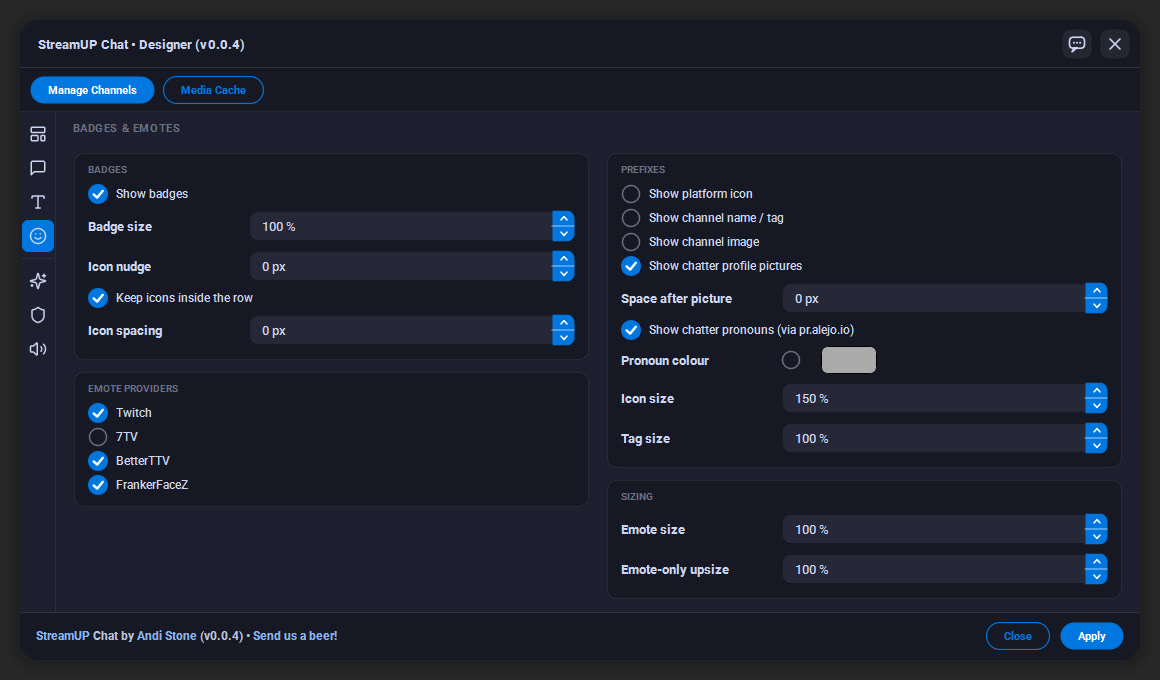
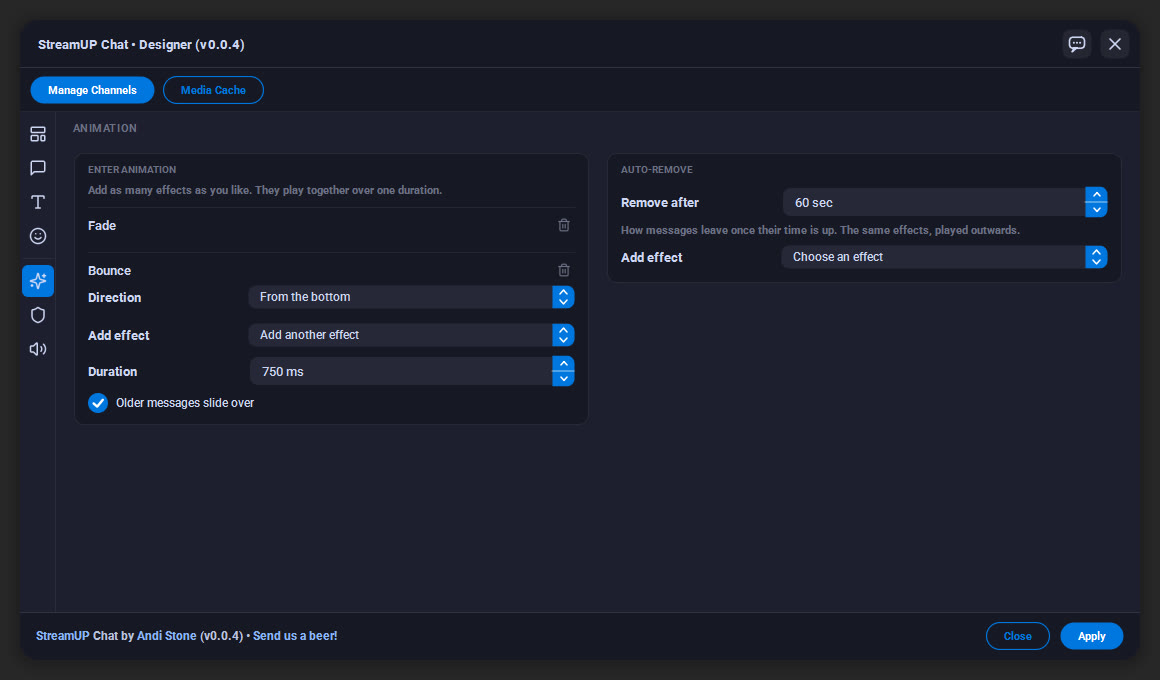
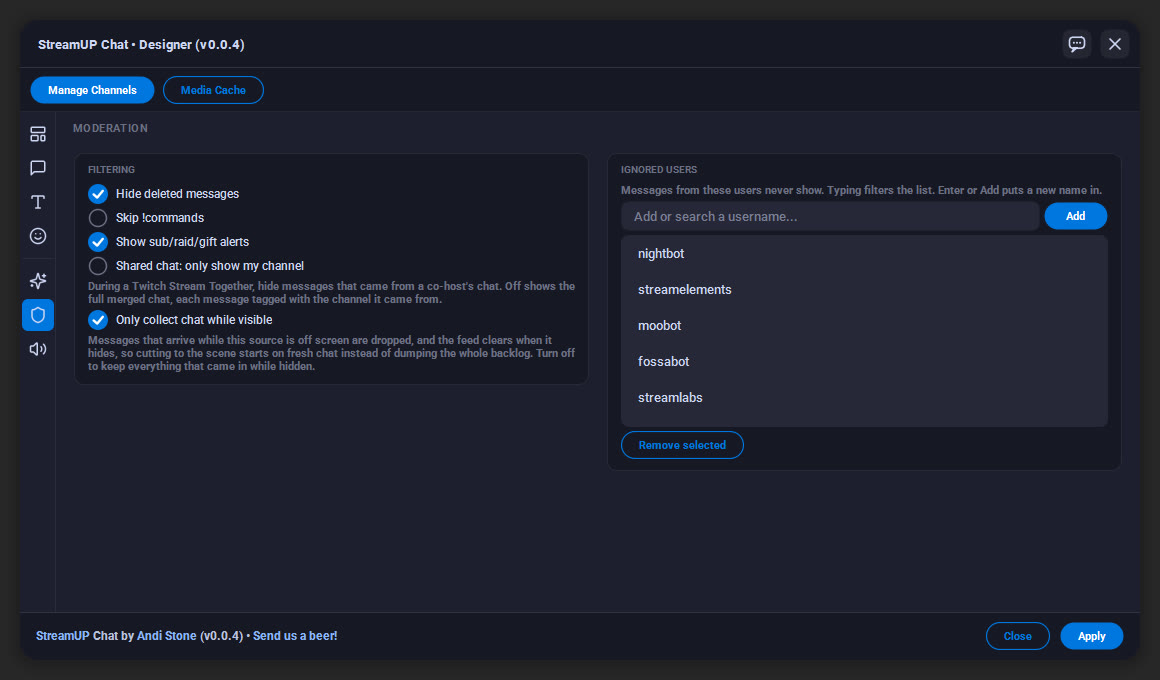
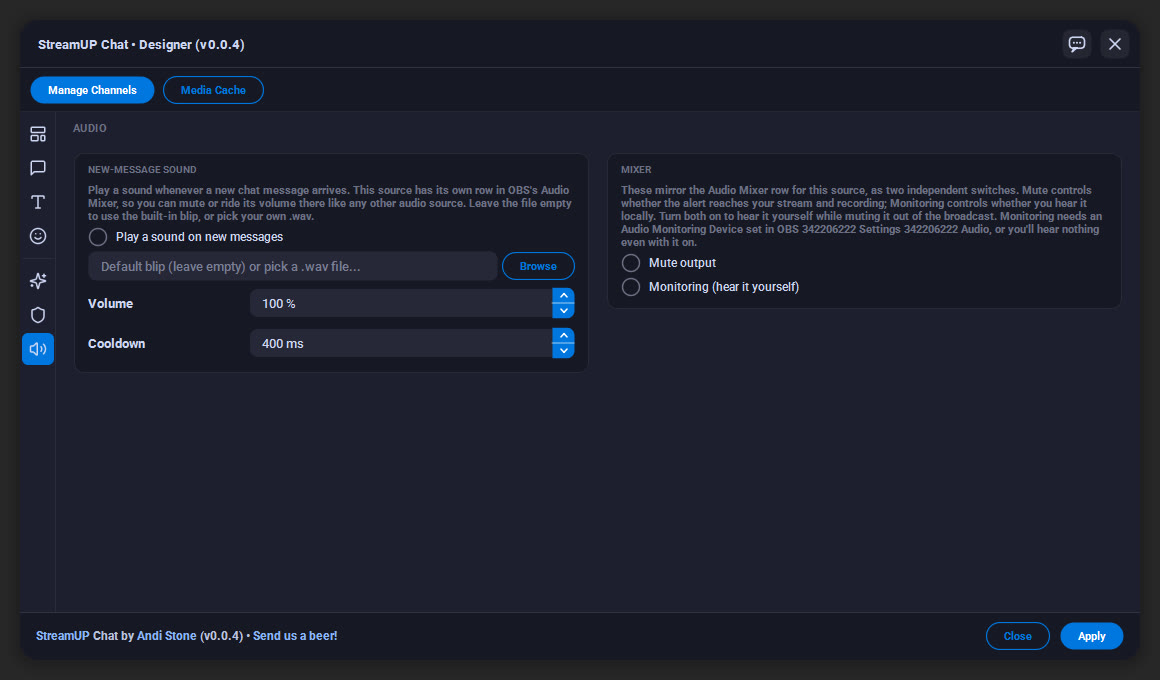
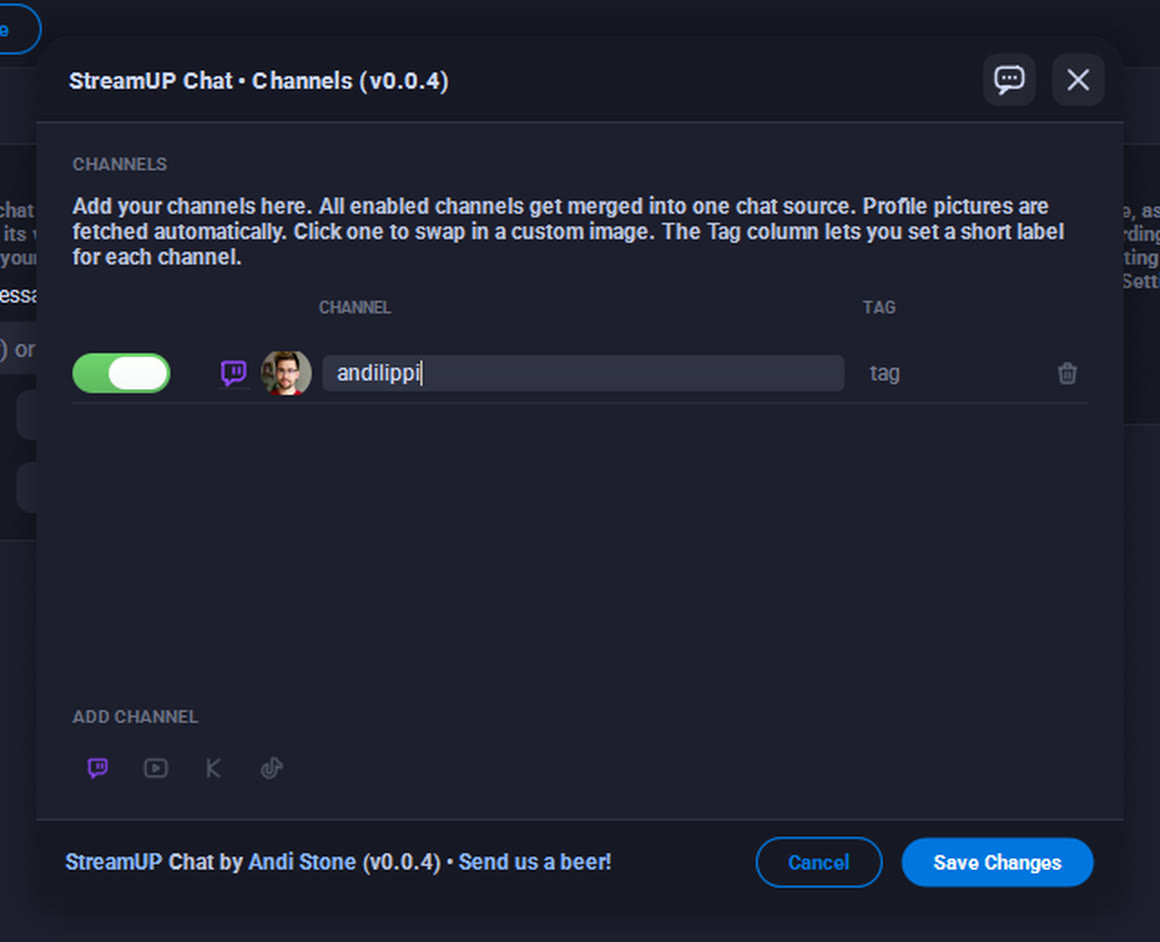
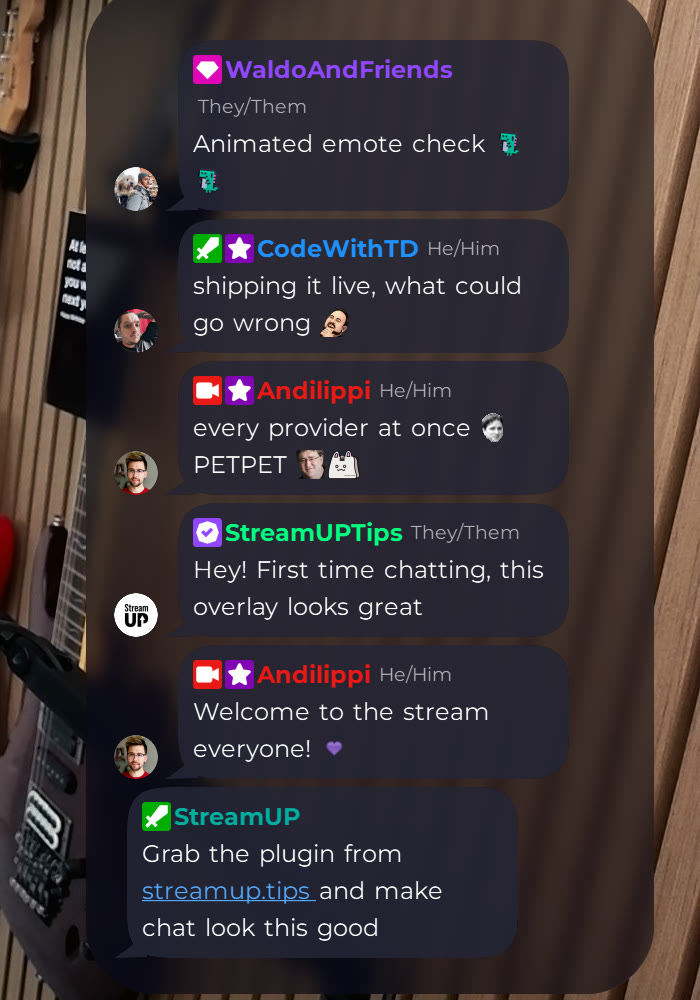
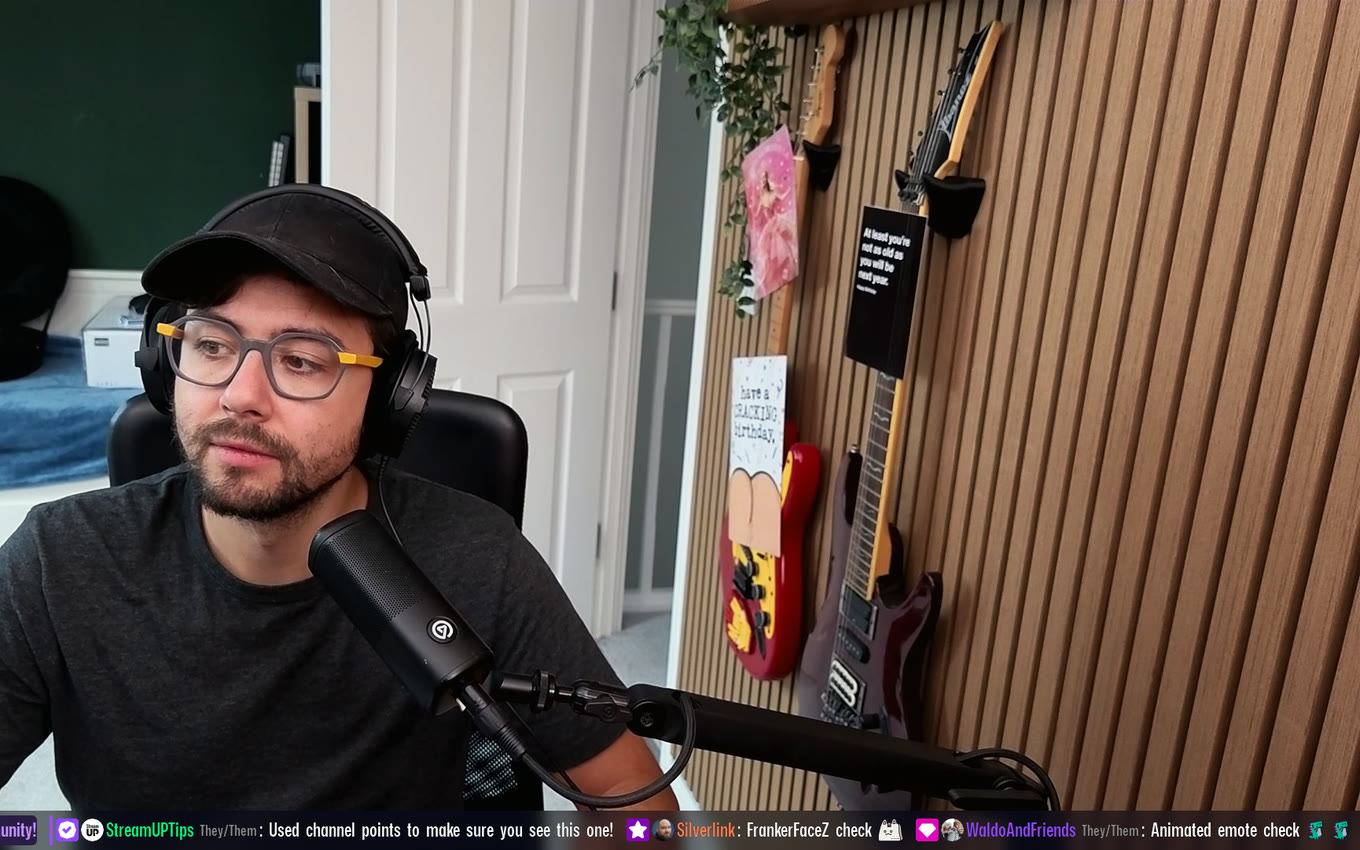
Every screenshot here is the same source, set up differently.
Run it as a column down the side of your scene or as a bar across the bottom. Pick a look, then change the font, the size, the colours, the corners, the spacing and how much room each message takes. Turn timestamps on. Make the emotes bigger. Round the bubbles off, or square them up.
If you want something really specific, hand it your own bubble artwork and it will stretch to fit any message without going blurry.
No CSS, no theme files to hunt down.
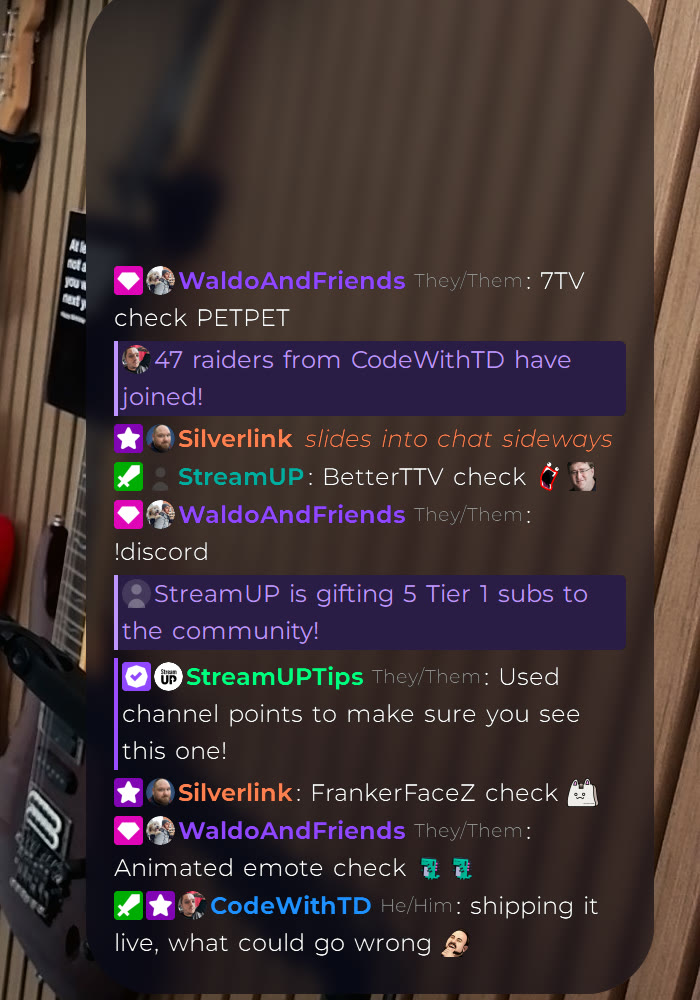
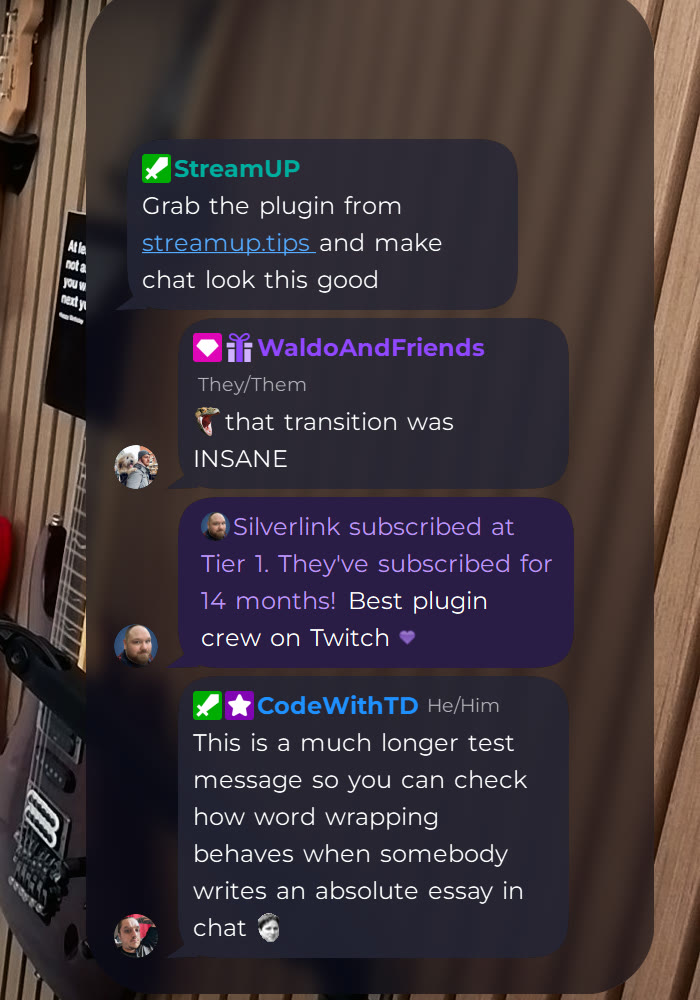
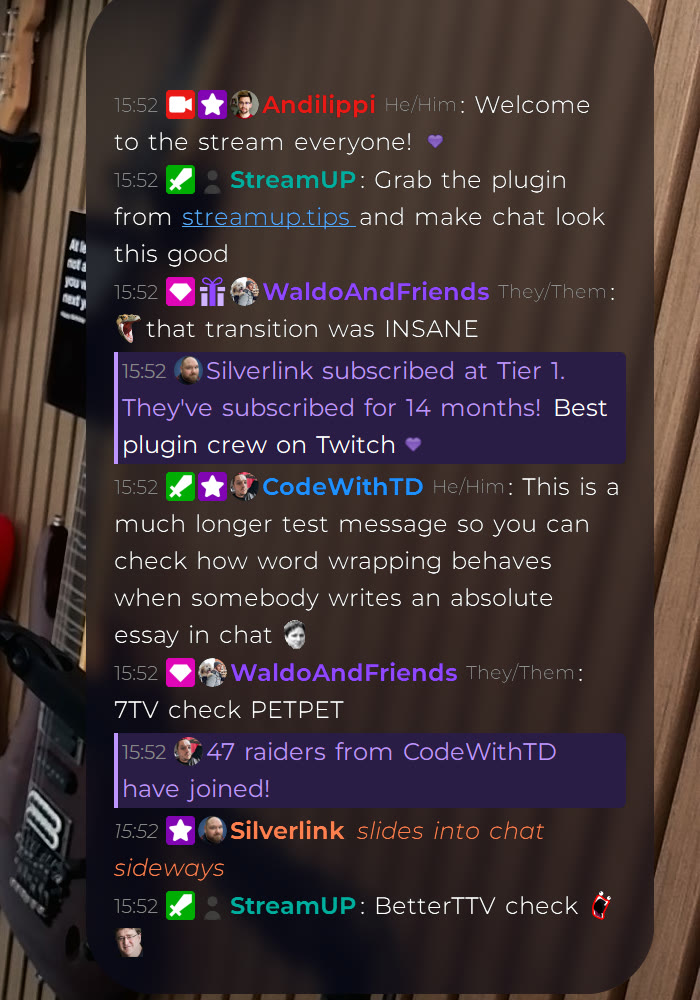
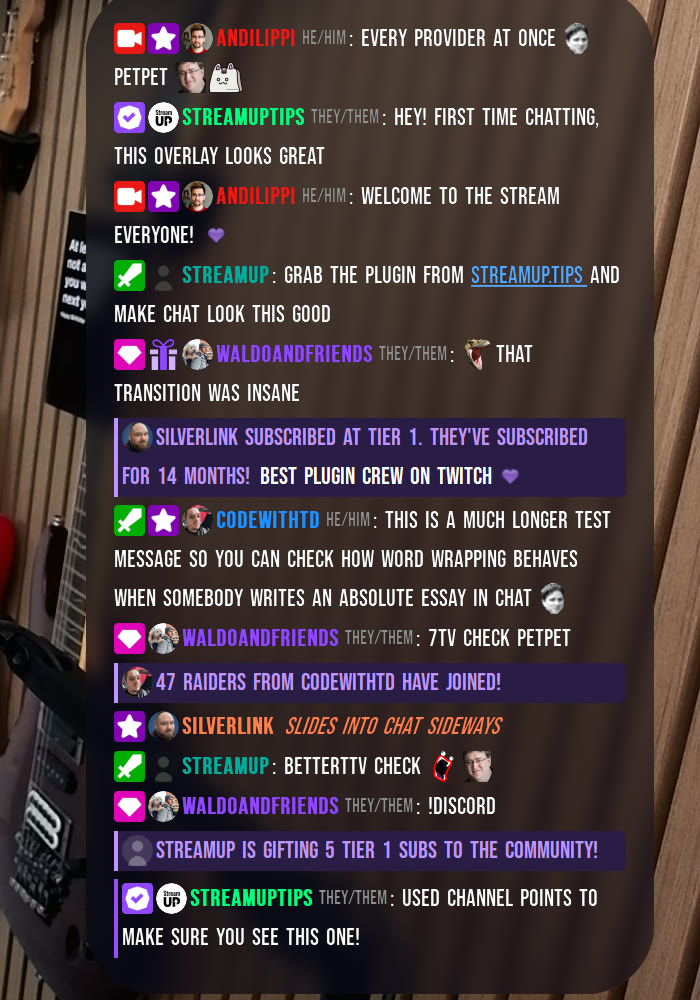
When somebody subscribes, gifts subs or raids you, it shows up as a message that actually says what happened, highlighted so it stands out from the conversation around it.
First-time chatters get their own highlight too, so you can spot a new face and say hello.
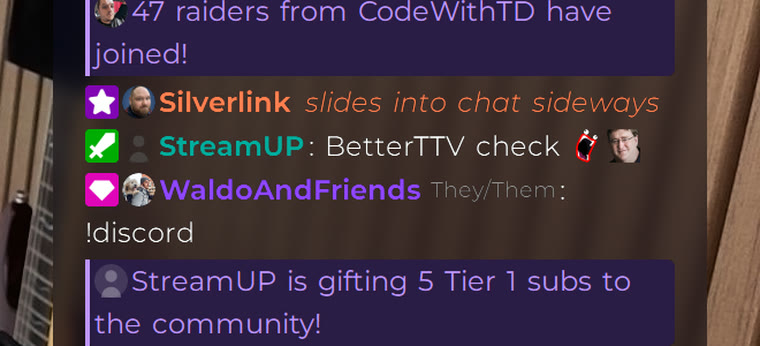
Twitch, 7TV, BetterTTV and FrankerFaceZ emotes all show up, and the animated ones animate. It only loads the emotes your channel actually uses, and it keeps an eye on how hard it is working so a wall of emotes will not slow your stream down.
Profile pictures, badges and pronouns sit next to each name, so chat on your overlay looks like chat really looks.
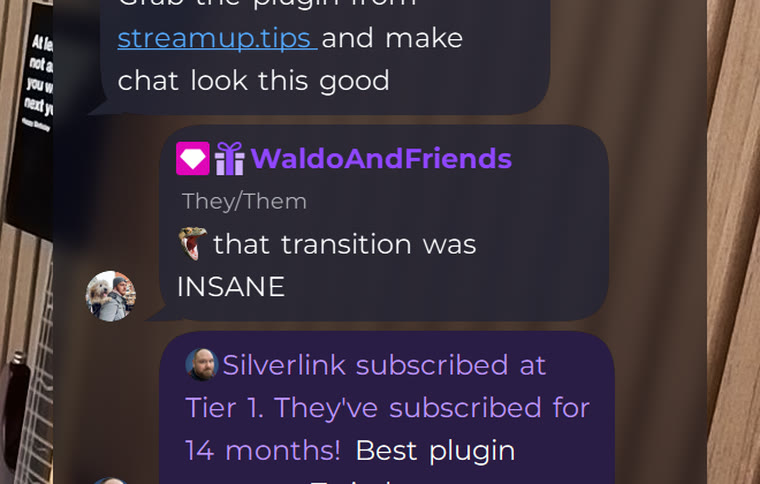
It installs into OBS and runs there. Nothing to sign into, nothing to keep open alongside it. Questions, ideas or something not working? We are in the Discord.
Everything else we build for OBS Studio. Each one its own download, with its own page.
OBS
Mark the good bits while you record, and find them waiting on your editing timeline.
OBS
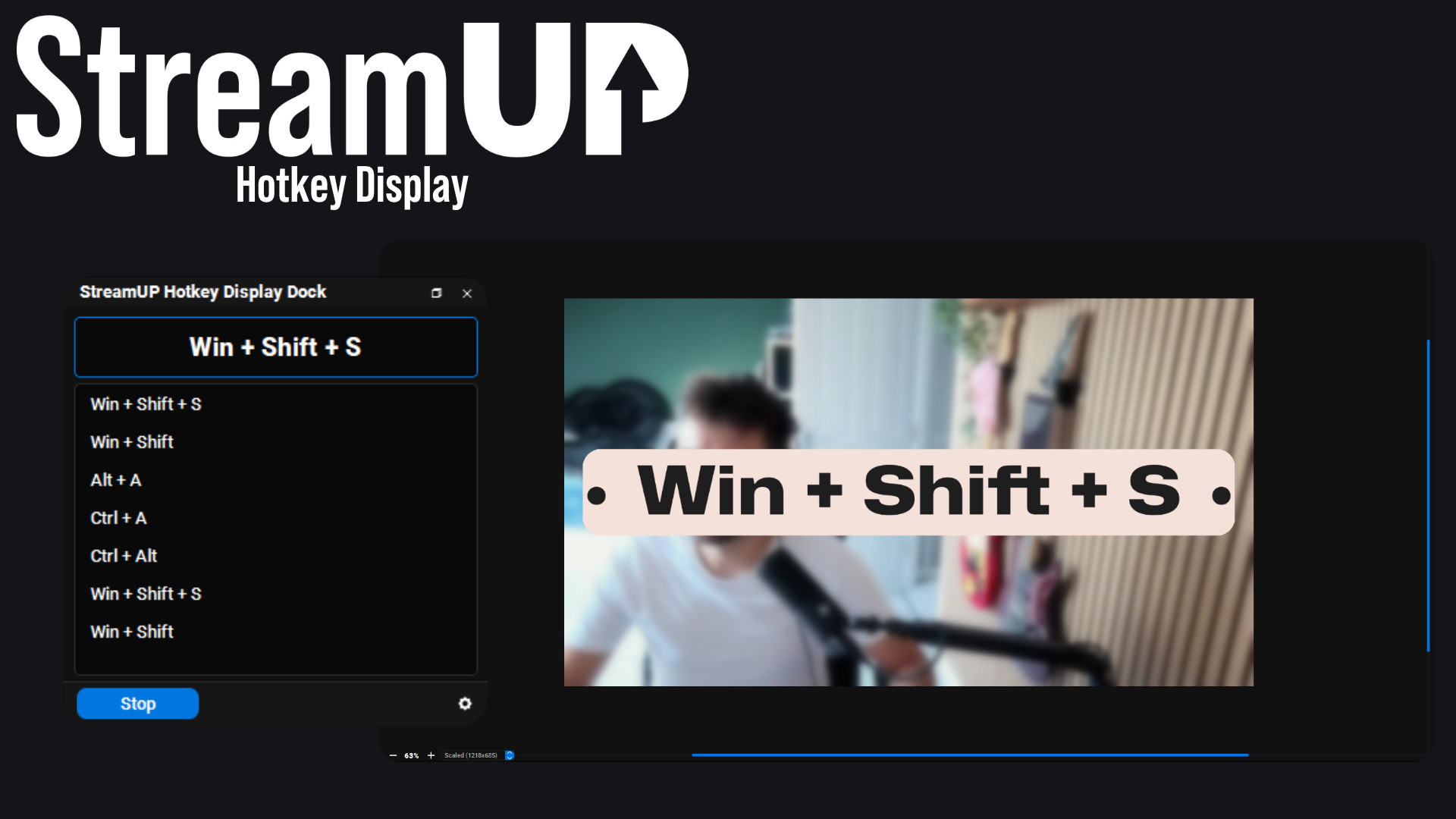
Show the keyboard shortcut you just pressed, in OBS and on screen for your viewers.
OBS
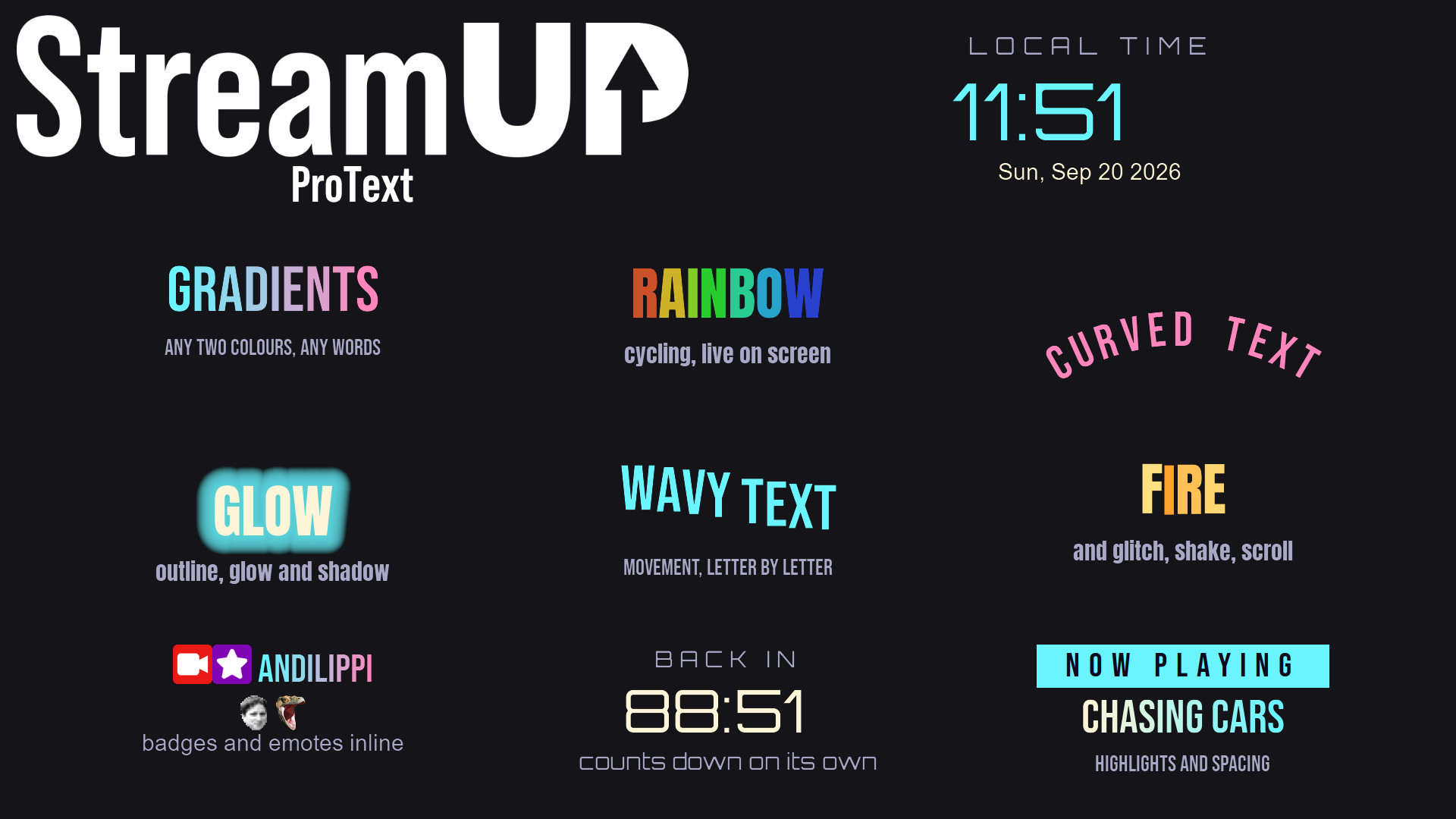
Text in OBS with gradients, glows, emotes and countdowns, from tags you type yourself.
OBS
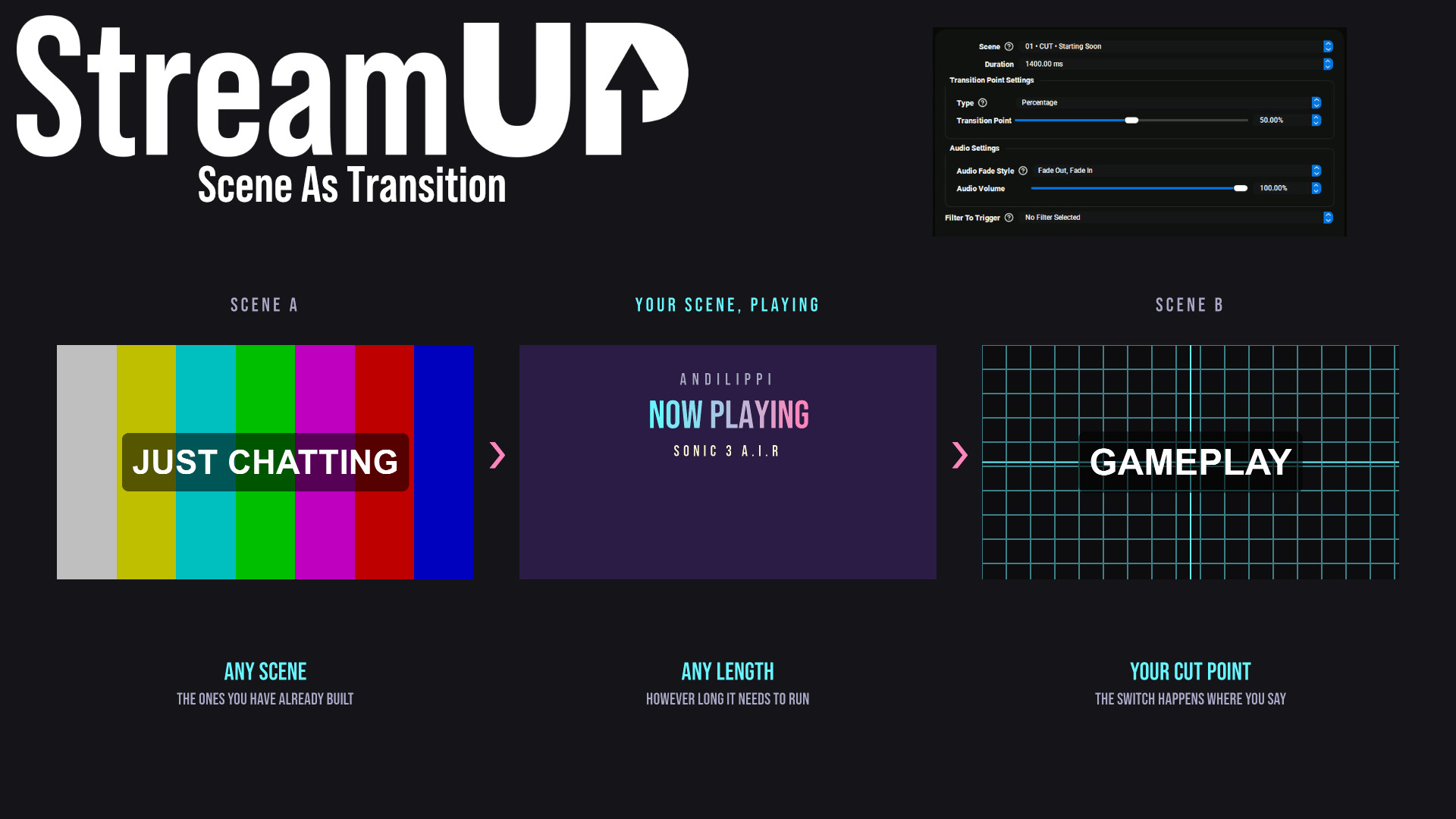
Use any OBS scene as your transition, so the switch looks like something you made.
OBS
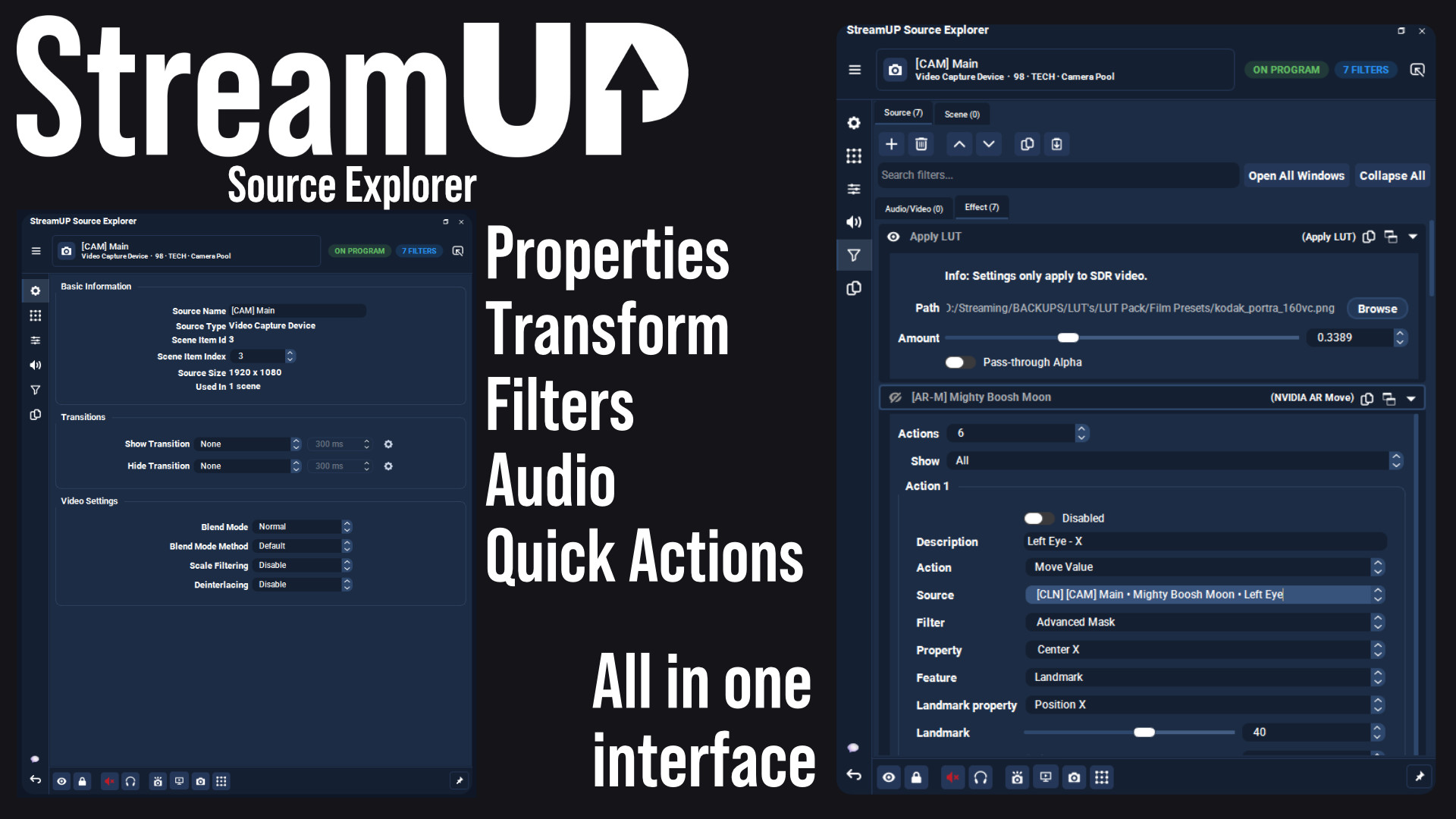
Every setting for any OBS source in one dock, and the command to change it on your clipboard.
OBS
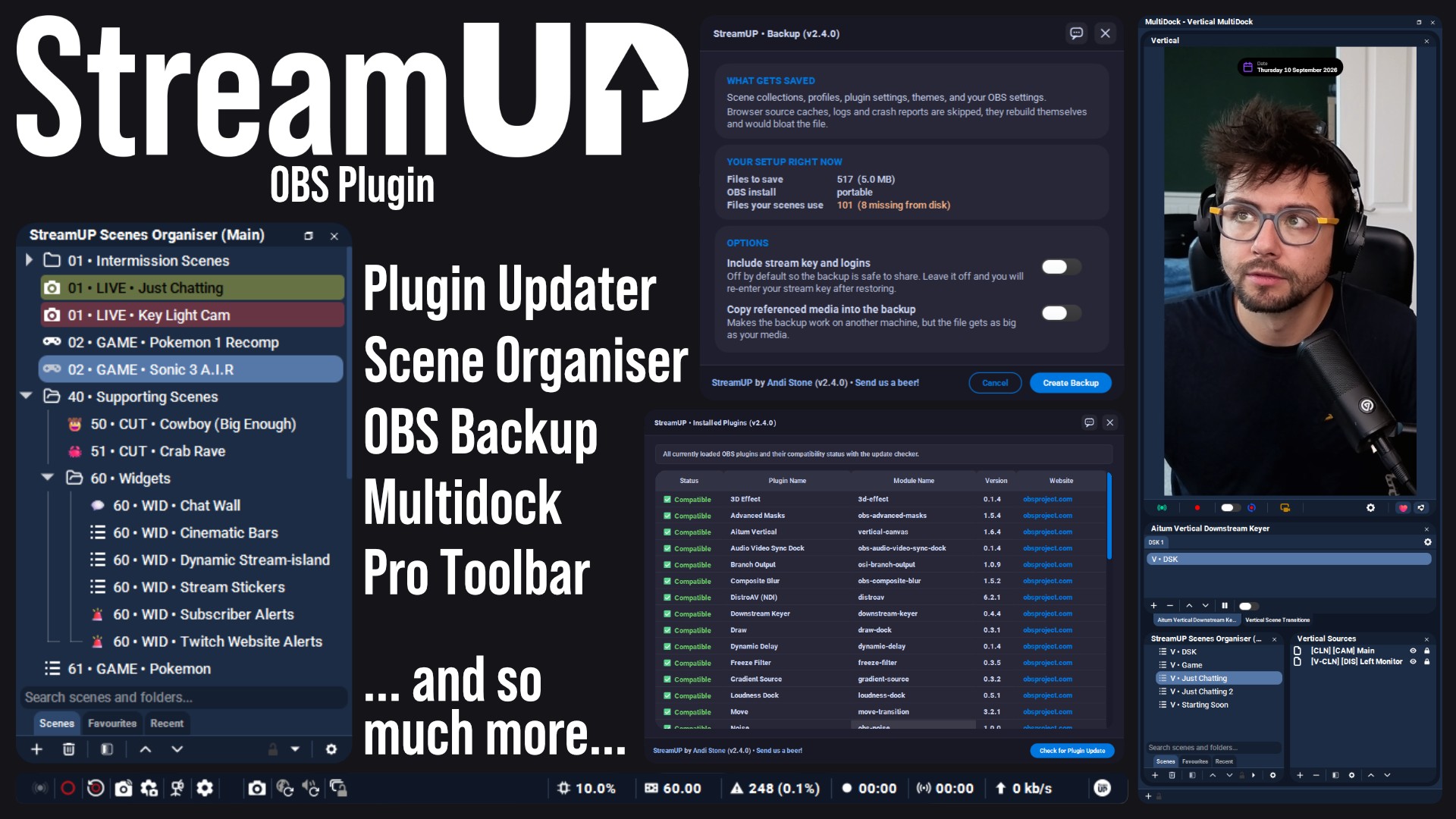
The plugin the rest of StreamUP is built on, with the tools OBS leaves out.
 Streamer.bot
OBS
Streamer.bot
OBS

Every StreamUP OBS plugin command as a Streamer.Bot action, ready for a hotkey or a button.
OBS
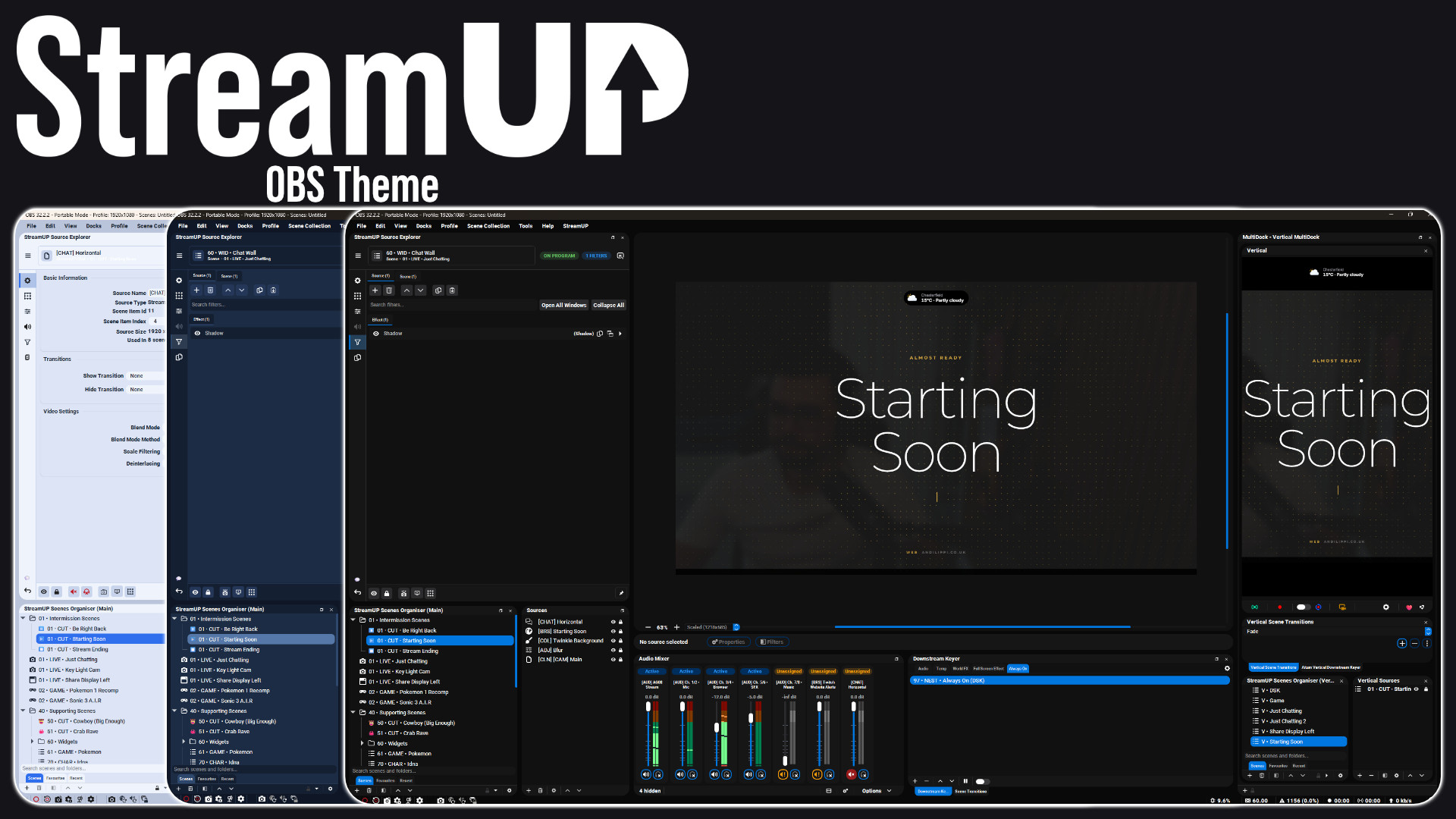
A full redesign of the OBS interface: panels, docks, toolbars and dialogs.
OBS
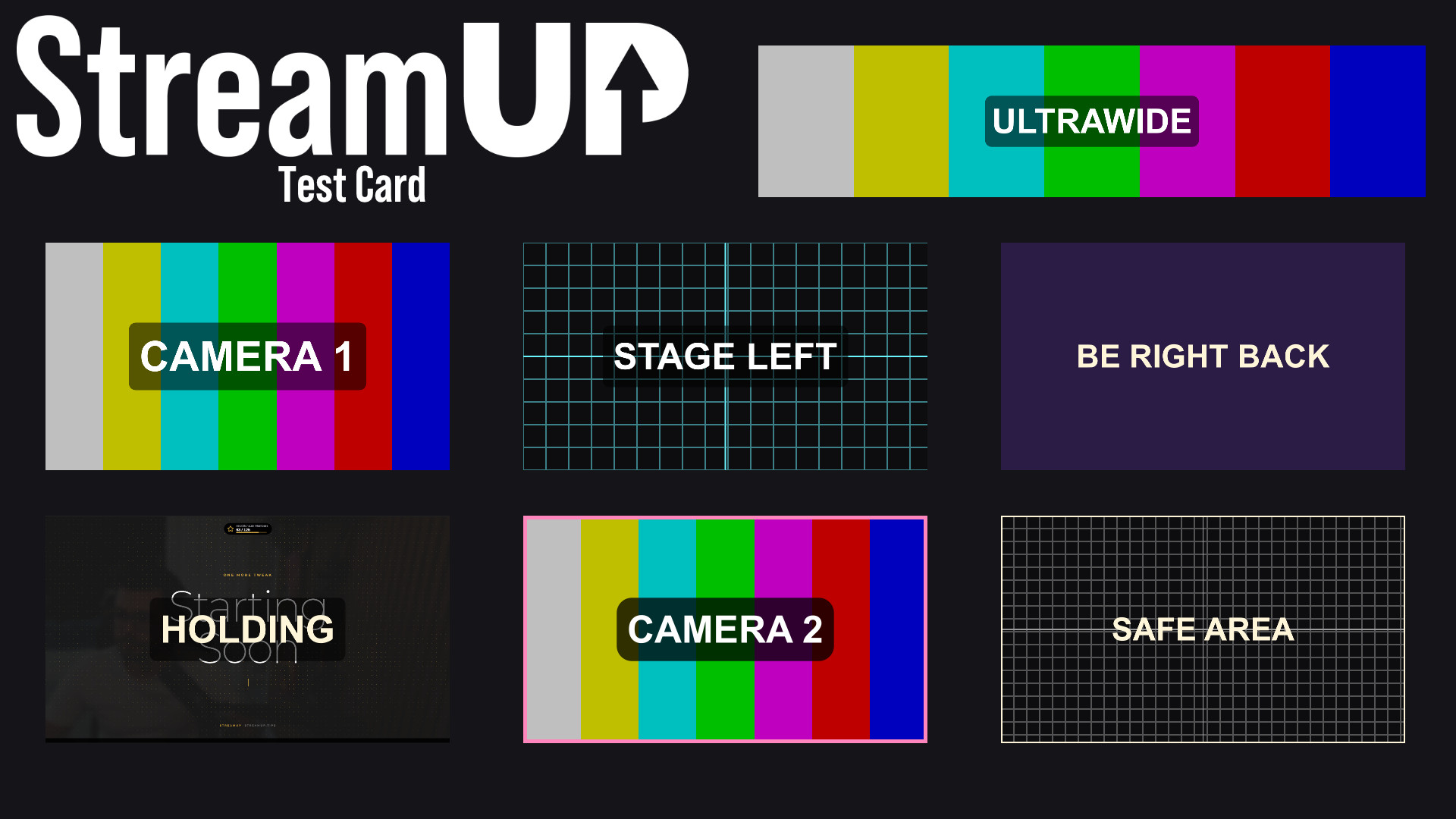
Turn any source into a labelled test card, so you can build a scene before the camera exists.