 OBS
OBS
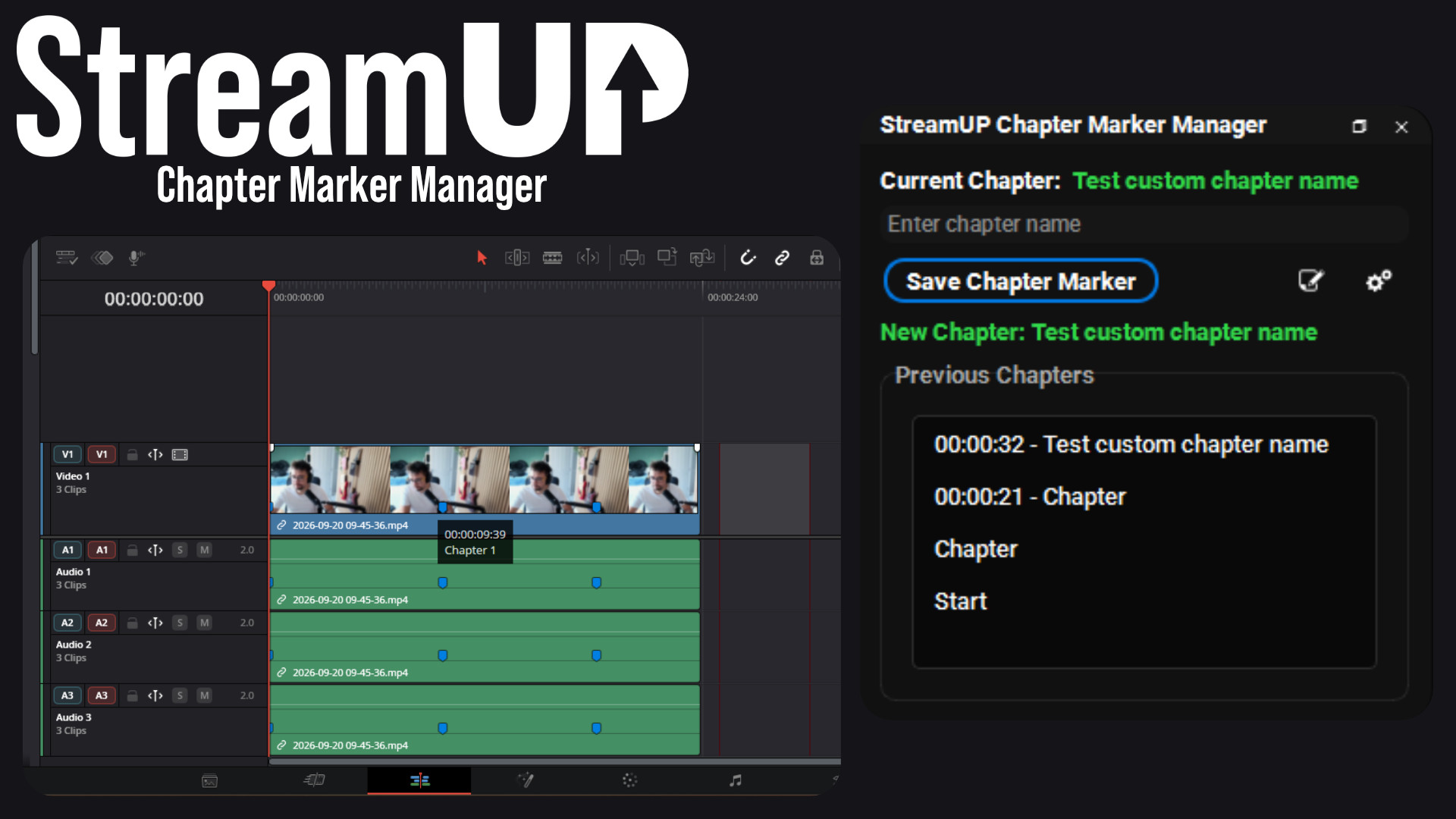
Chapter Marker Manager
Mark the good bits while you record, and find them waiting on your editing timeline.
Text in OBS with gradients, glows, emotes and countdowns, from tags you type yourself.
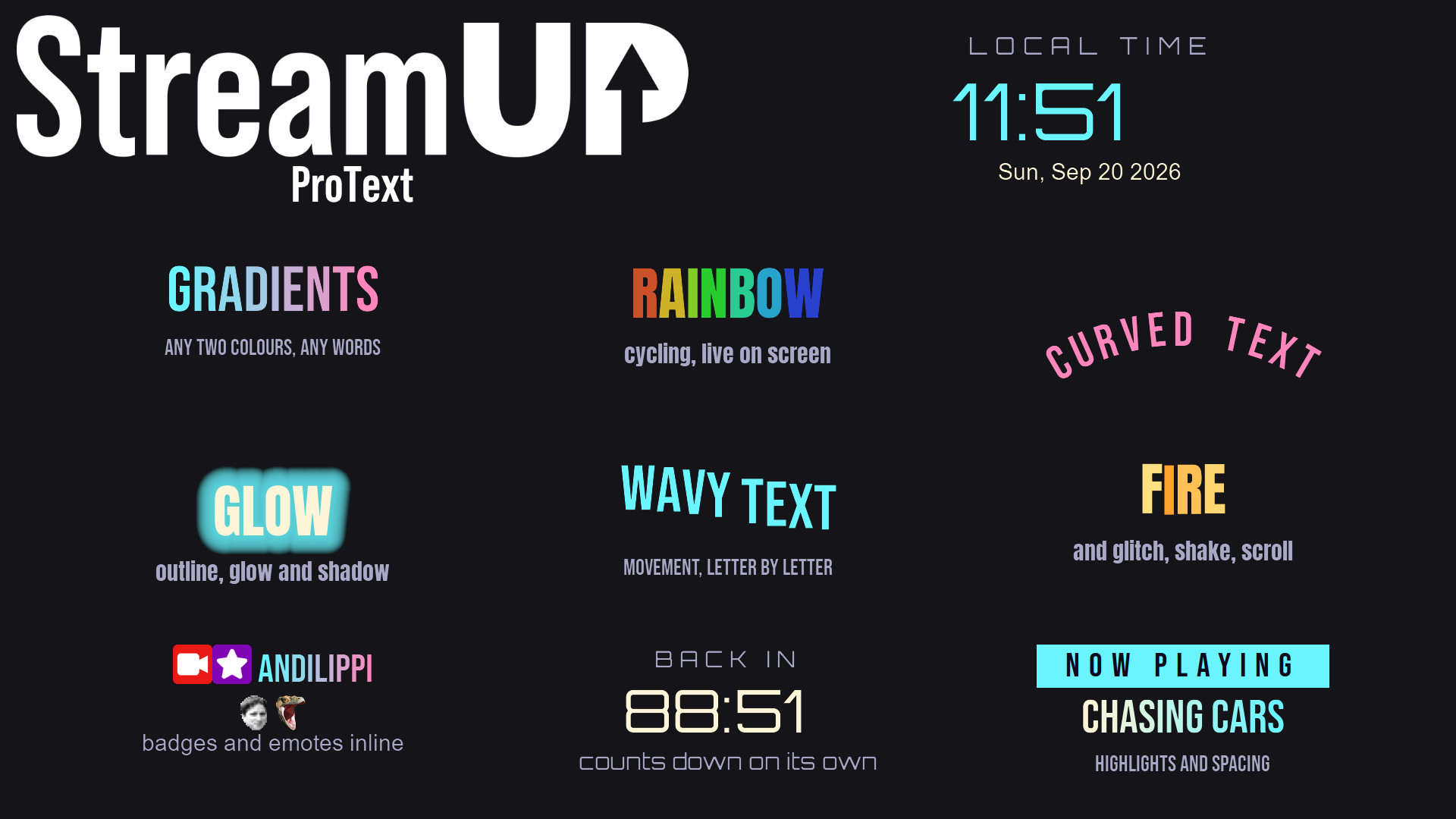
Text in OBS is one font, one colour, one size. This is text you can actually design with.
Type what you want on screen, then wrap the bits you want to stand out in a tag. Colours, gradients, glows, Google Fonts, emotes, countdowns, animation. It all renders inside OBS, with no browser source and nothing to sign into.
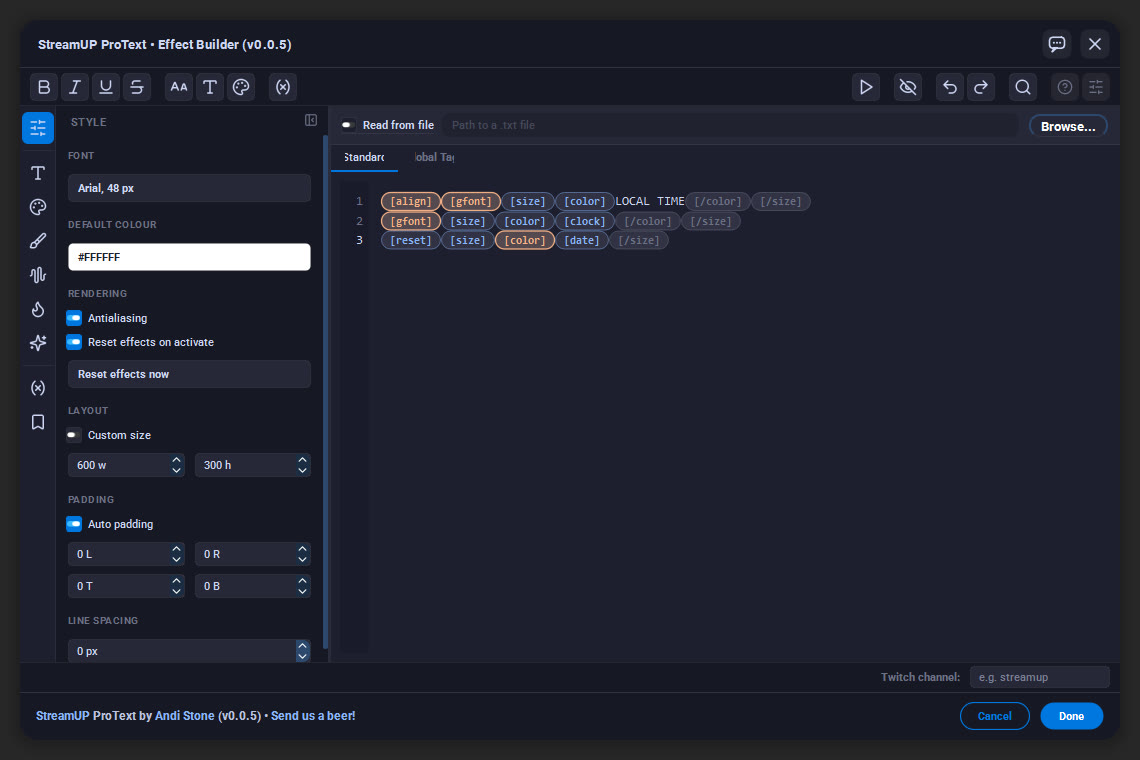
The editor opens with the source. Tags show up as chips as you type, so you can see the shape of what you have written, and every category is one click away down the side.
Font, colour, size, padding and line spacing for the whole source live on the left, so the tags are only for the parts you want to treat differently.
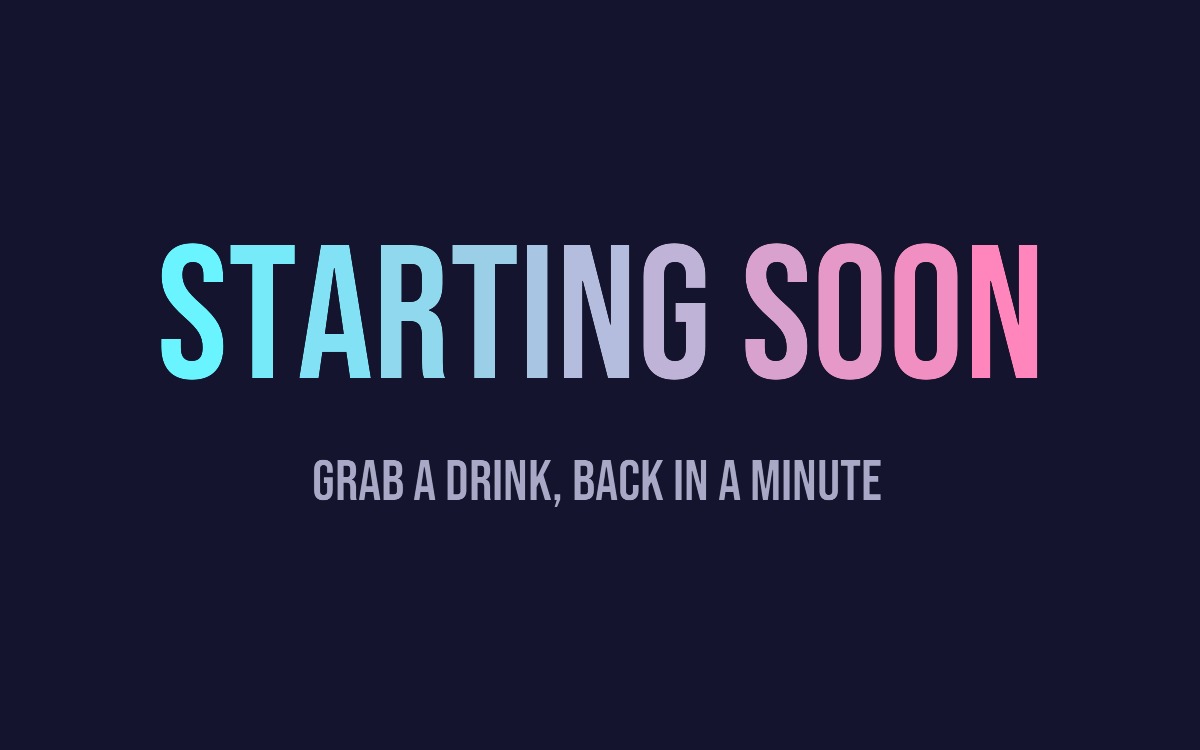
Every picture on this page is the same plugin. The only difference is the text typed into it.
A title card in a font you downloaded seconds ago, a countdown that ticks down on screen, a clock, a now-playing bar, chat badges and emotes inline. No image editor, no browser source, no separate overlay to keep in sync.
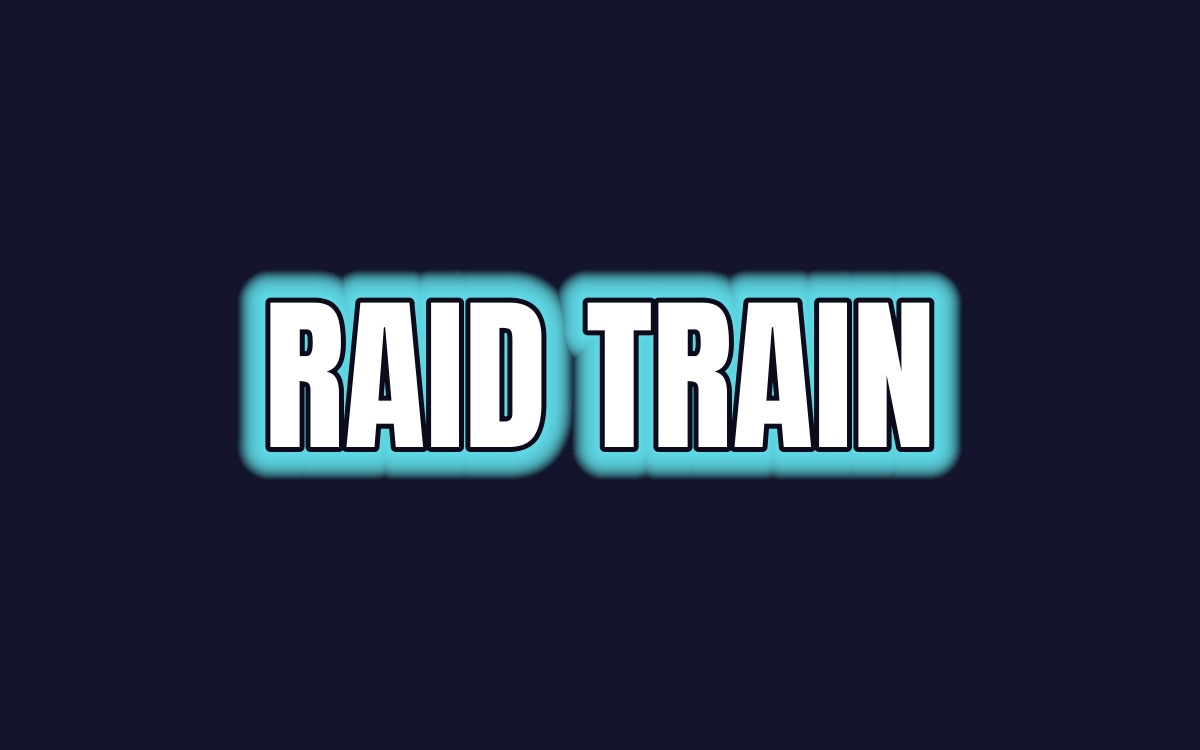
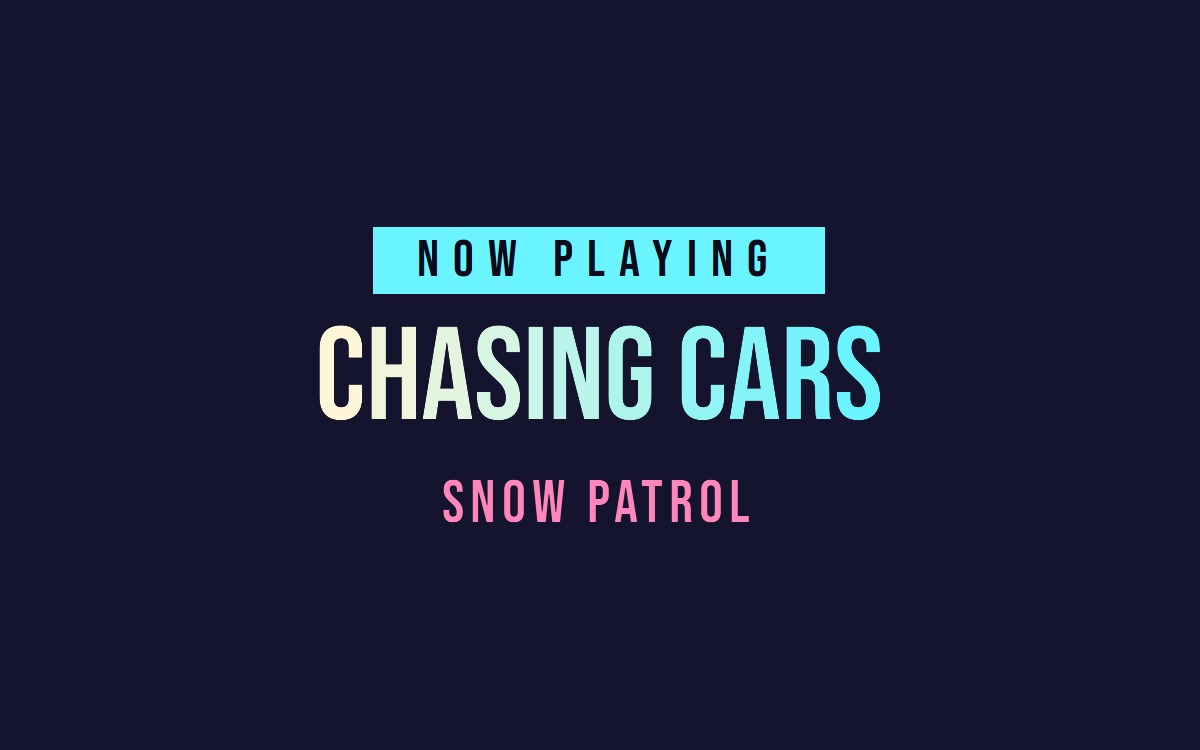
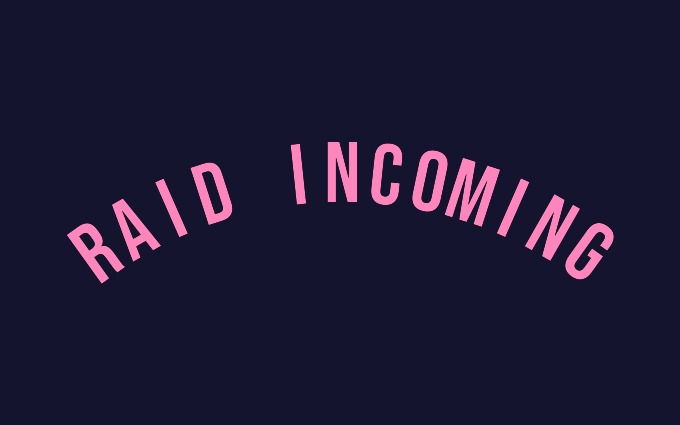
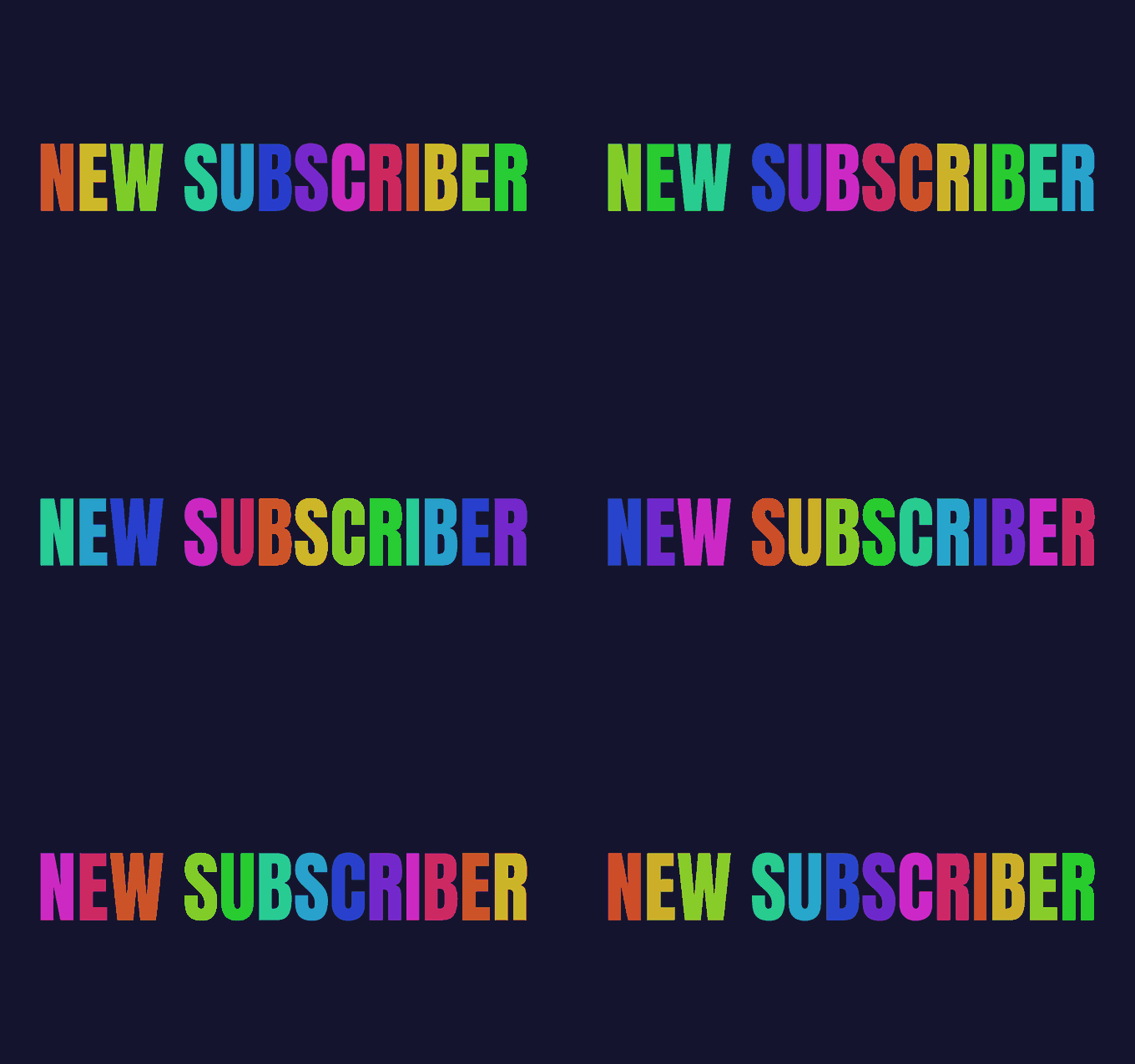
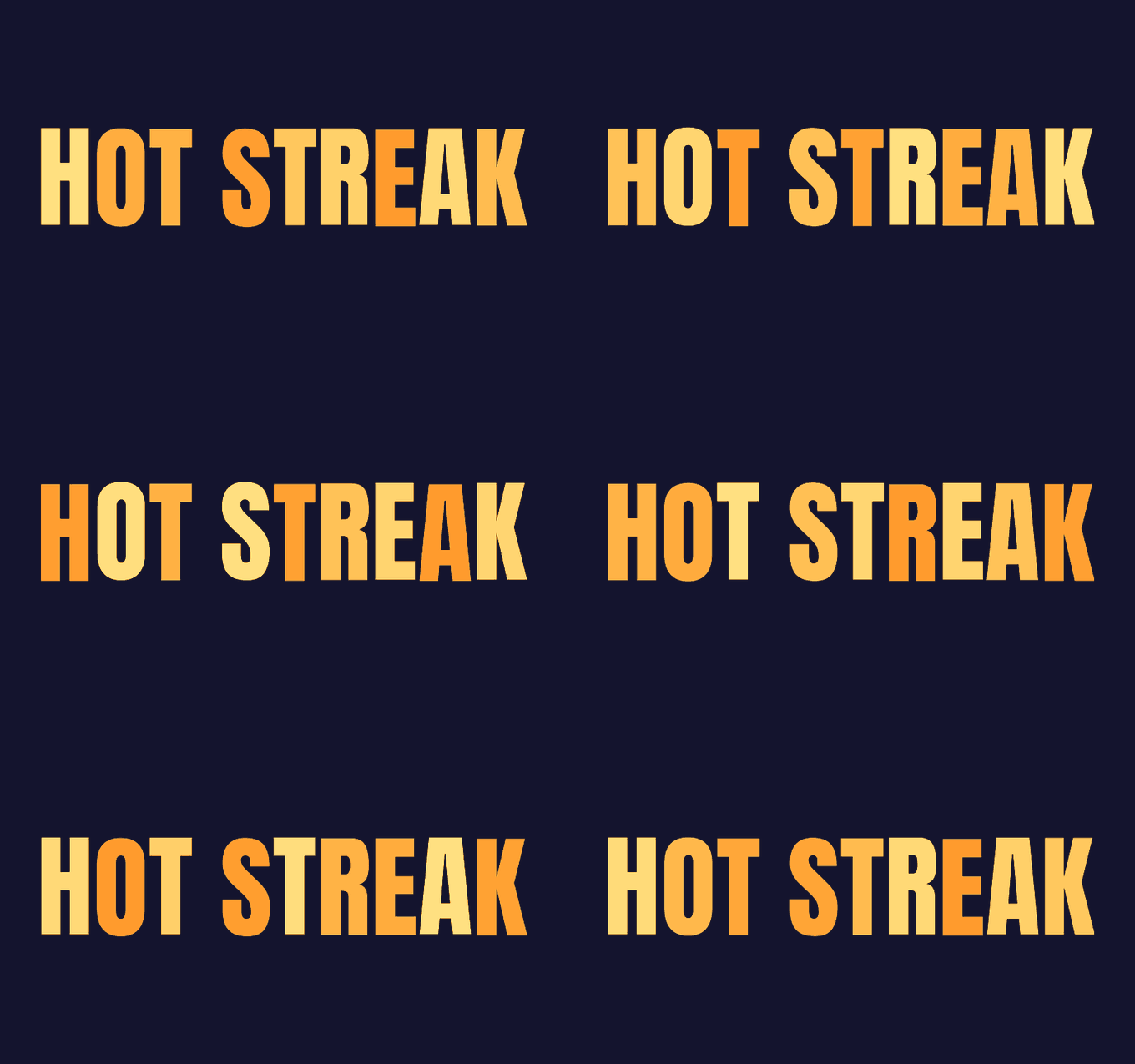
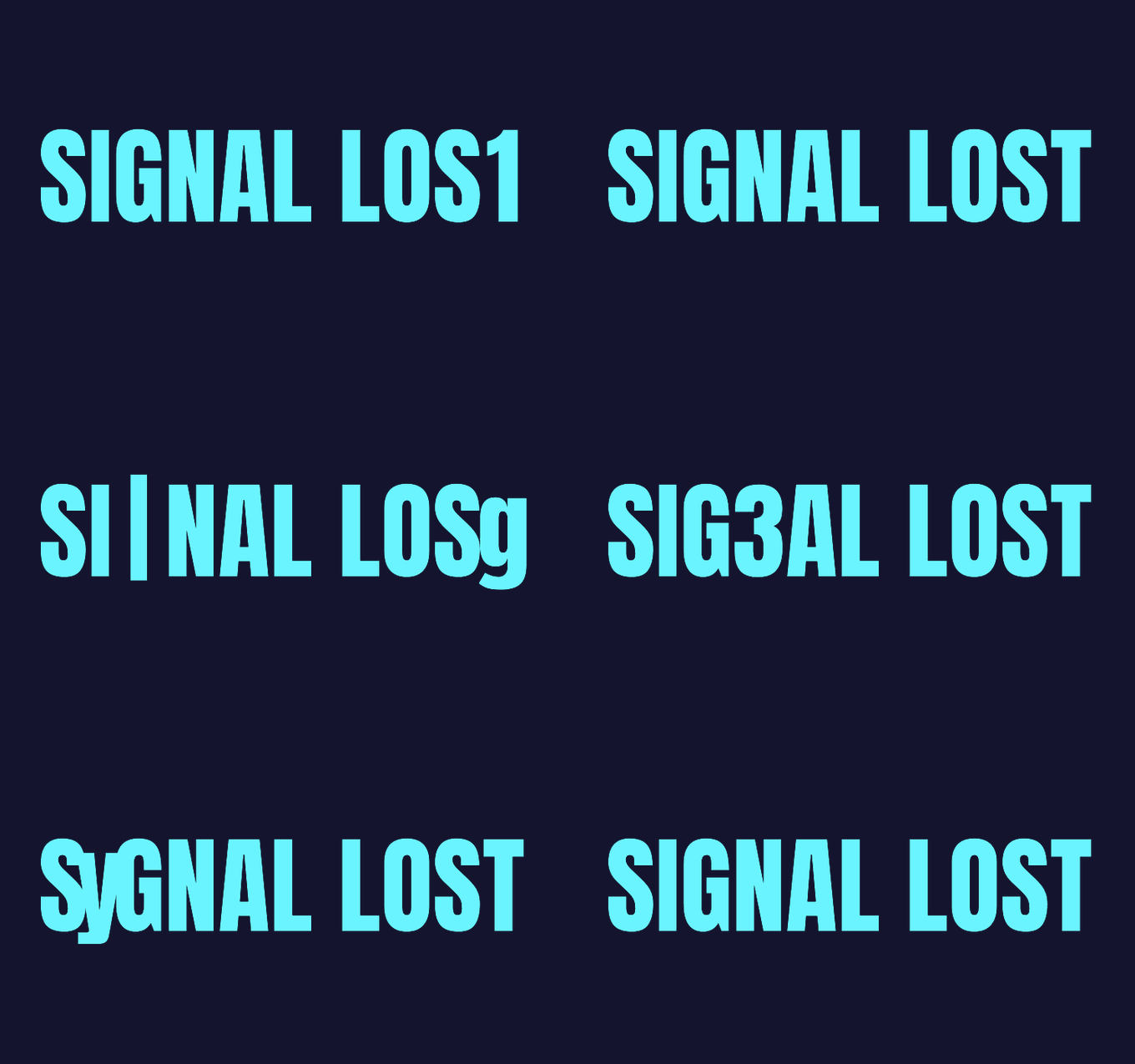
Some of it does not sit still. Letters ride a wave, colours roll through a rainbow, a word catches fire, a title breaks up like a bad signal.
It is the same idea as everything else here: put a tag around the words you want to move. Pick the speed and how far it goes, and it runs on its own for as long as it is on screen.
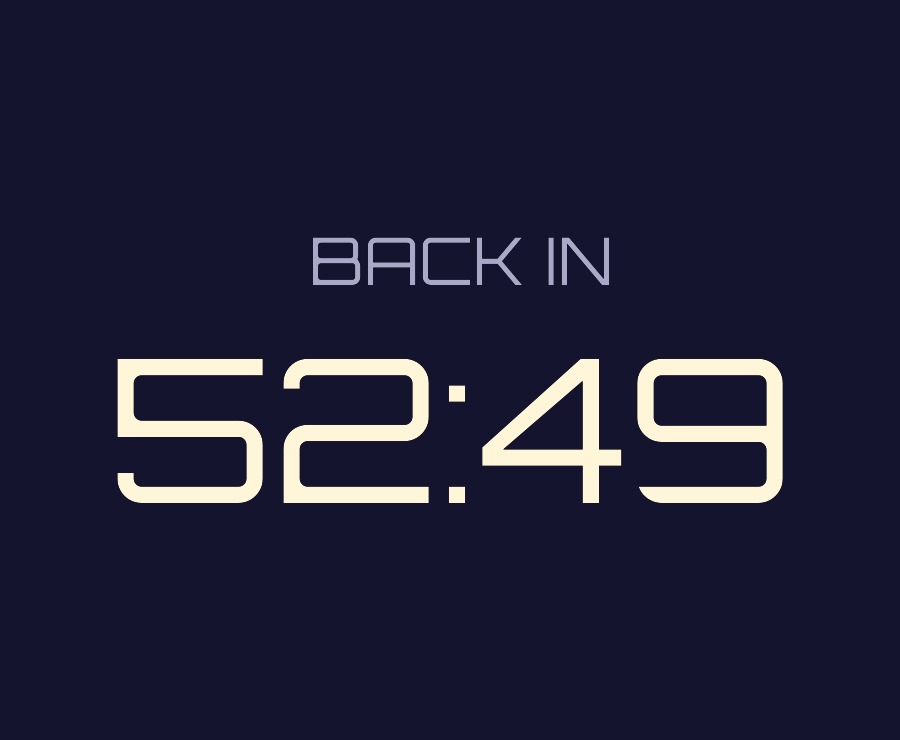
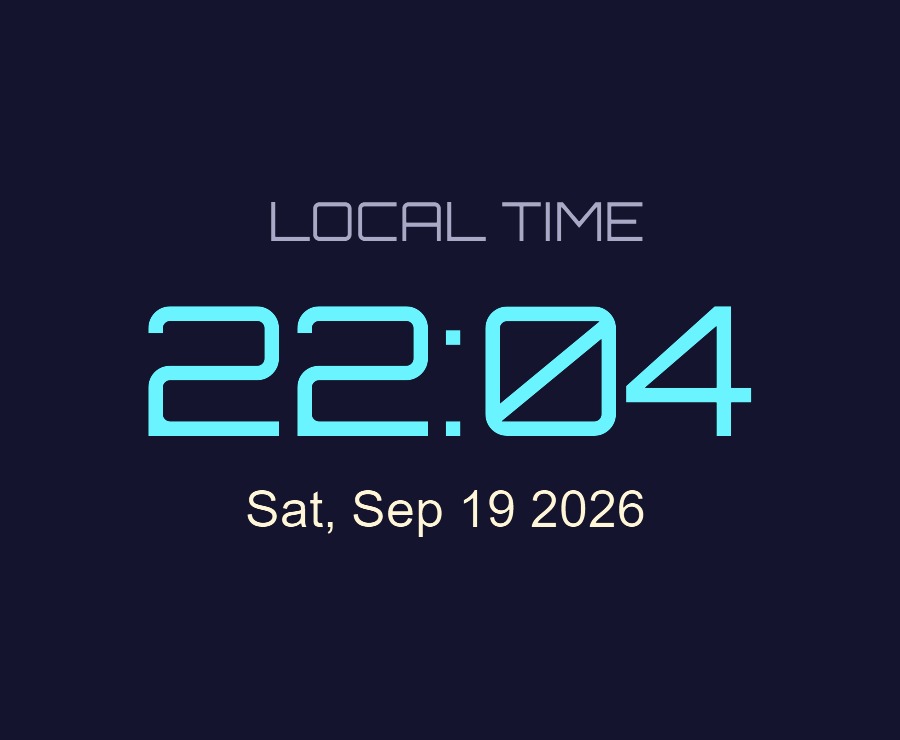
A countdown that ticks down and says something else when it hits zero. A clock in any format, in any timezone. Today's date, written out properly. A counter that climbs to a number.
Set it once and forget it. Nothing to wire up, no bot, no timer running somewhere else.
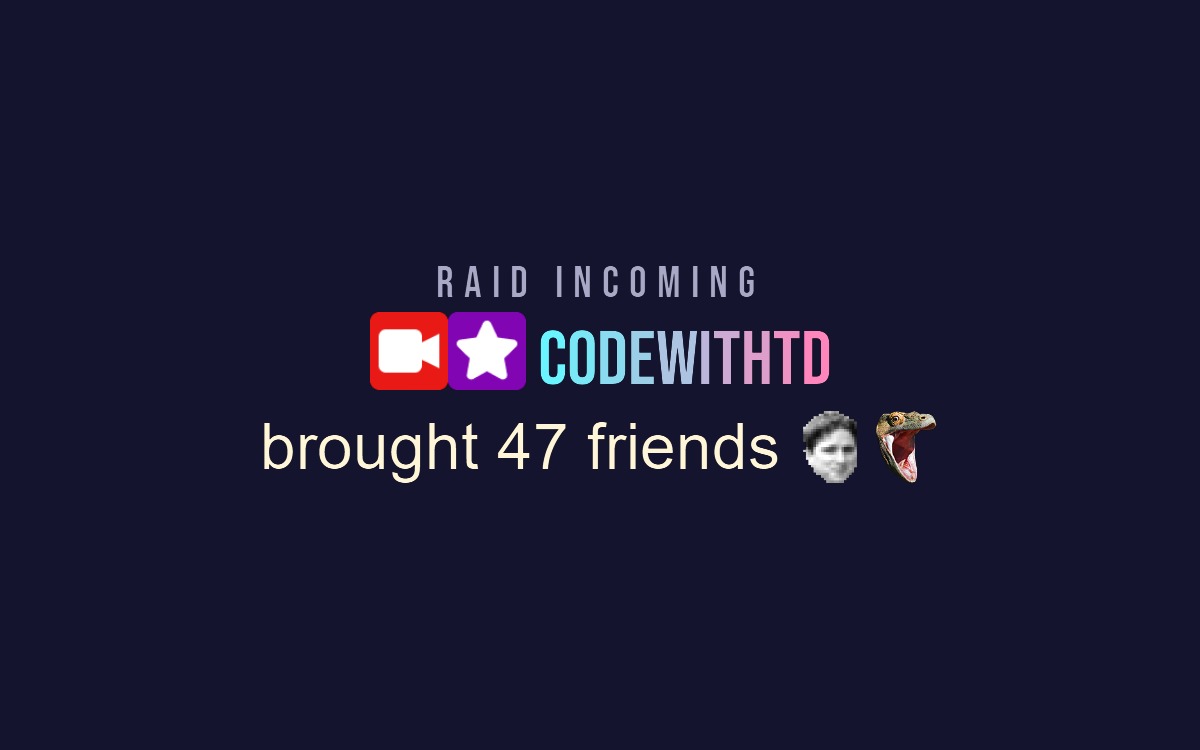
Drop an emote into your text by name and it appears where you put it, animated ones included. Twitch, 7TV, BetterTTV and FrankerFaceZ.
Badges work the same way, so an alert can carry somebody's actual badges next to their name instead of a plain line of text.
It installs into OBS and runs there. Nothing to sign into, nothing to keep open alongside it. Questions, ideas or something not working? We are in the Discord.
Everything else we build for OBS Studio. Each one its own download, with its own page.
OBS
Mark the good bits while you record, and find them waiting on your editing timeline.
OBS
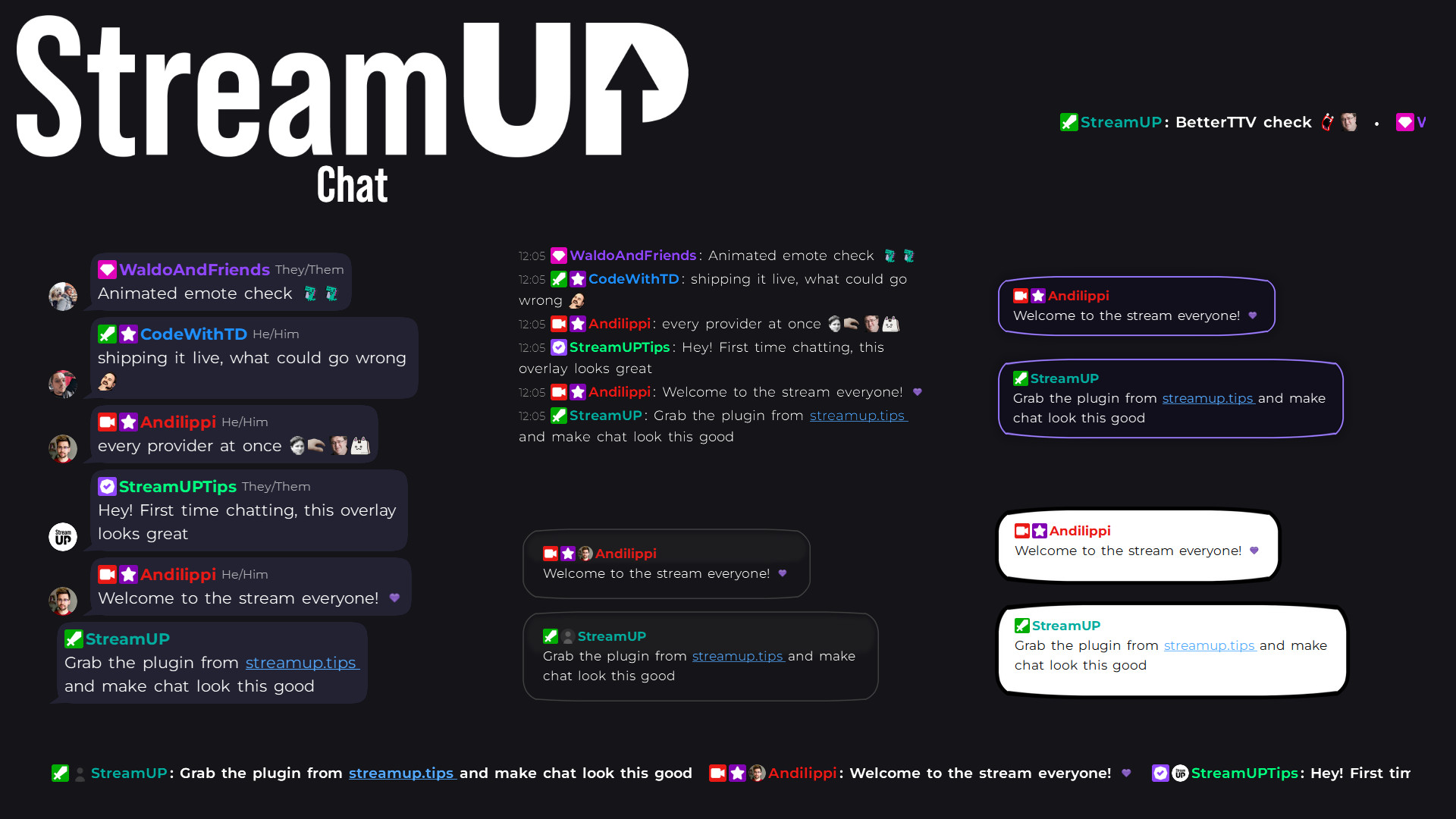
Your Twitch chat on stream in seconds, styled however you like, straight inside OBS.
OBS
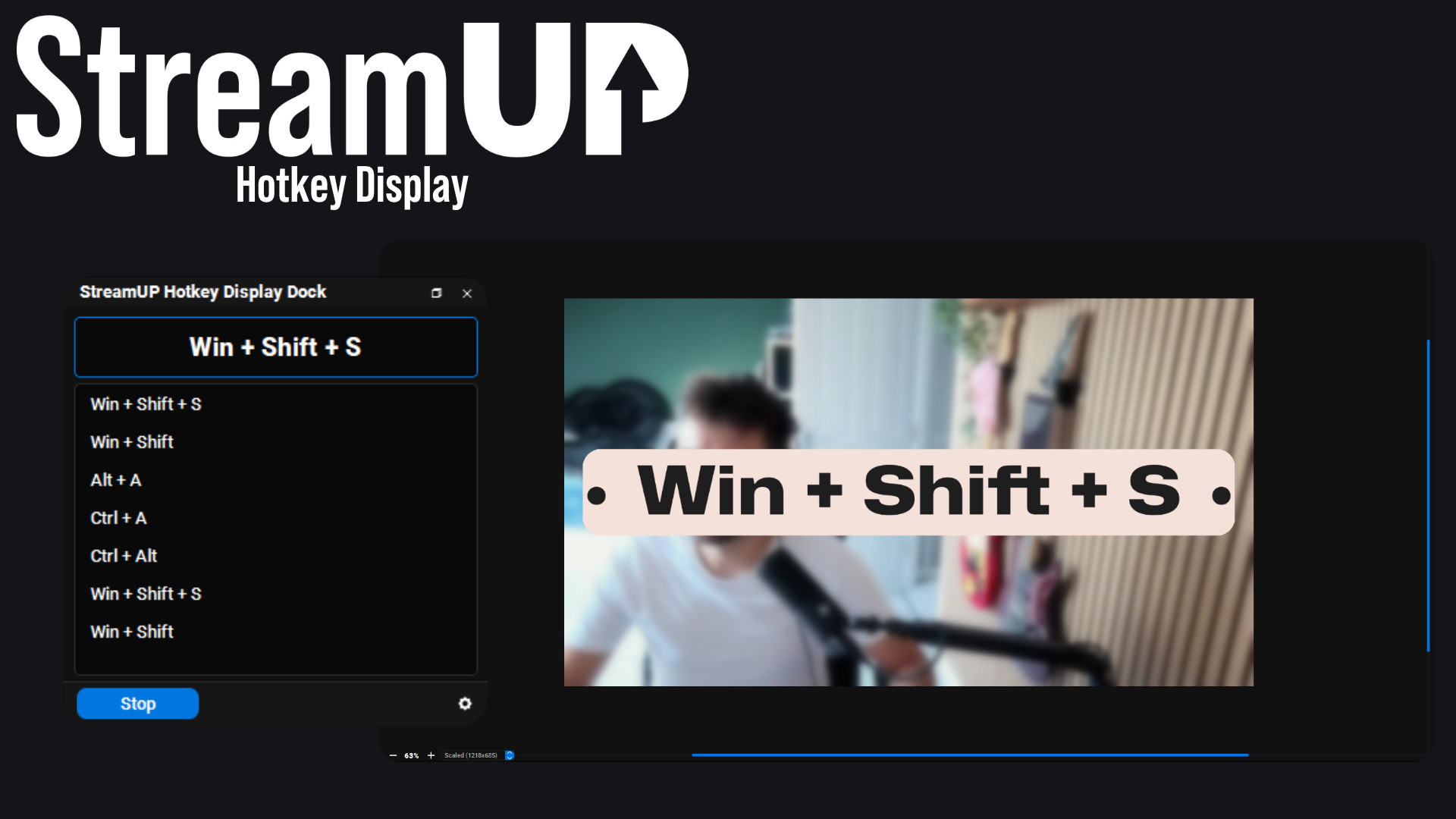
Show the keyboard shortcut you just pressed, in OBS and on screen for your viewers.
OBS
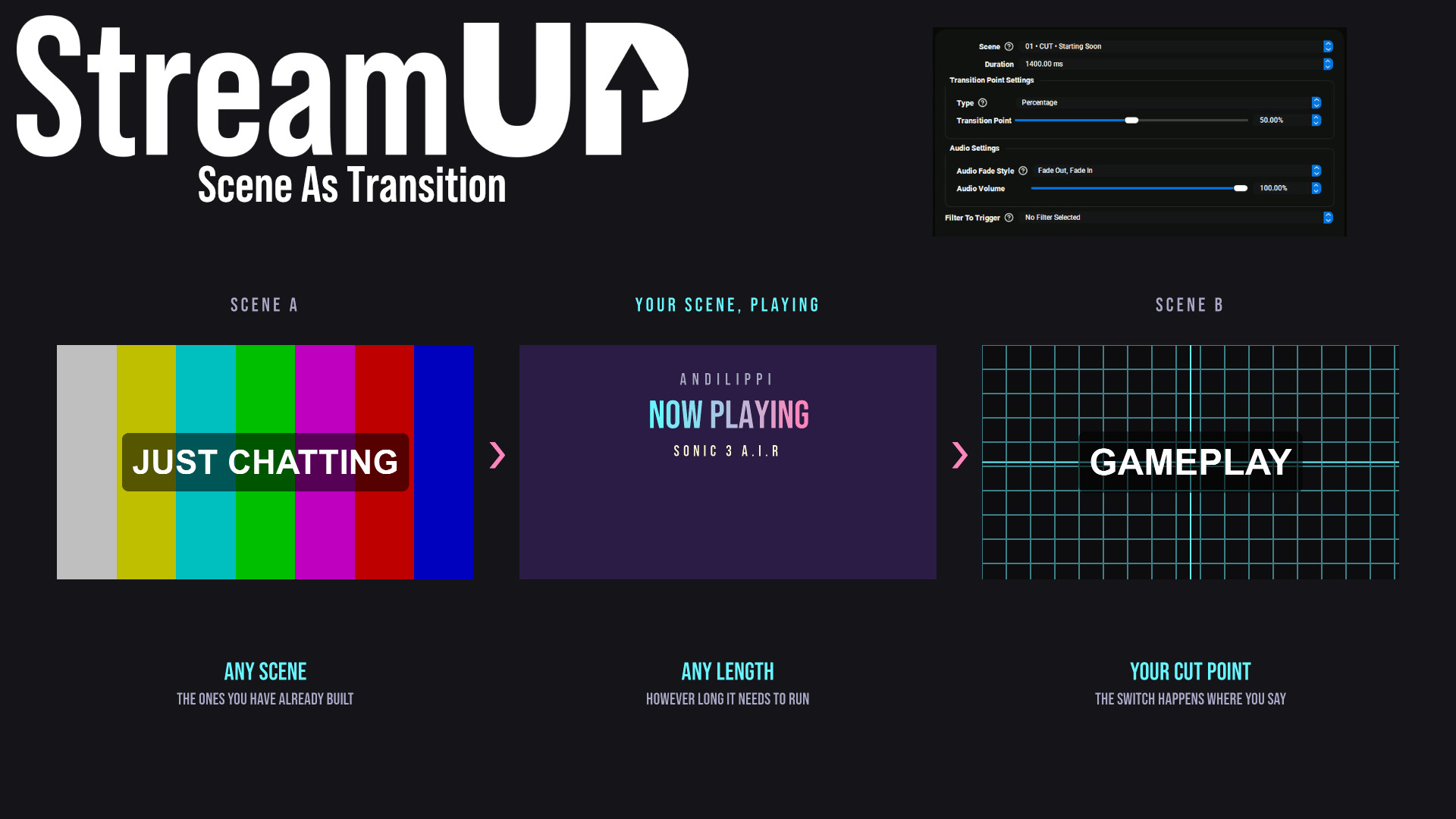
Use any OBS scene as your transition, so the switch looks like something you made.
OBS
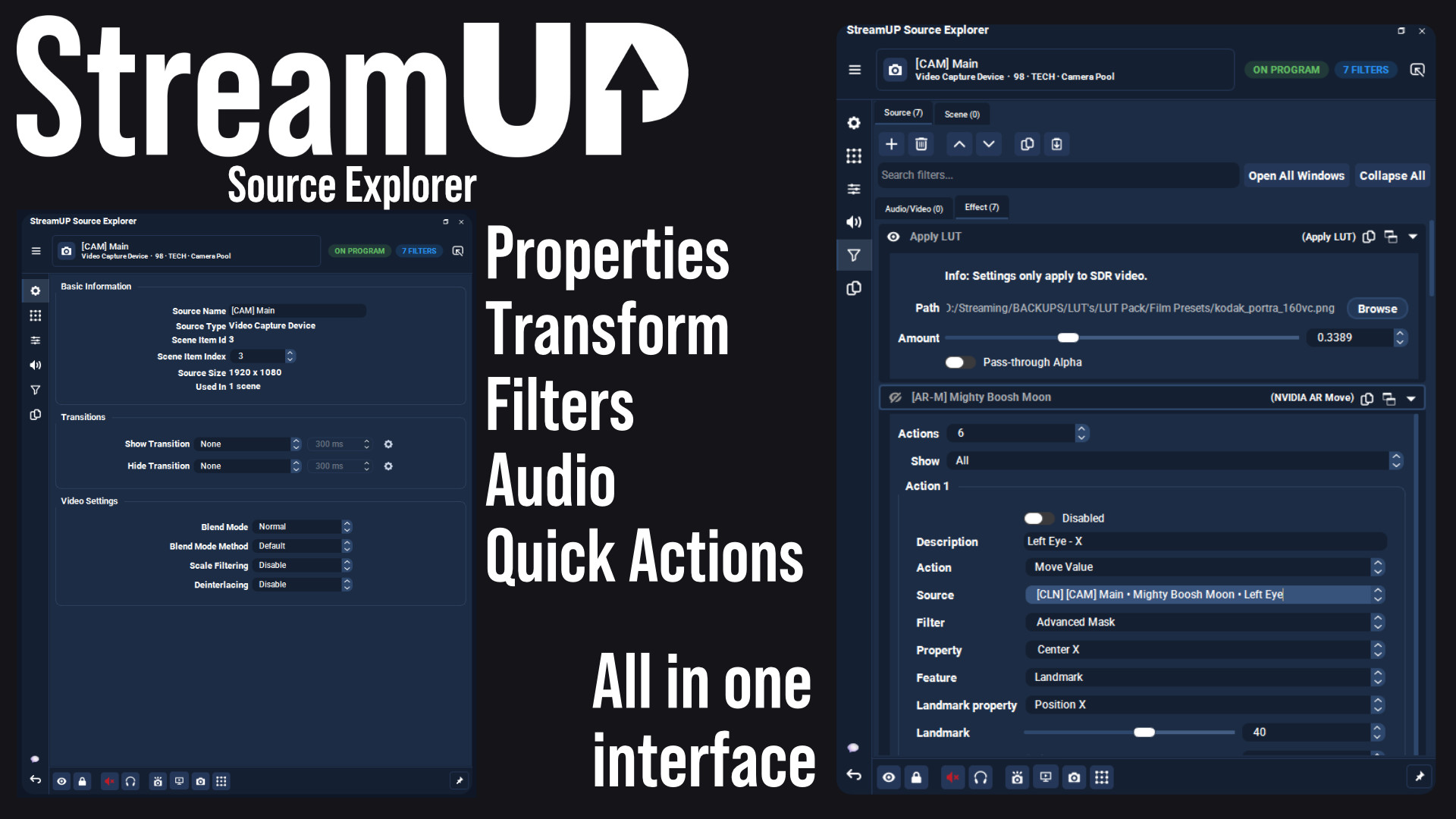
Every setting for any OBS source in one dock, and the command to change it on your clipboard.
OBS
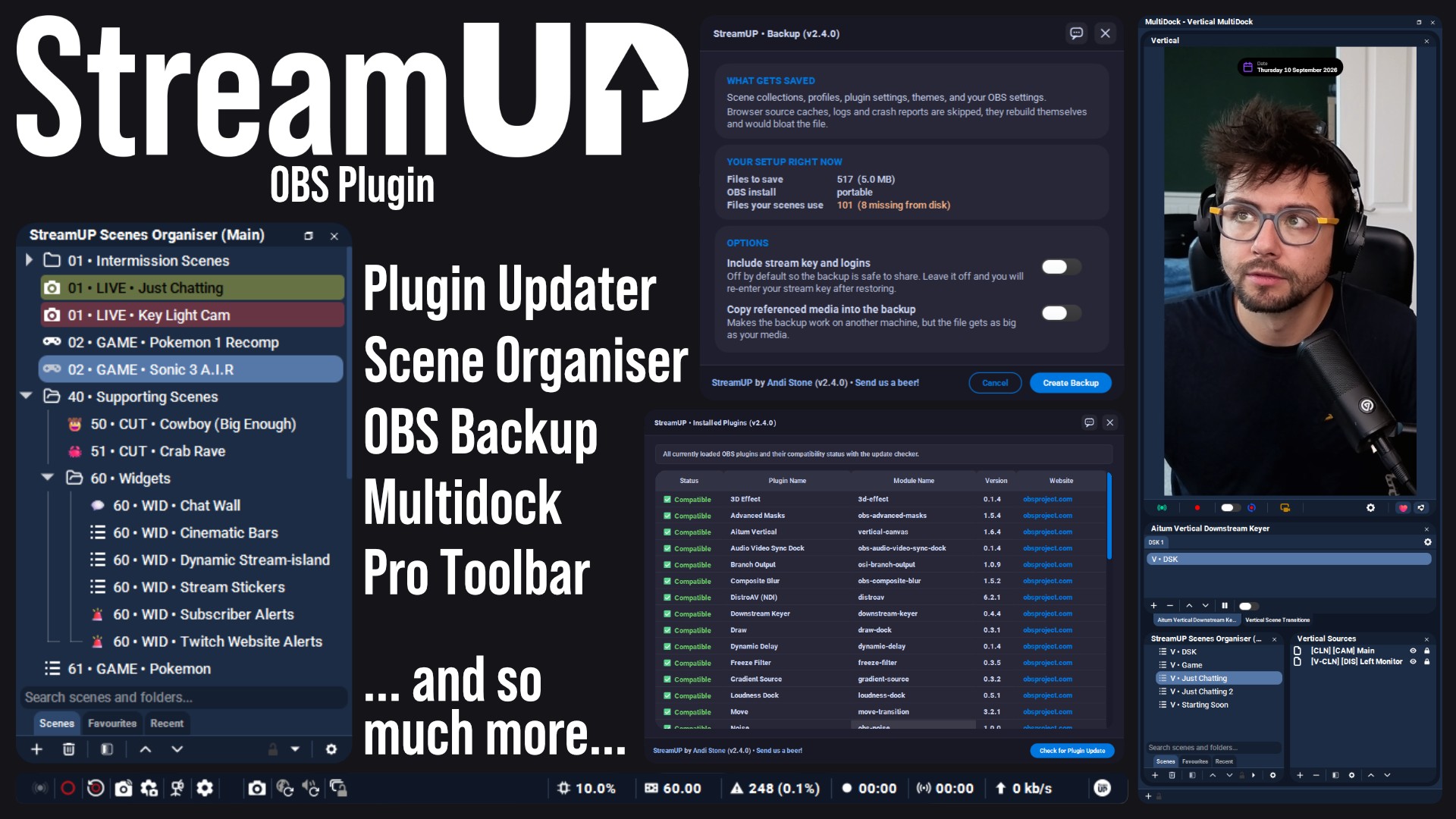
The plugin the rest of StreamUP is built on, with the tools OBS leaves out.
 Streamer.bot
OBS
Streamer.bot
OBS

Every StreamUP OBS plugin command as a Streamer.Bot action, ready for a hotkey or a button.
OBS
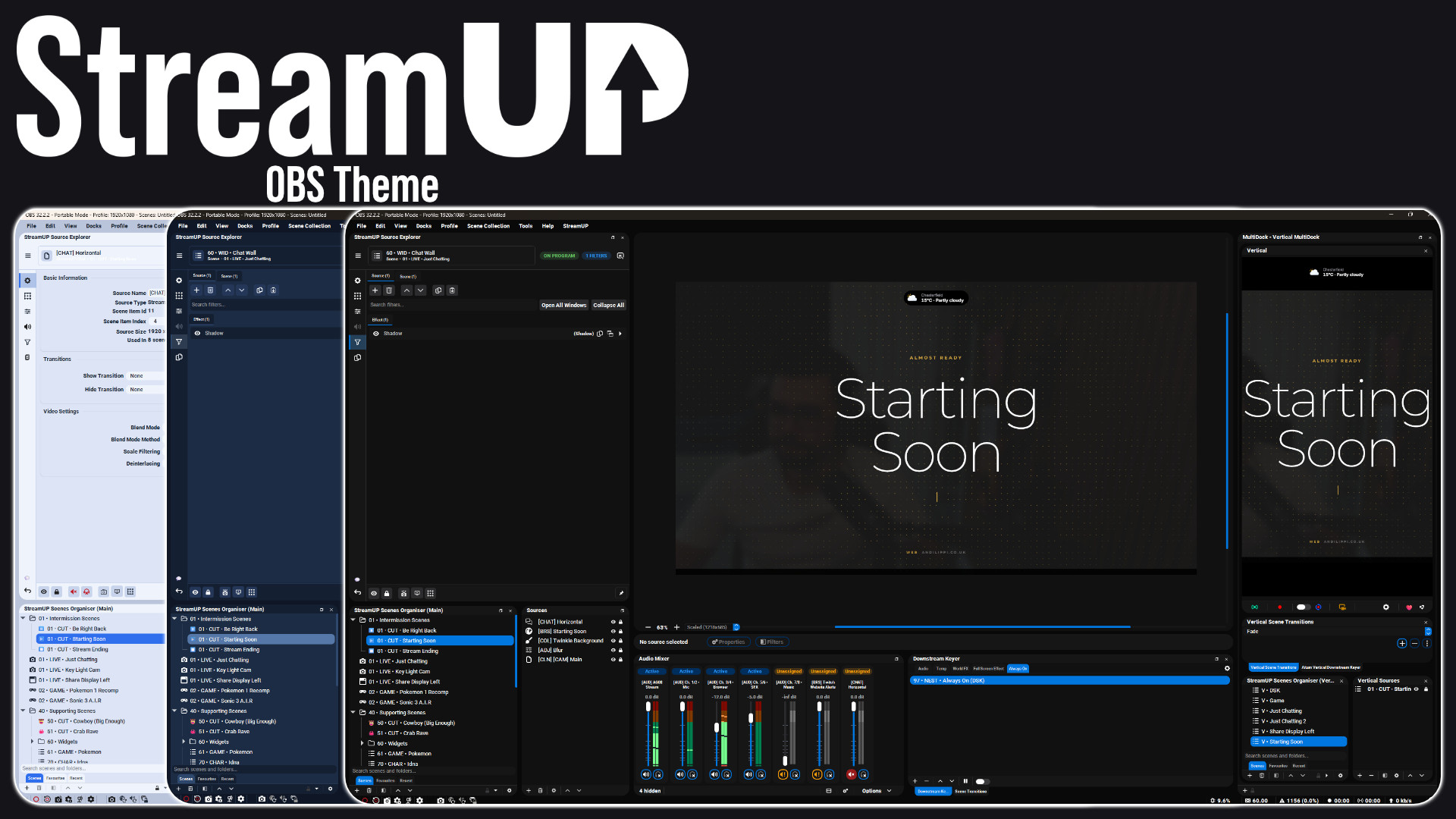
A full redesign of the OBS interface: panels, docks, toolbars and dialogs.
OBS
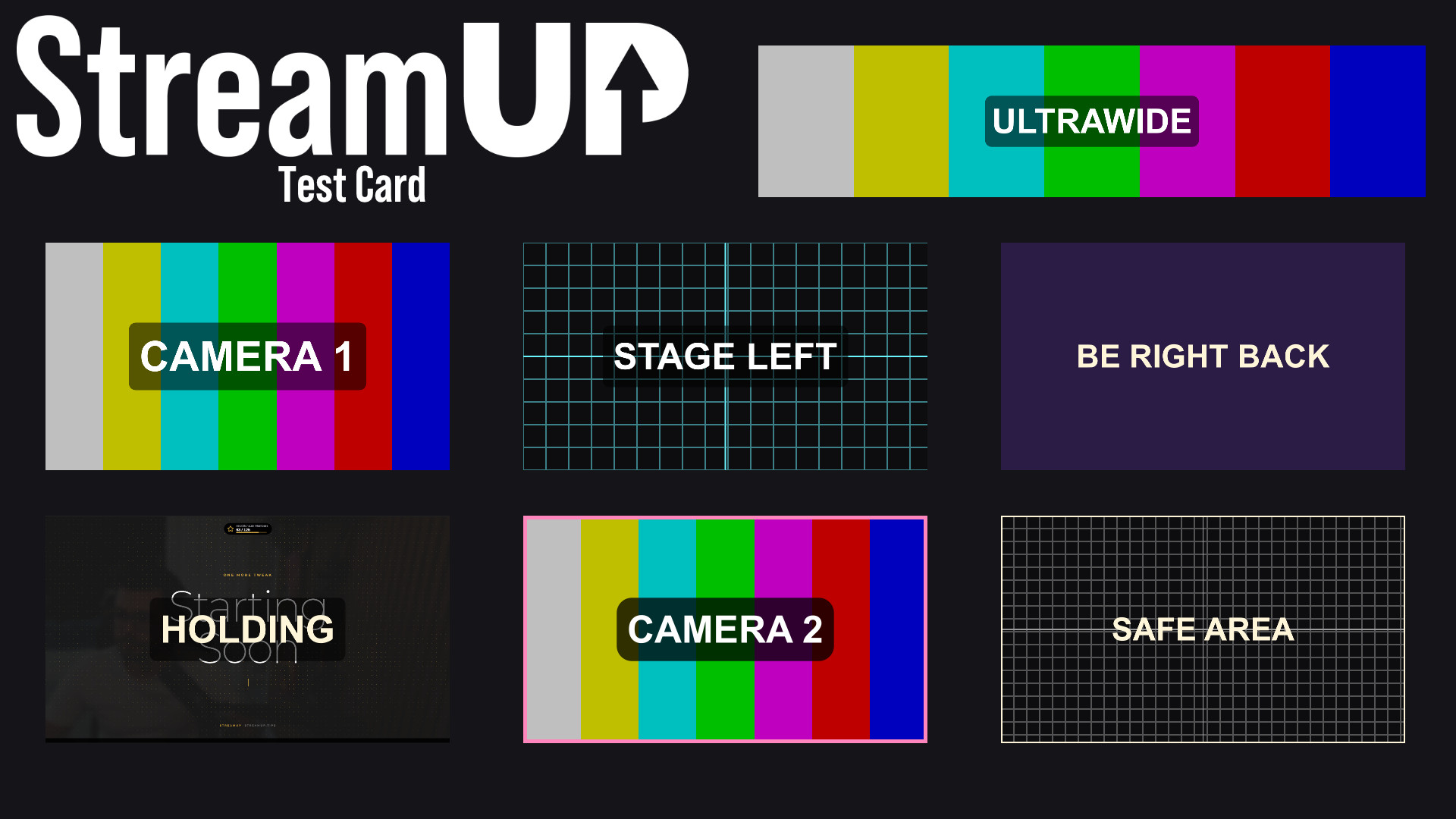
Turn any source into a labelled test card, so you can build a scene before the camera exists.