 OBS
OBS
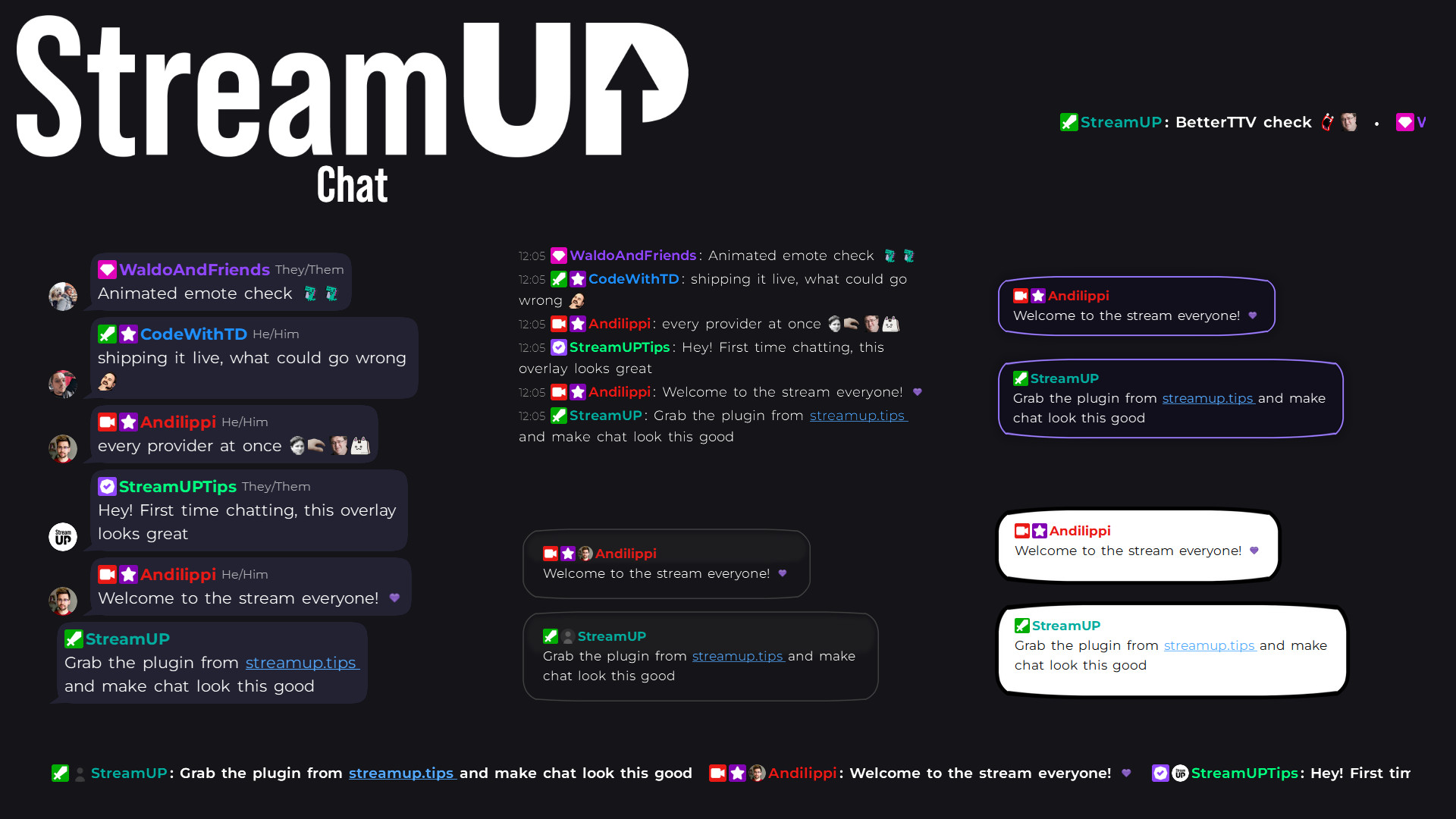
Chat
Your Twitch chat on stream in seconds, styled however you like, straight inside OBS.
Mark the good bits while you record, and find them waiting on your editing timeline.
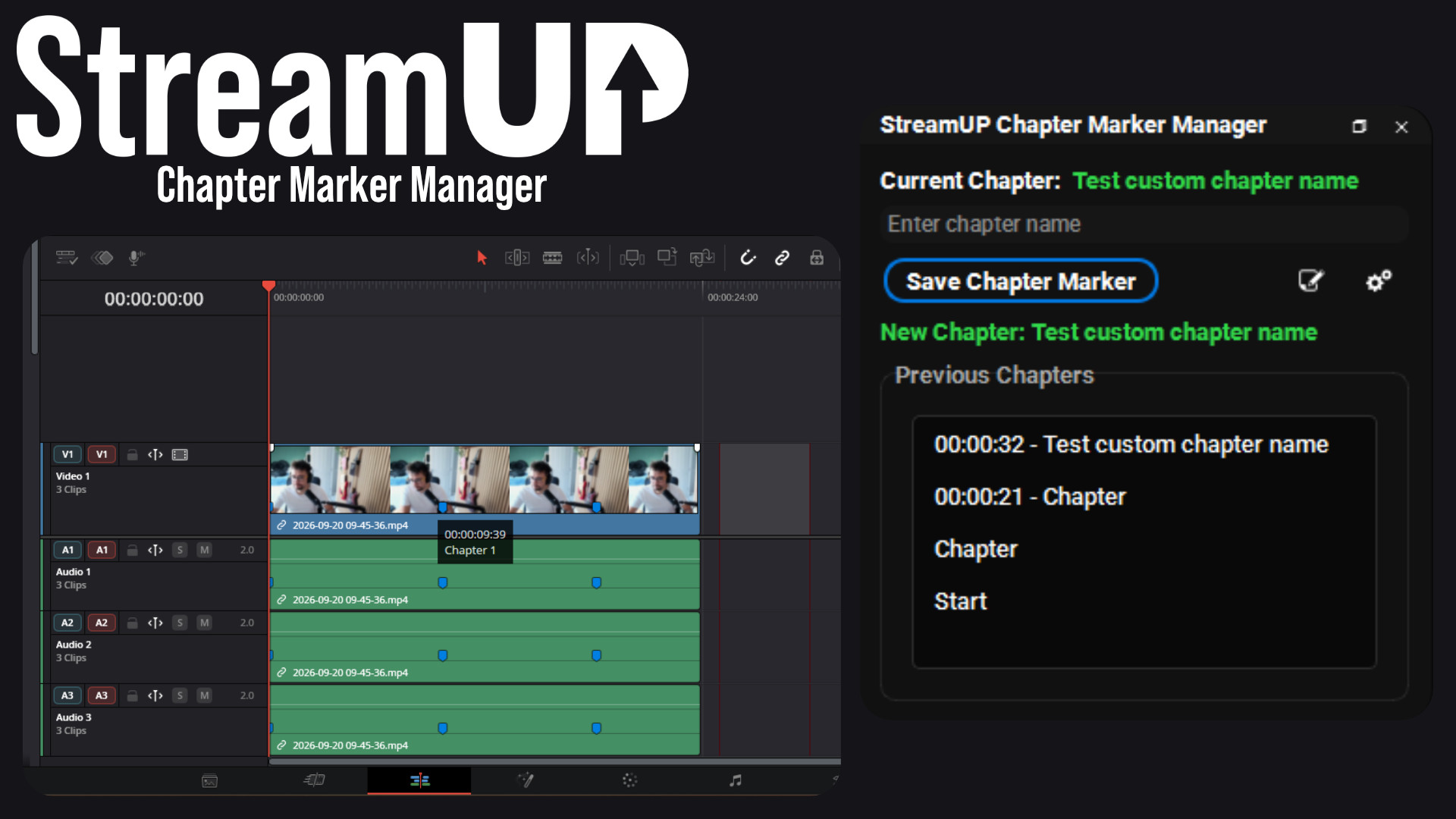
Never scrub through a three hour recording looking for that one bit again.
Mark the good bits while you are recording. Press a key when something happens, keep streaming, and when you open the recording in your editor the markers are already on the timeline.
Pick your export formats once and every recording writes them. Set the default chapter name, decide whether scene changes should mark themselves, and choose which scenes to leave alone.
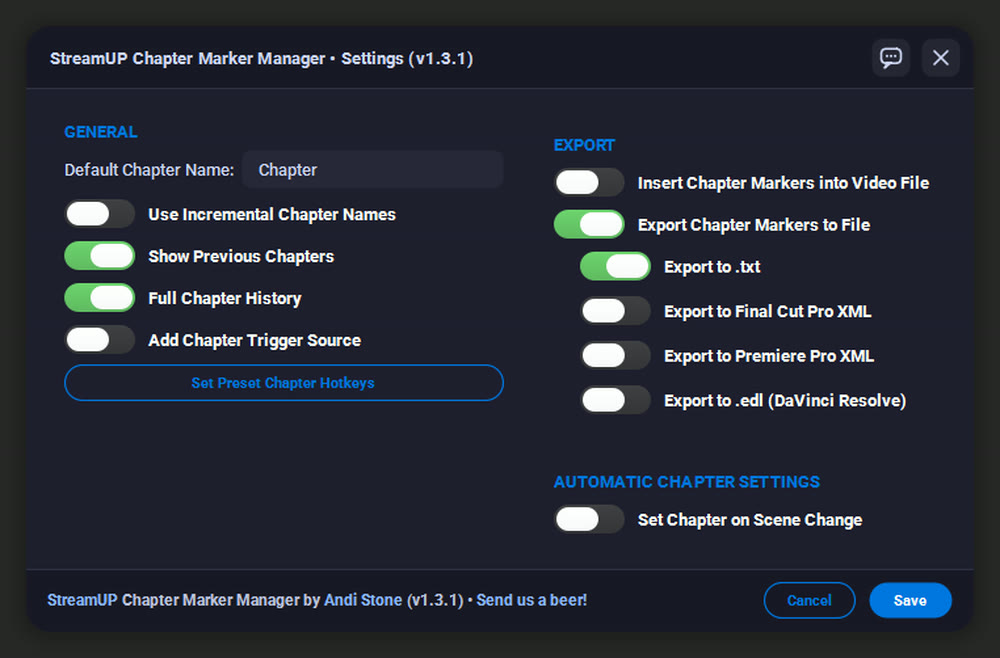
The moment worth clipping never happens when you have a spare hand. A hotkey is the whole interaction: something good happens, you press it, and you carry on.
Give a hotkey its own name and it marks that kind of moment every time, so a whole stream of highlights is already sorted before you open the editor.
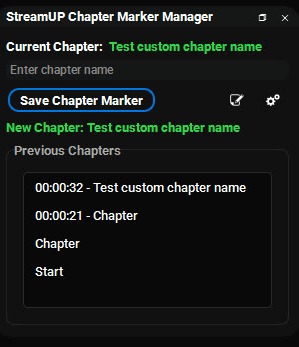
When the recording stops, the markers are written out beside it in the format your editor reads. Open the file and they are on the timeline, named, in the right place.
That is the difference between editing a three hour recording and editing the six minutes of it worth keeping.
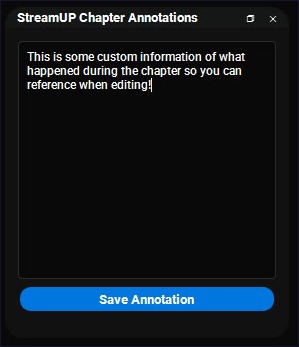
Some things need more than a name. The annotation panel takes a proper note, timestamped the same way, saved into the same export.
Good for a line you want to quote later, or a reminder about what to cut.
obs-websocket events for chapter markers
It installs into OBS and runs there. Nothing to sign into, nothing to keep open alongside it. Questions, ideas or something not working? We are in the Discord.
Everything else we build for OBS Studio. Each one its own download, with its own page.
OBS
Your Twitch chat on stream in seconds, styled however you like, straight inside OBS.
OBS
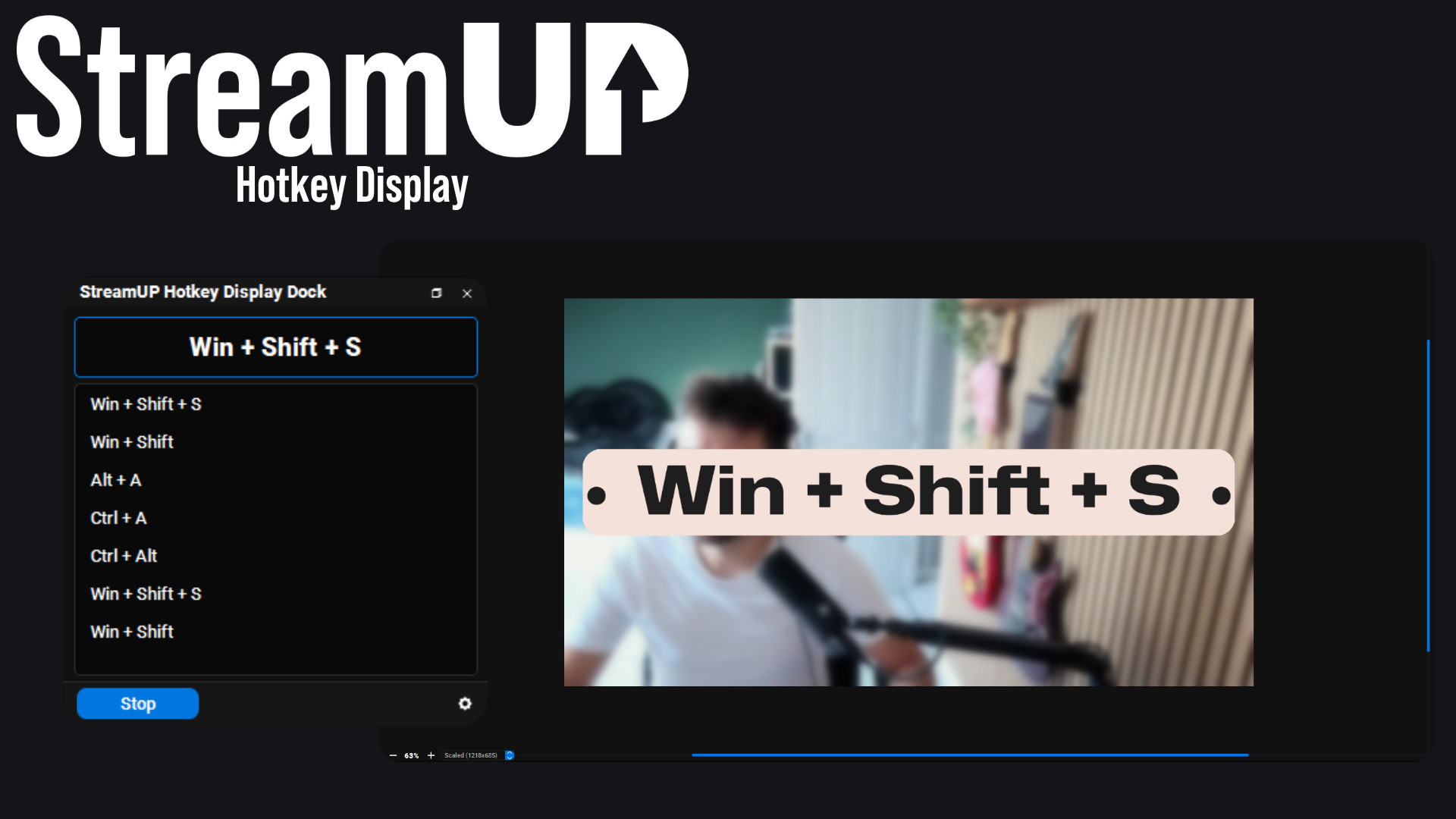
Show the keyboard shortcut you just pressed, in OBS and on screen for your viewers.
OBS
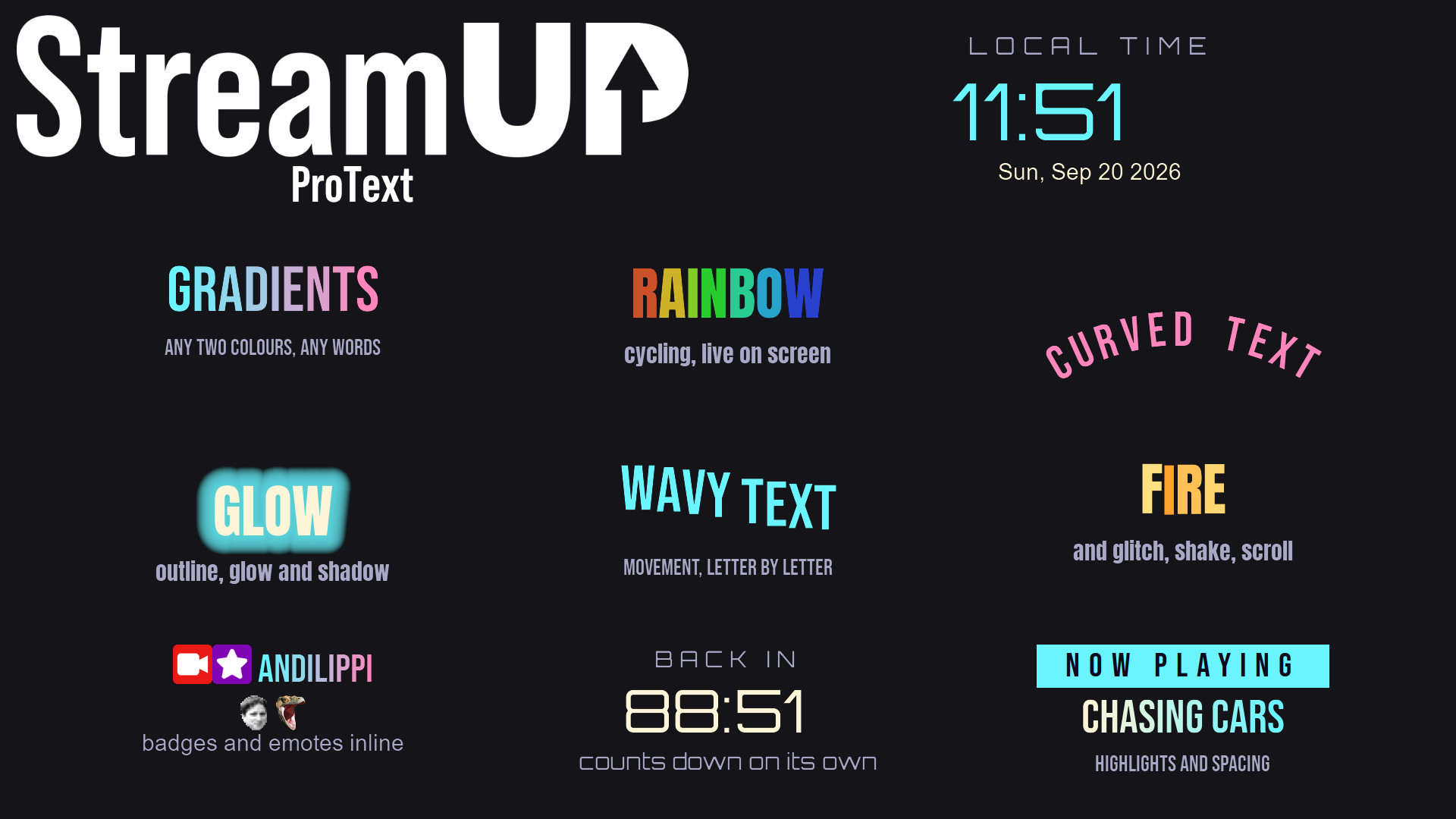
Text in OBS with gradients, glows, emotes and countdowns, from tags you type yourself.
OBS
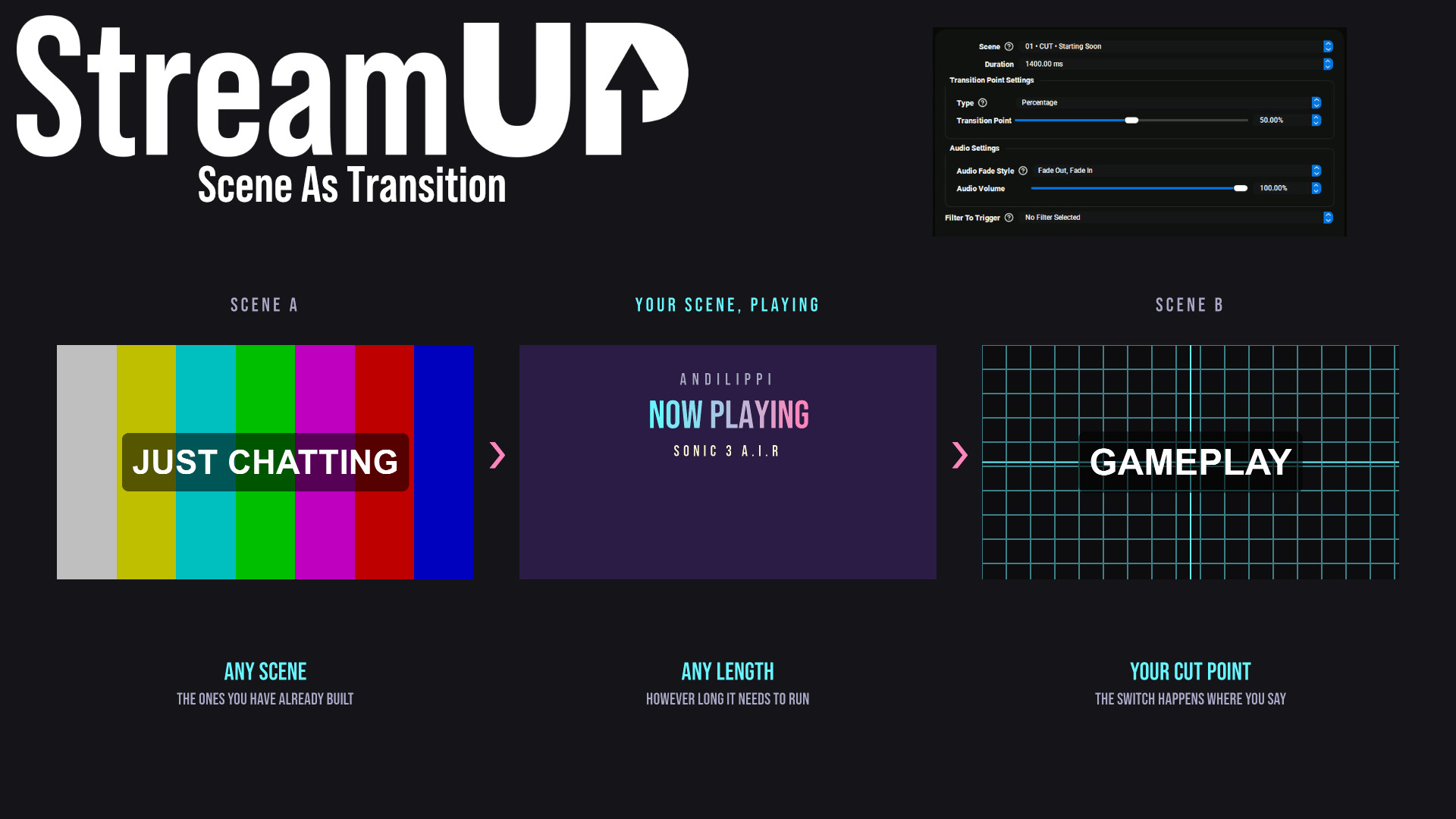
Use any OBS scene as your transition, so the switch looks like something you made.
OBS
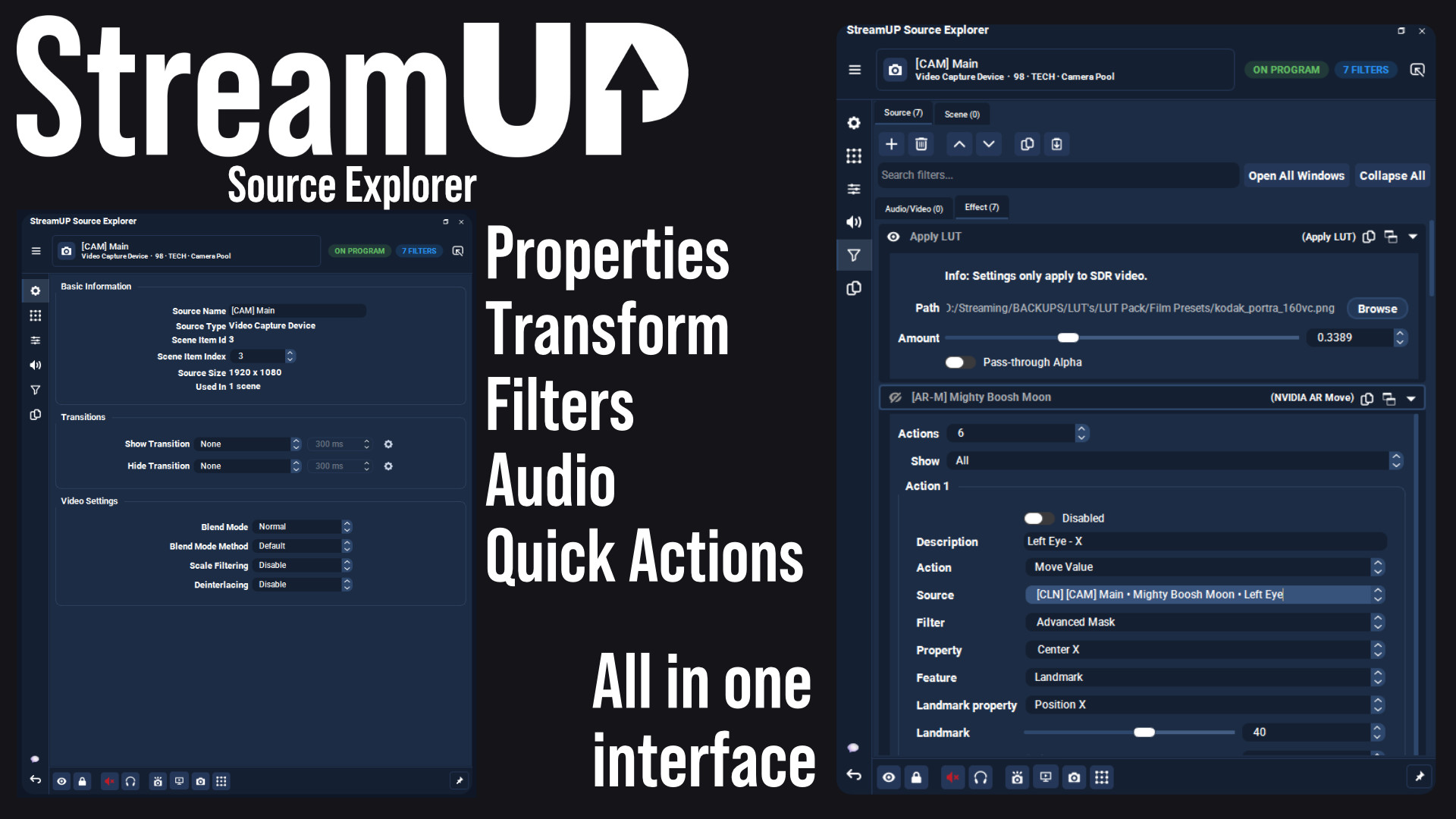
Every setting for any OBS source in one dock, and the command to change it on your clipboard.
OBS
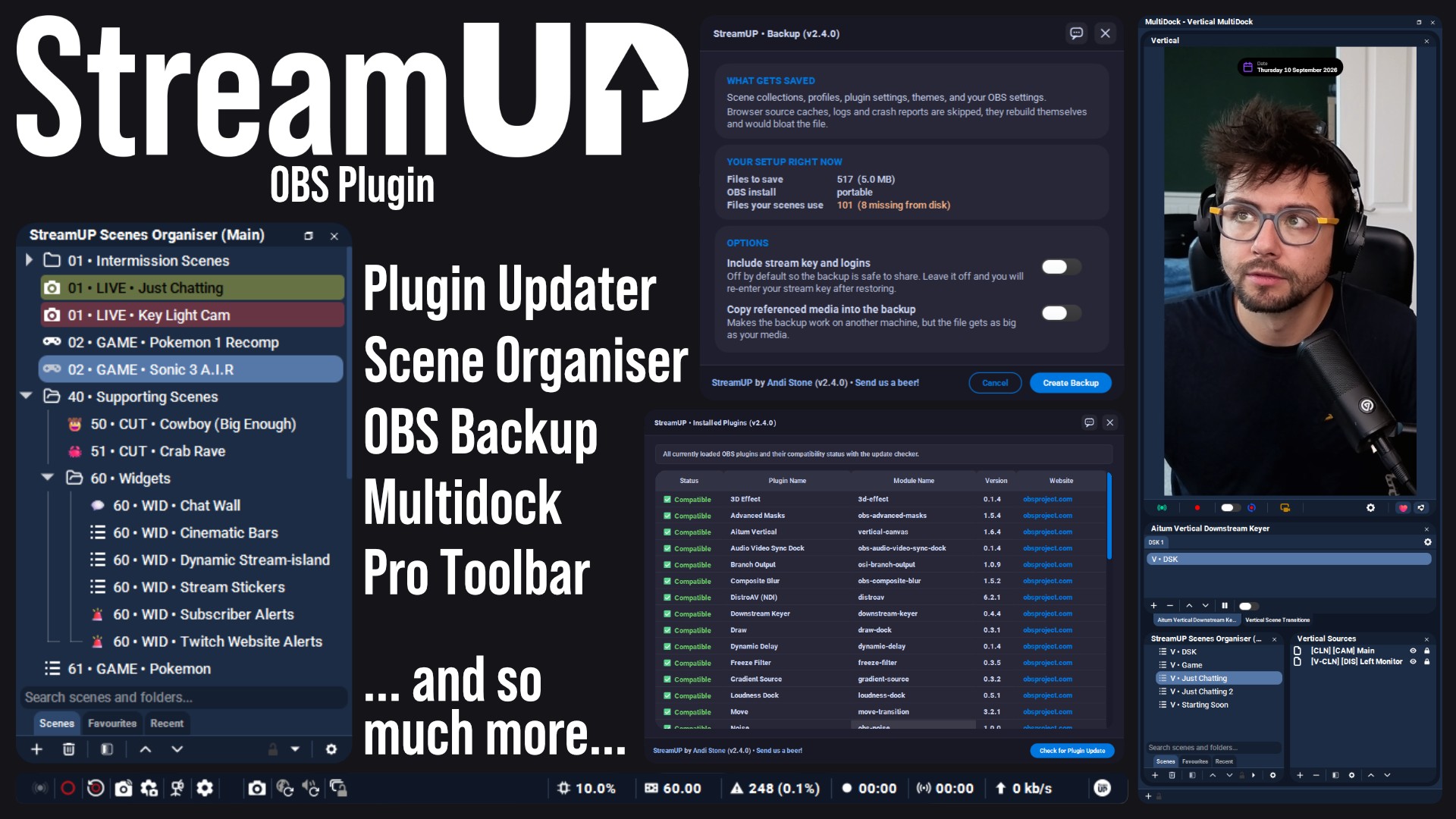
The plugin the rest of StreamUP is built on, with the tools OBS leaves out.
 Streamer.bot
OBS
Streamer.bot
OBS

Every StreamUP OBS plugin command as a Streamer.Bot action, ready for a hotkey or a button.
OBS
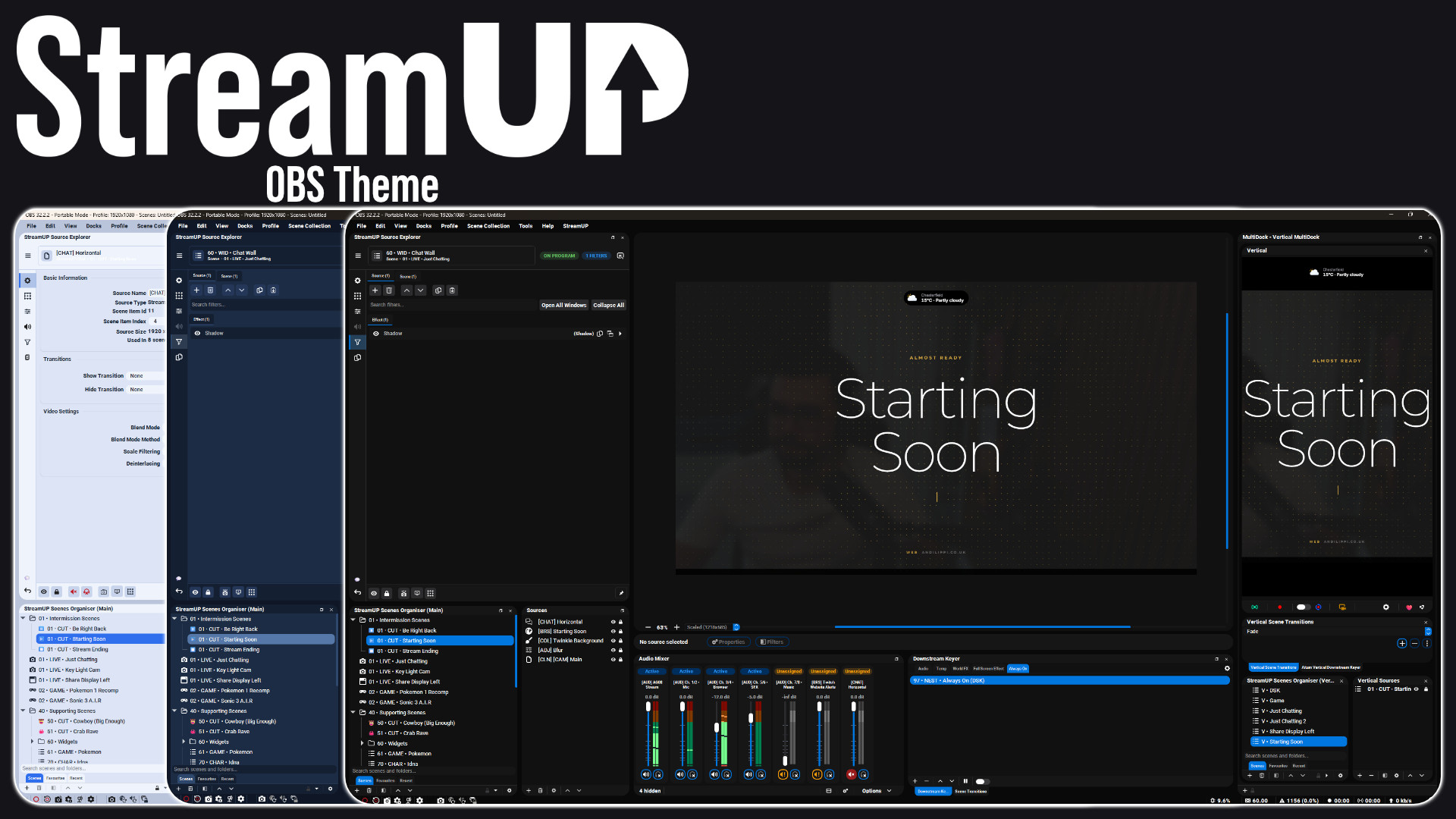
A full redesign of the OBS interface: panels, docks, toolbars and dialogs.
OBS
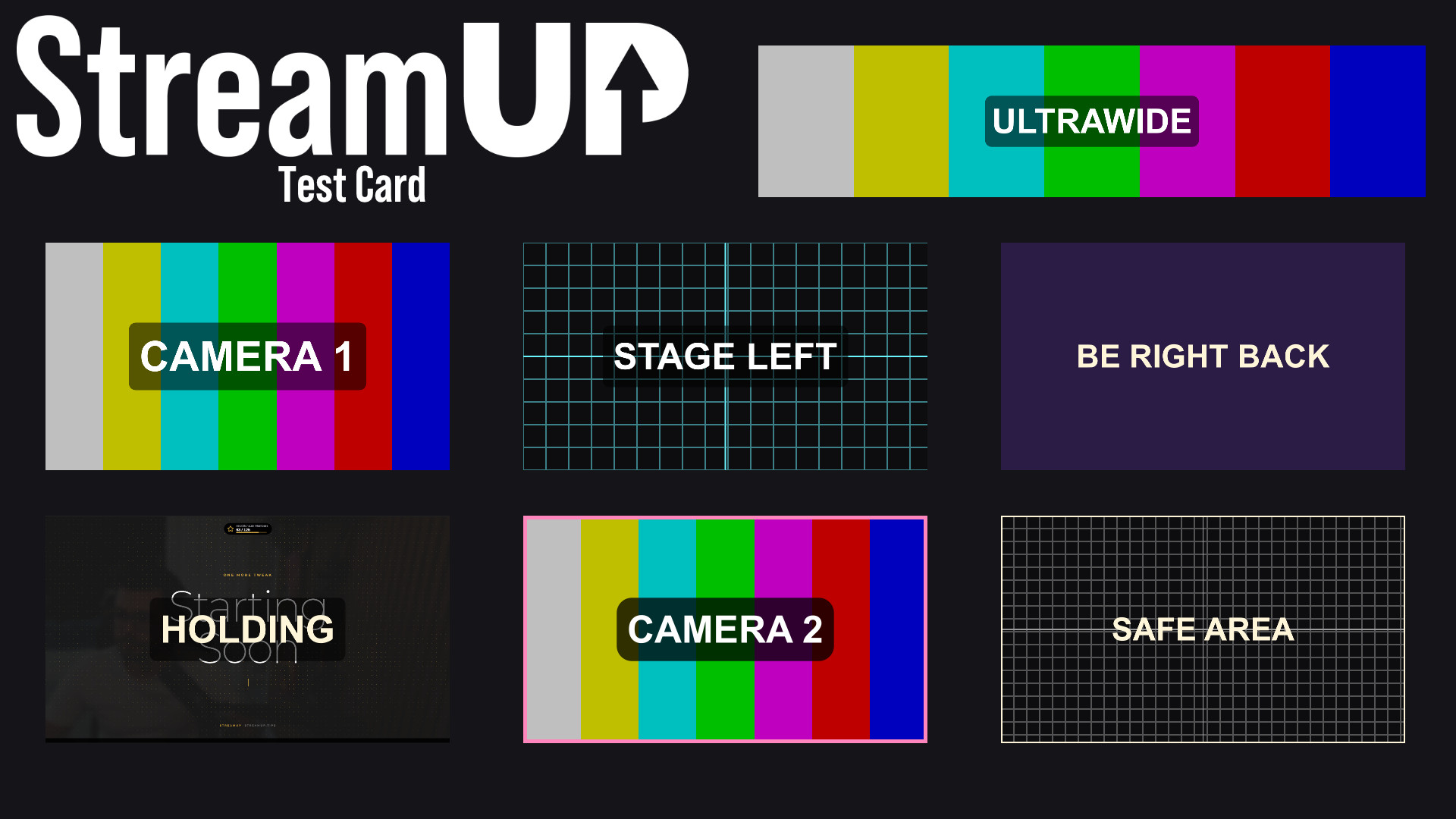
Turn any source into a labelled test card, so you can build a scene before the camera exists.