OBS Studio plugin

Hotkey Display

Show the keyboard shortcut you just pressed, in OBS and on screen for your viewers.
  • By Andi v1.2.2 Free
  • Windows macOS Linux (X11)
  • OBS 31.1+
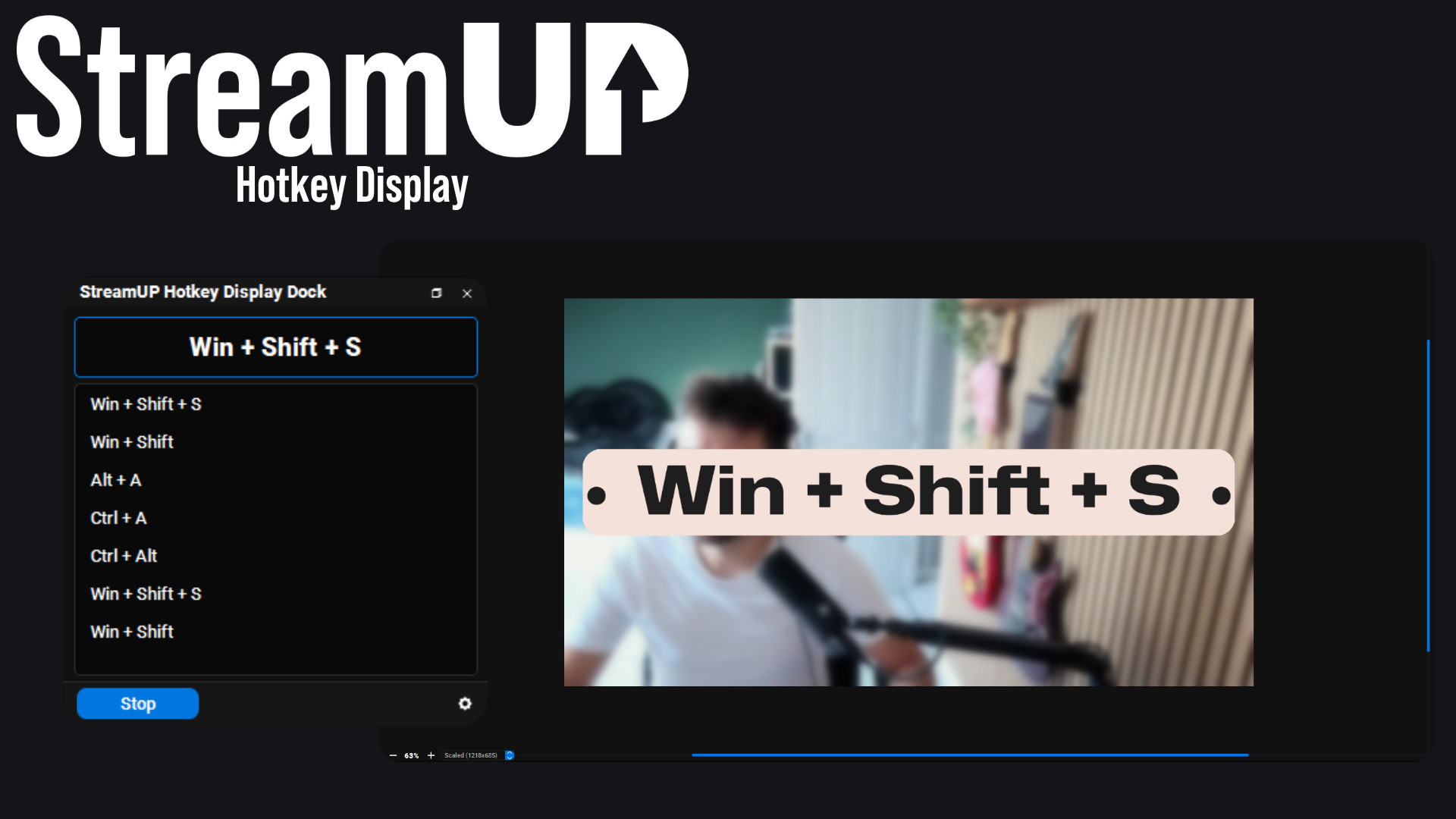
The shortcut on screen and the panel in the corner, both from the same key press.

"What did you just press?" Asked in every tutorial chat, ever.

This shows the keyboard shortcut you are pressing, as you press it. There is a panel in OBS showing the current combination and the last few before it, and you can put the same thing on screen so your viewers can follow along.

Everything it does

Key features

  • Shows the combination you are holding, live, with a history of the last few
  • Puts the same text on screen through any OBS text source
  • Shows the text when you press something and hides it again after a few seconds
  • Add your own words around it, and choose what goes between the keys
  • Catches shortcuts by default, so it is not announcing every letter you type
  • Turn on single keys when you want them: the numpad, numbers, letters, punctuation
  • Mouse clicks and scrolls too, on their own or only while a modifier is held
  • A whitelist for the odd key you want caught by itself
  • An OBS hotkey to turn the whole thing on and off
  • Streamer.Bot and other tools can read it, or react to each key, over the WebSocket
Yours to configure

Every knob, where you expect it

Point it at a text source, set how long the text stays up, and decide exactly which keys get caught. Everything else is optional.
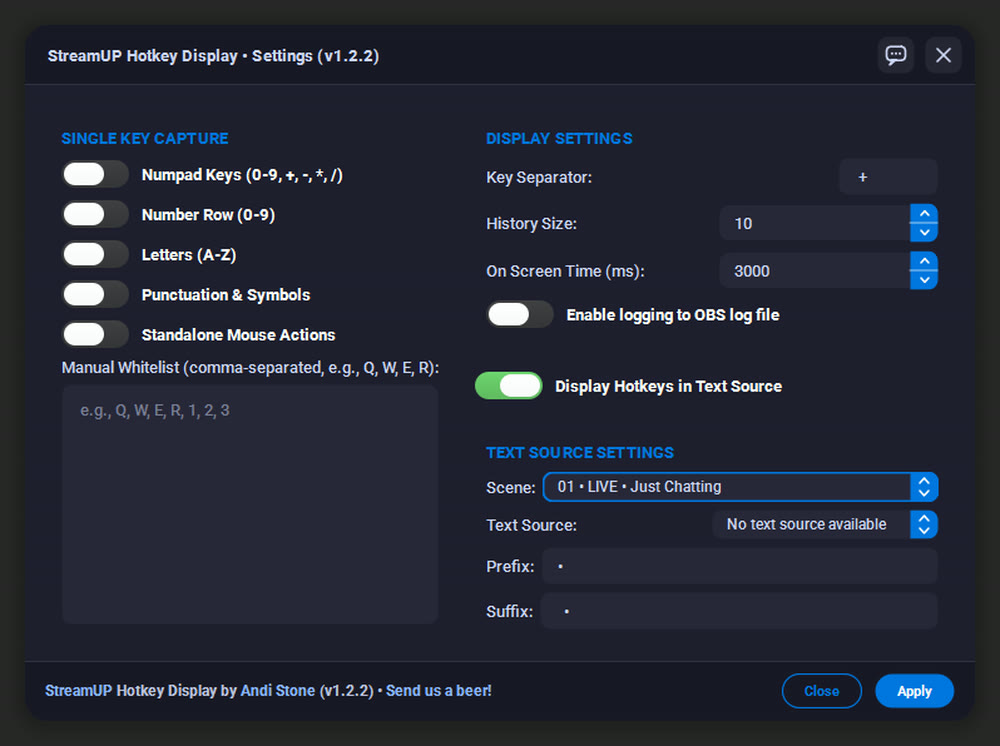
Pick the text source, the duration, and exactly which keys count.

For tutorials, so nobody has to ask

If you teach anything on stream, half your chat is trying to work out what you just did. Put the shortcut on screen and that question disappears.

It reads as a deliberate part of the overlay rather than a debug readout, because it is your own text source: your font, your colours, your position.
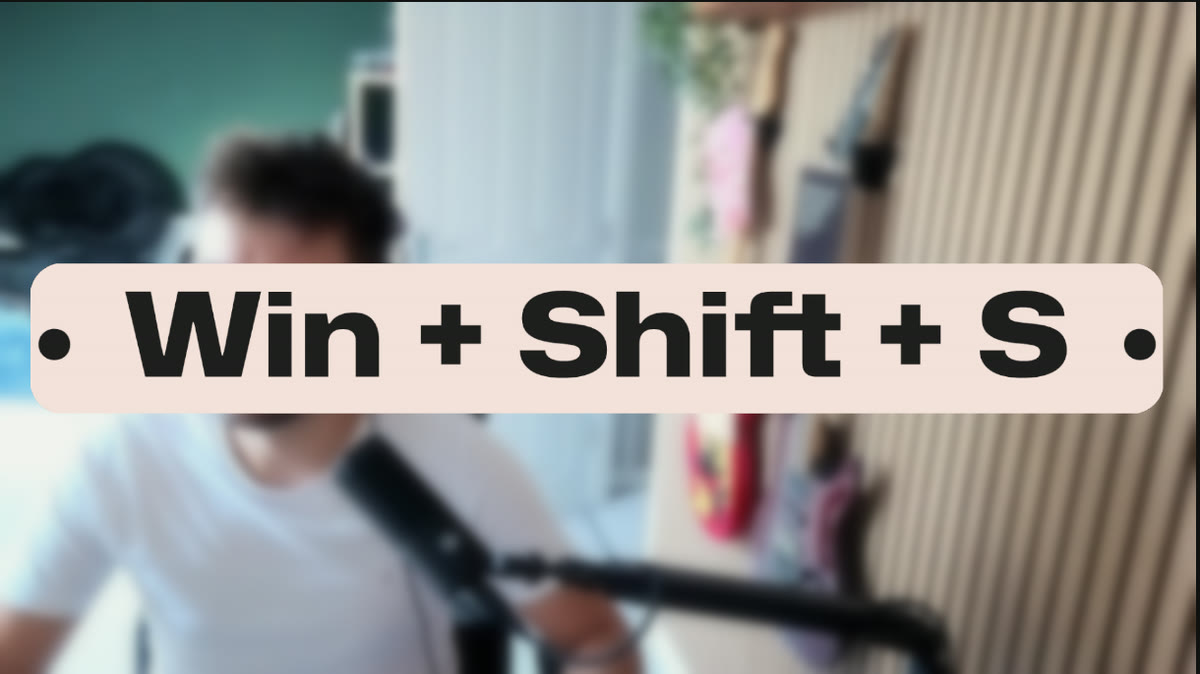
Your own text source, so it matches the rest of your overlay.

The panel, while you work

The dock shows what you are pressing right now and keeps a scrollable list of what came before, which is useful when you are checking your own muscle memory or working out why a shortcut did not fire.

Start and stop it whenever you like, and clear the list with a button.
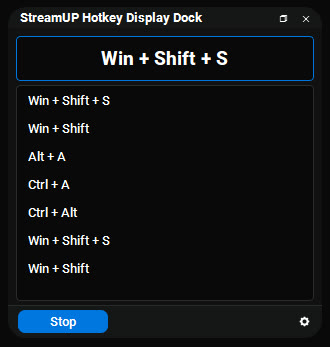
What you are pressing now, and the last few before it.

Wayland is not supported, and the plugin will tell you if it finds it

History

Patch notes

v1.2.2
  • Flat section headers instead of bordered group boxes: Text Source, Single Key Capture, Display
  • The settings window resizes, and dragging it onto another monitor no longer leaves it blank
  • Pressing Enter in a confirmation box confirms it. It used to land on Cancel
  • Fixed the settings window minimum width on high-DPI displays
v1.2.1
  • Fixed a maximised OBS window being resized when the dock restored its position
v1.2.0
  • Mouse clicks, scrolls and extra buttons can show on their own, without holding a modifier
  • Settings rebuilt on the StreamUP design system, with a two column layout
  • The whitelist is a proper multi-line box now
  • Fixed the keyboard hook installing before the Qt event loop, which could miss events on startup
v1.1.0
  • Key combination history list under the main display, with a size you set
  • Configurable separator, so " + " between keys can be whatever you want
  • An OBS hotkey to start and stop capture without touching the dock
  • WebSocket requests for external tools: get_status, enable, disable and get_last_combination
  • Fixed Shift plus a single key being ignored, keys not re-displaying on a second press, and quick single presses showing as a combination
v1.0.0
  • Mouse click detection, with an optional required modifier
  • Fixed Shift plus F key combinations not being detected
  • Logging and localisation
v0.0.1
  • Live hotkey dock, text source output with a prefix and suffix, and scene name display

Ready to try it?

It installs into OBS and runs there. Nothing to sign into, nothing to keep open alongside it. Questions, ideas or something not working? We are in the Discord.

More for OBS

The rest of the family

Everything else we build for OBS Studio. Each one its own download, with its own page.

DISCLAIMER

By downloading this product you agree to not redistribute AND/OR sell it for any profit whatsoever. Feel free to completely edit this product and change it for your needs. We do not offer support on any modifications.

Last updated: 20 September 2026